










A grid of cards that shows everything at once gives the reader nothing to discover.
Sliding Boxes keep the description hidden until someone hovers, so the row stays clean and the detail is still one movement away.
For every Animated Service Boxes setting in one place, see the Animated Service Boxes block guide.
Before You Start
- Edition: Pro — the Animated Service Boxes block is part of Nexter Blocks Pro.
- Block to enable: Animated Service Boxes, switched on under Nexter > Blocks in your WordPress dashboard.
- Your items decided: each one takes a title, a subtitle, a description, an icon or image and a link.
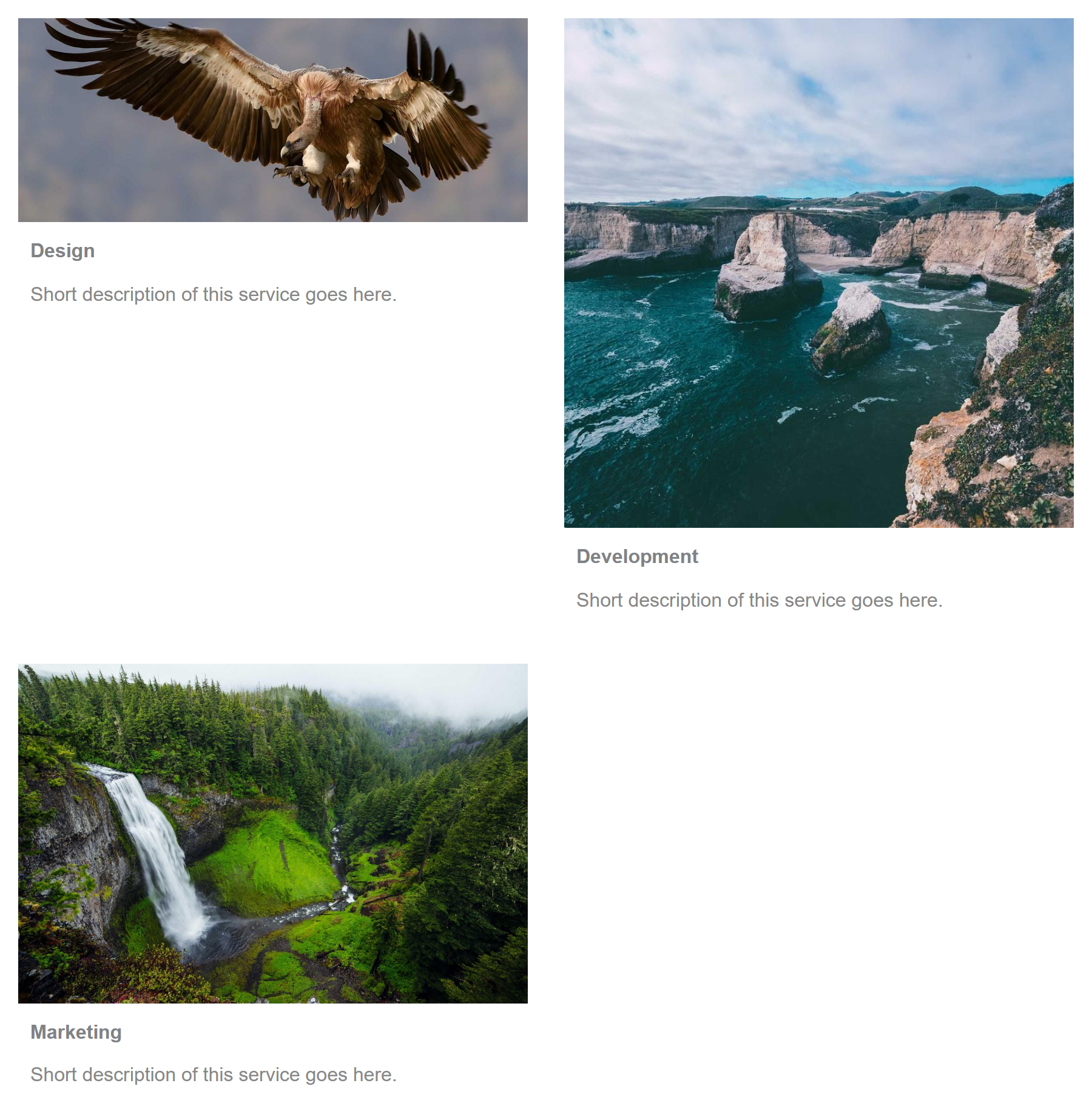
- One image per box.
Steps
- Add the Animated Service Boxes block and click Design from Scratch.
- Set Main Style to Sliding Boxes.
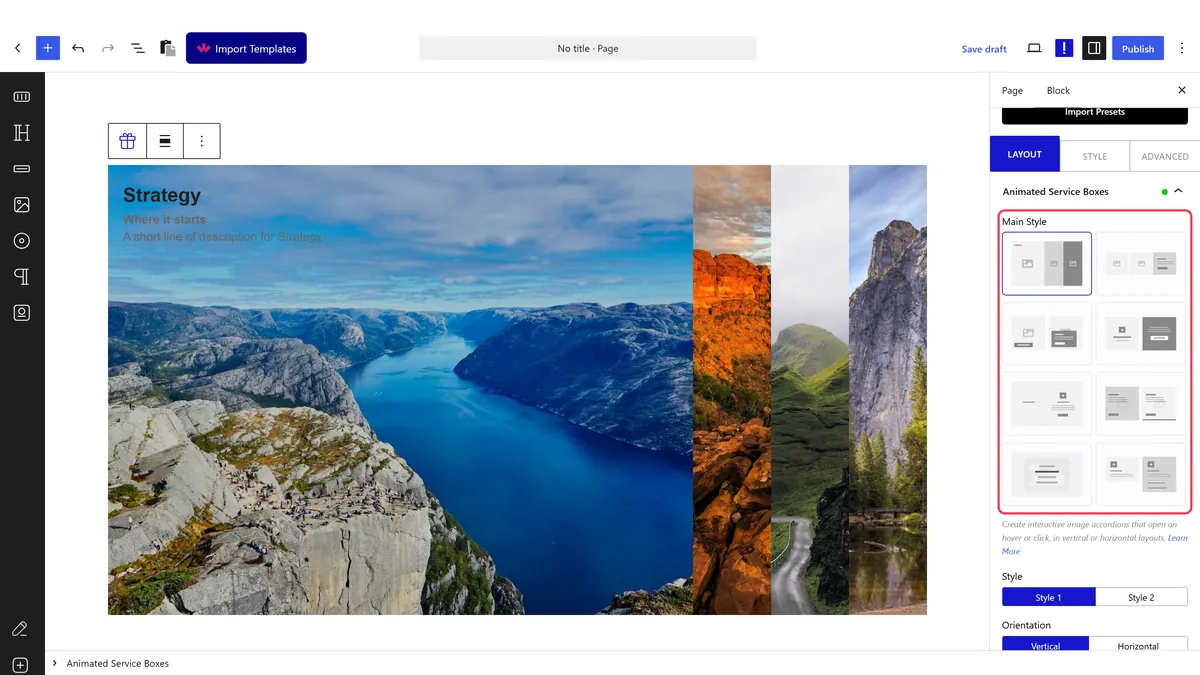
- Fill in your items — title, subtitle, description, and an image or icon for each.
- Pick the Style for the sliding effect.
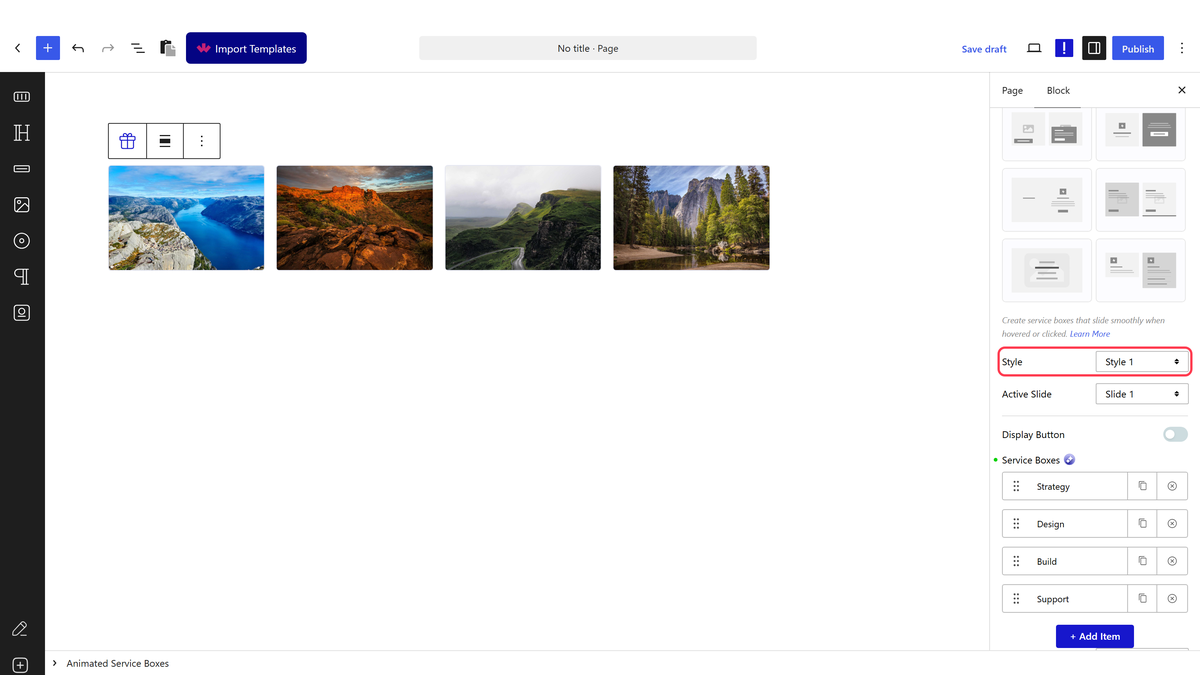
- Publish and hover each box.
How It Behaves
- Real images. Measured: four
<img>elements, each with its own alt text. - Each box carries its own width in a
data-widthattribute, which is what the slide animation works from. - Hover activates one box — nothing was active on load, one was after hovering.
- The title stays visible and the description is what slides in, so the row still reads when untouched.
Limitations
- Pro only.
- The hidden text is still in the page, so this is presentation rather than a way to shorten the page.
- Long descriptions overflow the box rather than scrolling. Keep them to a sentence or two.
- There is no hover on a touch screen, so check how this looks on a phone before relying on it.
Troubleshooting
Nothing slides
The effect is on hover. Check on a desktop rather than a phone.
The text is cut off
The description is longer than the box. Shorten it, or raise the block’s Height in the Layout panel.
The boxes are different sizes
The images are different shapes. Crop them to one ratio.
