










A timer sitting at zero tells the visitor nothing about what happened.
The Message action swaps the finished timer for a line of text you write.
For every Countdown setting in one place, see the Countdown block guide.
Before You Start
- Edition: Free — works in Nexter Blocks (free) and with Nexter Blocks Pro.
- Block to enable: Countdown, switched on under Nexter > Blocks in your WordPress dashboard.
- Your end date and time decided. The block reads it in your site’s timezone, set under Settings > General, not the visitor’s.
Steps
- Add the Countdown block to your page and click Design from Scratch.
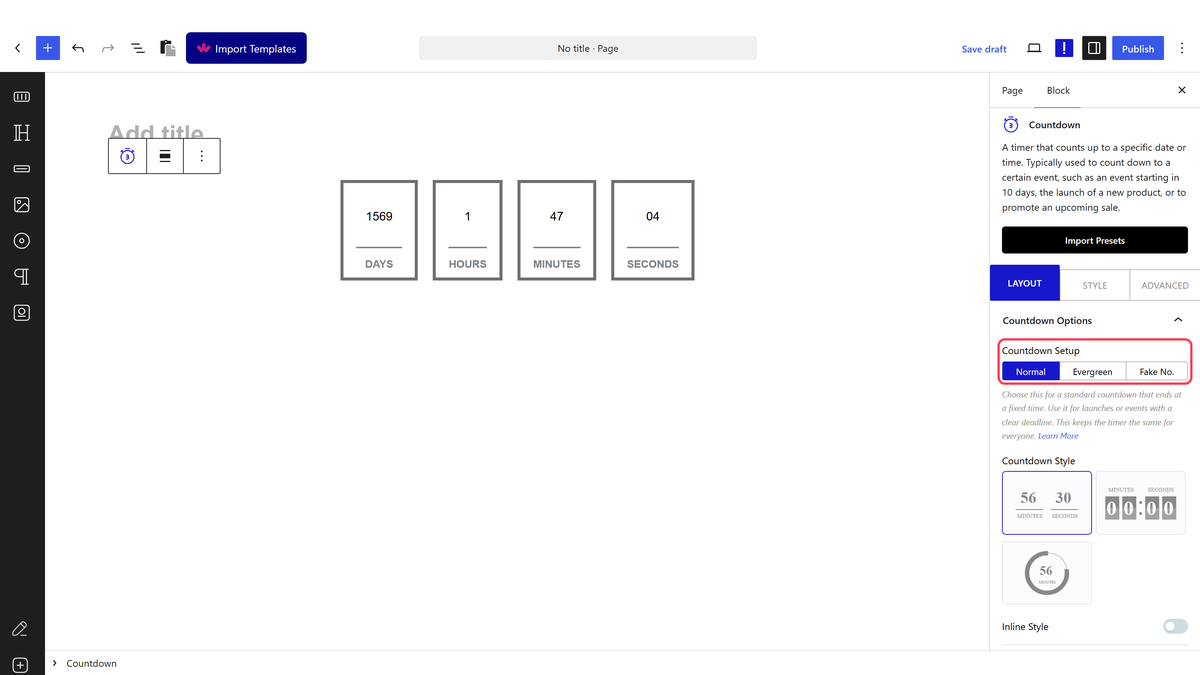
- In Countdown Options, leave Countdown Setup on Normal and set the end date and time.
- In Action After Countdown Ending, set Countdown Expiry to Message.
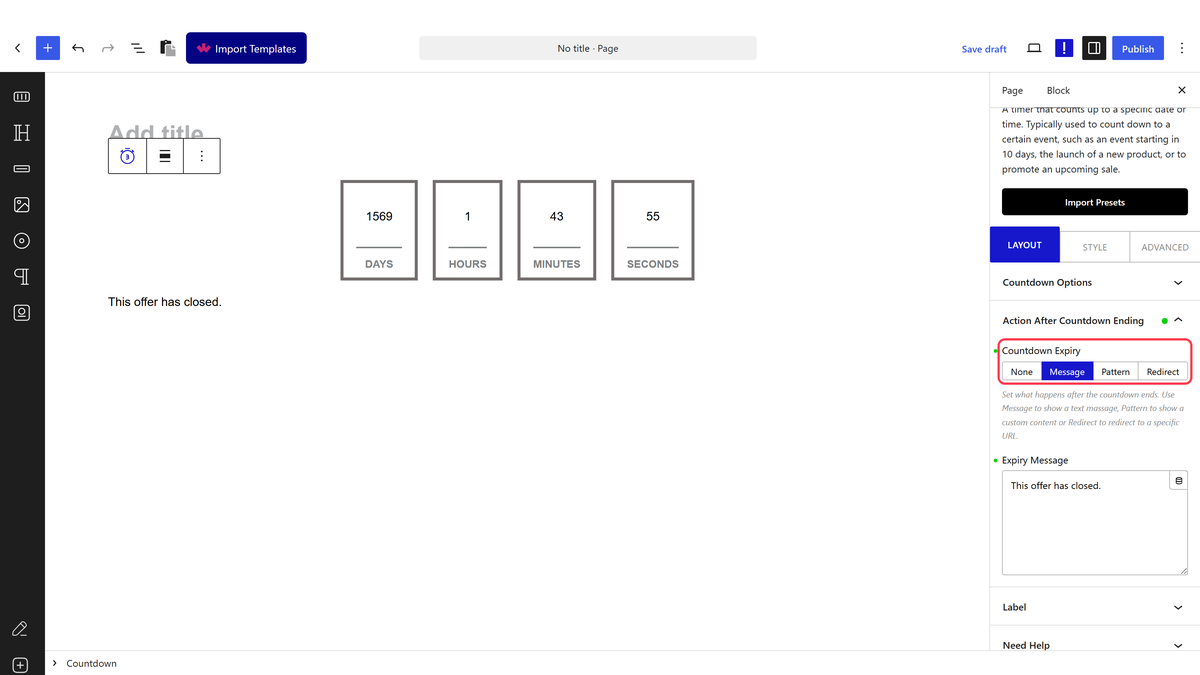
- Write the text that should replace the timer.
- Publish the page.
| Countdown Expiry | What happens when the timer reaches zero |
|---|---|
| None | The timer simply stops at zero |
| Message | The timer is replaced by a line of text you write |
| Pattern | The timer is replaced by a saved pattern |
| Redirect | The visitor is sent to a URL you choose |
The Message and Redirect actions run at the moment the countdown reaches zero, while someone is on the page. A visitor who arrives after it has already finished does not see them — use Pattern if the ended state has to last.
How It Behaves
- When the countdown reaches zero while someone is on the page, the timer is replaced by your message — verified live by watching a countdown cross zero.
- The message takes the place of the whole timer, so nothing is left ticking at zero.
- Its styling is set separately in the Style tab.
- The message is plain text, so use Pattern if you need a button or an image.
Limitations
- The message only appears if the countdown finishes while the visitor is on the page. Someone who arrives after it has already ended sees an empty space where the block is.
- For a deadline that has to keep showing something afterwards, use the Pattern action instead, which renders for late arrivals too.
- The message is a single piece of text, with no links or images.
- It cannot differ per visitor.
Troubleshooting
Nothing shows where the countdown was
The countdown had already ended before the page was opened. Message only runs at the moment the timer hits zero — use Pattern if the ended state has to last.
The message shows immediately
The end date is in the past. Set a future date so the countdown runs first.
