










A single post and its category archive are different kinds of page, even though they show related content.
Four Pro conditions target archive pages specifically: by taxonomy term, by post type, by author, or by date.
For every Dynamic Device setting in one place, see the Display Rules feature guide.
Before You Start
- Edition: Pro — every archive condition needs Nexter Blocks Pro.
- Block to enable: Display Rules, switched on under Nexter > Blocks in your WordPress dashboard.
Steps
- Open the block you want to control, go to Advanced > Nexter : Display Rules, and switch on Display Rules.
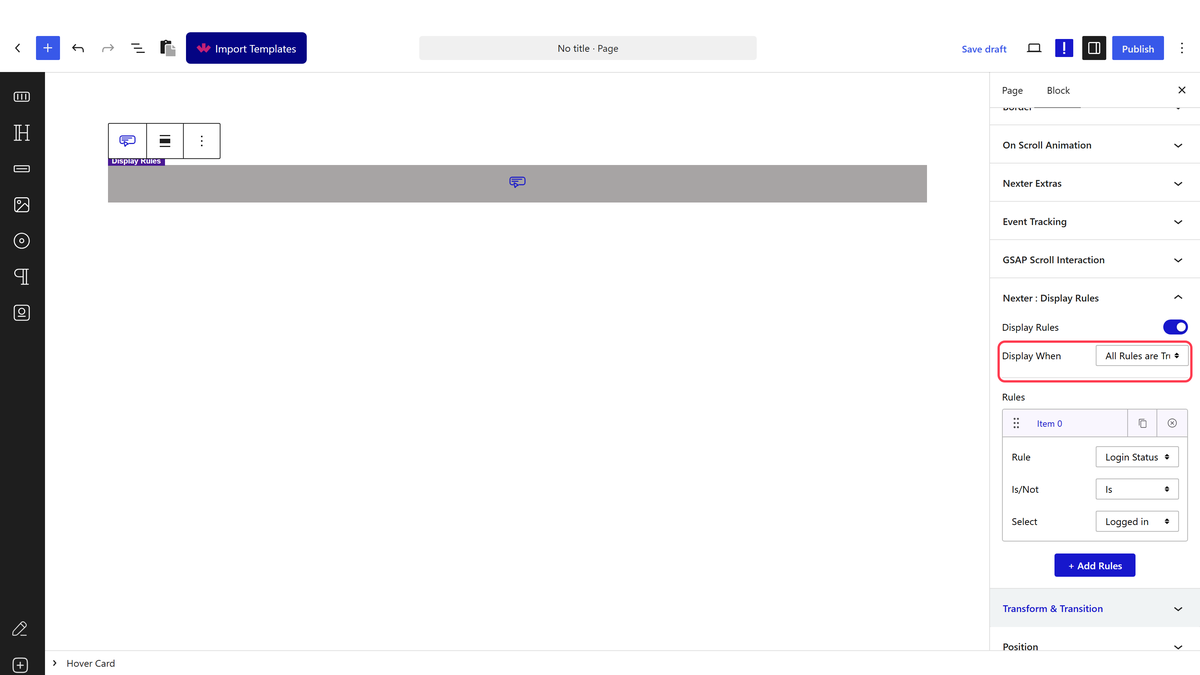
- Set Rule to the condition you want to check.
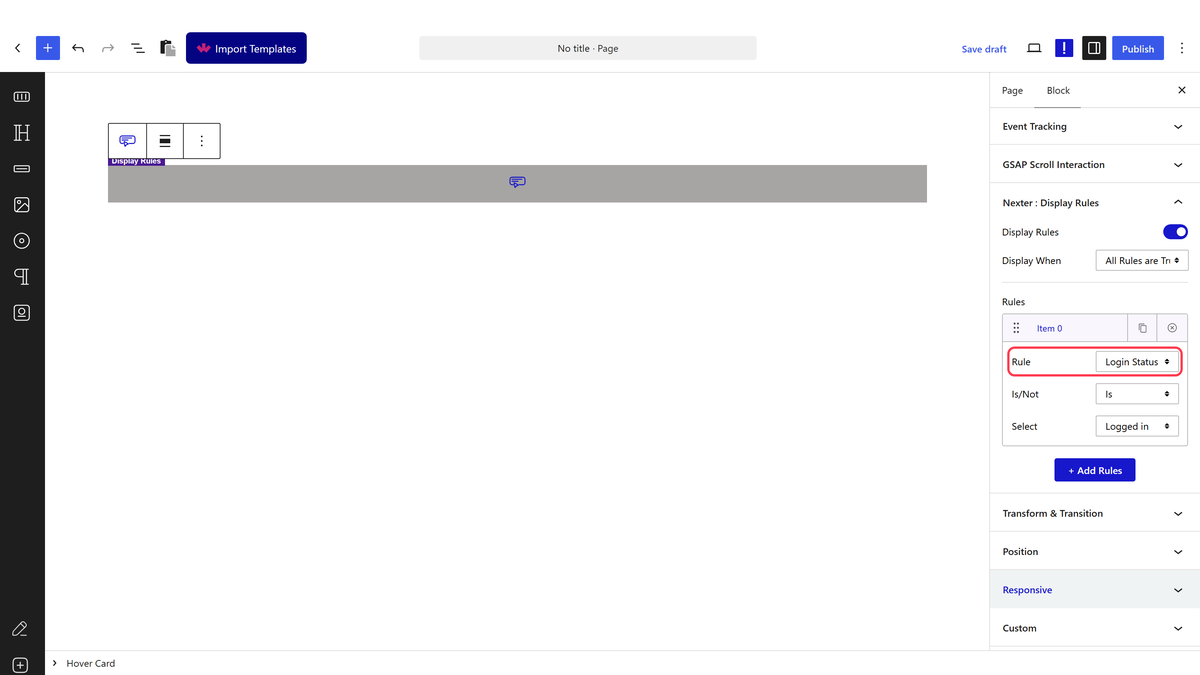
- Set Rule to the archive type you want — Term, Taxonomy, Post Type Archive, Date Archive or Author Archive.
- Choose the specific term, taxonomy, post type, date range or author the rule should match.
- Set Is/Not for whether the block should show there, or everywhere except there.
These rules only match on genuine archive pages — a category’s own listing page, an author’s posts page, and so on — not on the individual posts inside them.
The Four Archive Rules
| Rule | Matches |
|---|---|
| Term | One specific taxonomy term’s archive — a single category or tag page |
| Taxonomy | Every archive page belonging to a whole taxonomy — every category page, for instance |
| Post Type Archive | The main archive for a custom post type |
| Date Archive | A date-based archive — by day, month or year |
| Author Archive | One author’s posts page |
How It Behaves
- Term is narrower than Taxonomy. Term matches one specific category or tag; Taxonomy matches the archive page of every term in that taxonomy at once.
- Date Archive works at three levels — day, month or year — matching whichever kind of date archive the visitor is on.
- As with every Display Rules condition, a failing rule removes the block from the page entirely.
Limitations
- These rules only fire on the archive listing itself, never on the individual posts shown within it.
- Term and Taxonomy need real taxonomy terms already set up on the site to choose from.
- For a single post or page rather than a listing of them, use Single page content instead.
Troubleshooting
The block doesn’t show on my category page
Check whether you need Term (one specific category) or Taxonomy (every category) — picking the wrong one of the two is the most common mismatch.
The block shows on the post itself, not just the archive listing
Archive conditions only match archive pages by design. If the block also appears on individual posts, check whether a different rule, or no rule at all, is controlling it there.
Nothing appears in the term or taxonomy list
Add the categories, tags or custom taxonomy terms you need first — the picker only lists what already exists on the site.
