










The first tab is not always the one you want people to read first.
One setting decides which tab is already open when the page loads.
For every Tabs Tours setting in one place, see the Tabs Tours block guide.
Before You Start
- Edition: Free — works in Nexter Blocks (free) and with Nexter Blocks Pro.
- Block to enable: Tabs Tours, switched on under Nexter > Blocks in your WordPress dashboard.
- Your sections planned: one tab per section, and the block takes up to 10 tabs.
Steps
- Add the Tabs Tours block to your page and click Design from Scratch.
- Open the Content panel. Each item in Tabs is one tab — set its Title, and click Add Tab for more.
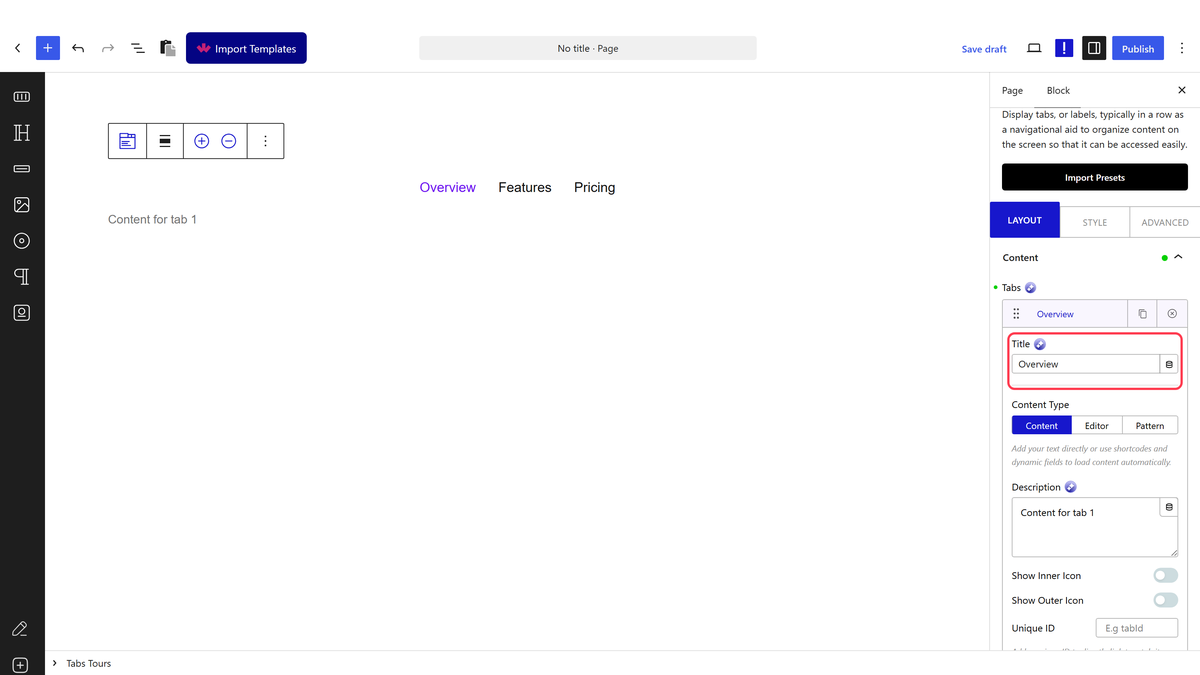
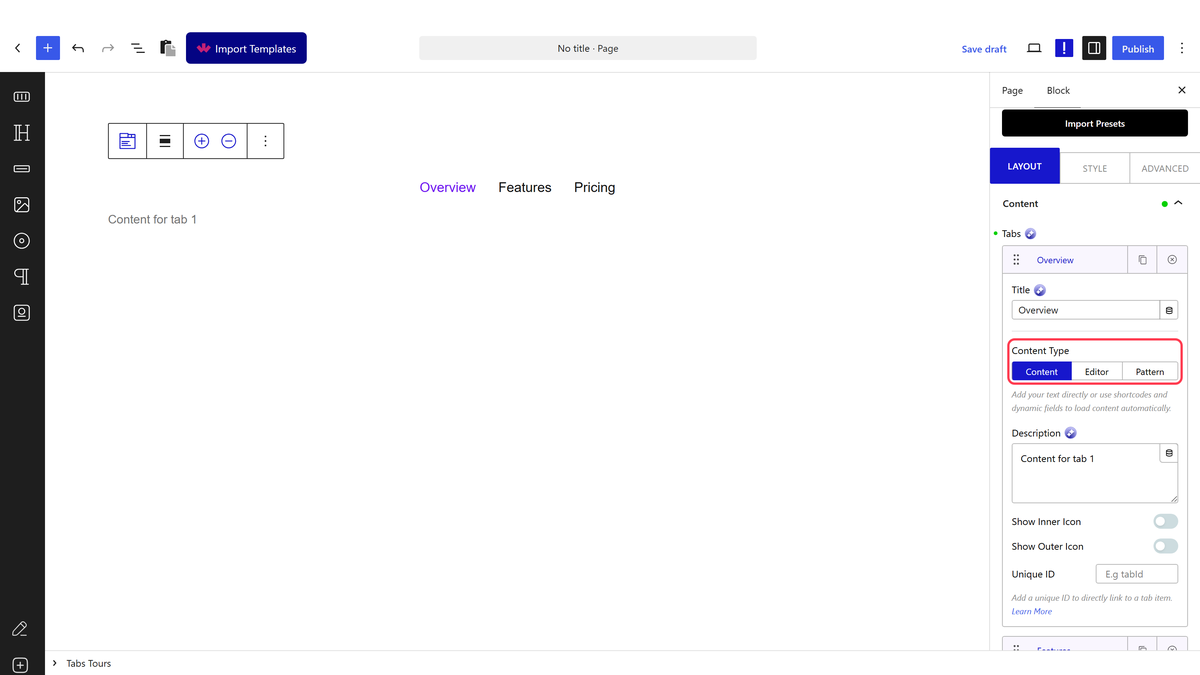
- Set each tab’s Content Type and fill in its content.
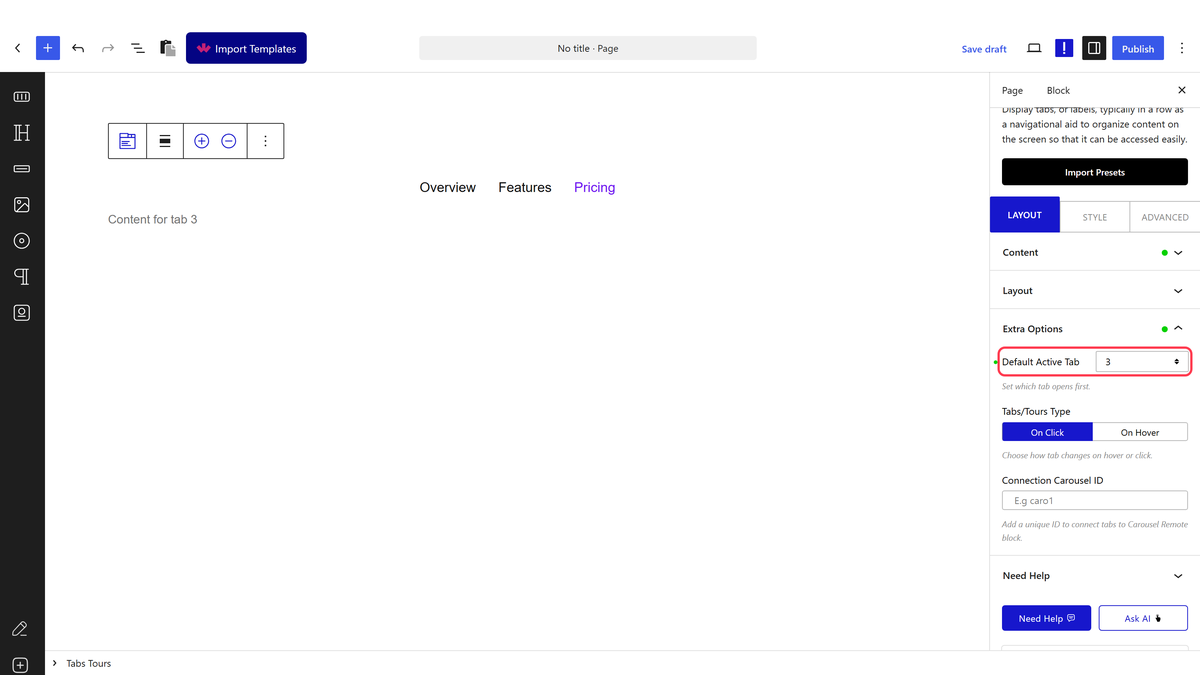
- Open the Extra Options panel and set Default Active Tab to the tab’s position — 3 for the third tab.
- Publish the page and load it to check the right tab opens.
How It Behaves
- The number is the tab’s position in the list, not its title. Setting 3 opens the third tab with its content already shown.
- Visitors can still switch to any other tab as normal.
- Reordering the tabs changes which one the number points at, so check this setting after rearranging.
- The choice applies every time the page loads — it is not remembered per visitor.
Limitations
- The dropdown lists numbers up to 15, but the block only takes 10 tabs. Choosing 11 or higher matches no tab.
- If the number is higher than the number of tabs you actually have, no tab is pre-opened.
- It is a position, not a link — to send someone to a particular tab from elsewhere, use a link to a specific tab instead.
- The setting is per block, so two Tabs blocks on a page each need their own.
Troubleshooting
The first tab still opens
The number is probably higher than the number of tabs. Count the tabs in the Content panel and use a position within that range.
The wrong tab opens after I reordered them
The setting points at a position. Reordering moves the tabs but not the number, so update it to the tab’s new position.
I want a link that opens a certain tab
That is a different feature — see linking to a specific tab.
