










A pattern you load with a shortcode is normally part of the page the moment it is served. AJAX loading changes that: the page ships with an empty placeholder, and the pattern is fetched afterwards — when a visitor hovers or clicks something, or when a block scrolls into view.
That is useful for content a visitor may never need, such as a promo, a mega menu or a popup body, because it stays out of the first page load.
Before You Start
- Edition: Free — the loader and the setting are part of the free Nexter Blocks plugin.
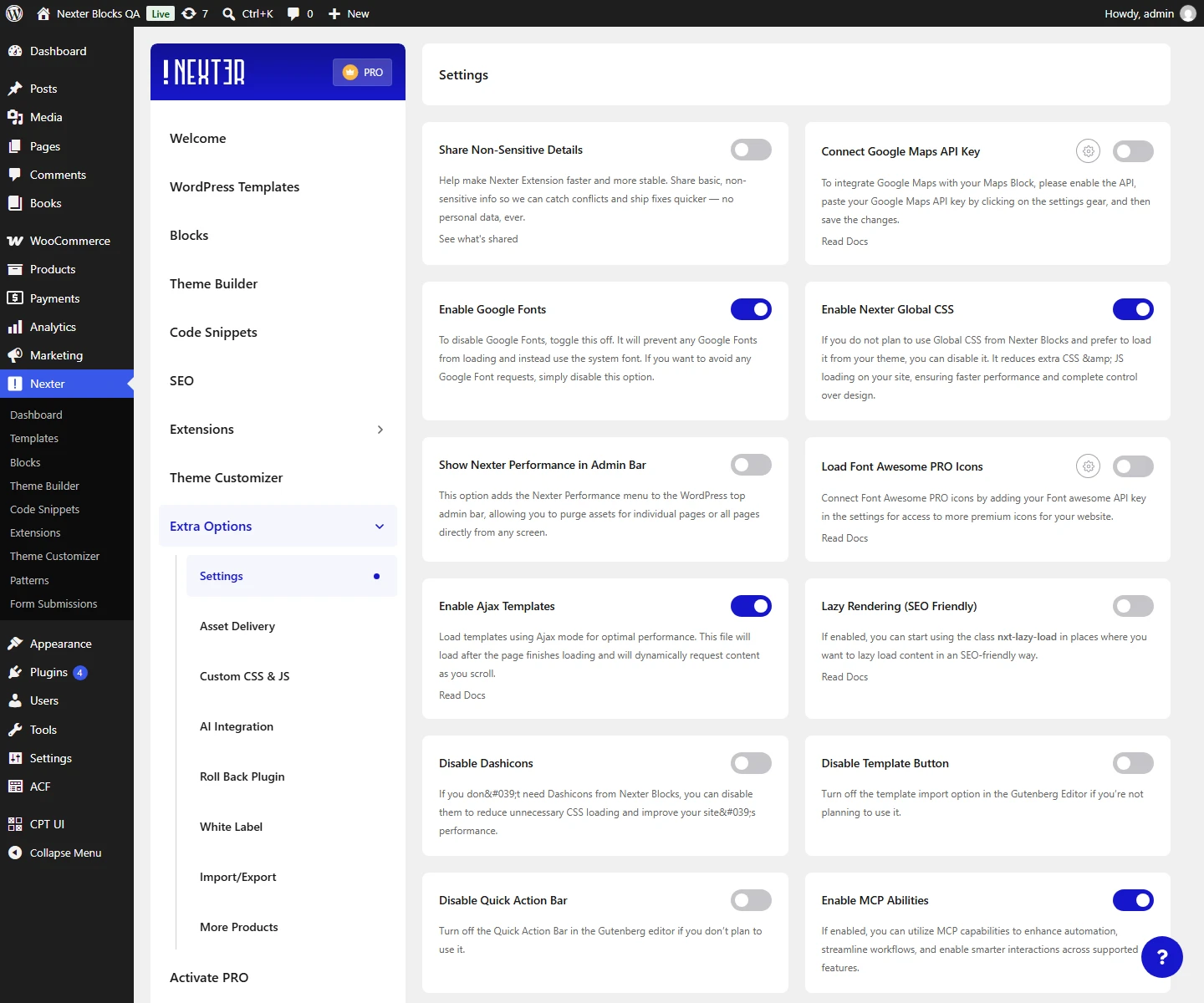
- This is a plugin setting plus a shortcode, rather than a block control. The switch is under Nexter > Extra Options > Settings, named Enable Ajax Templates.
- Administrator access, since the setting is site-wide.
- The pattern you want to load must be saved under Nexter > Patterns (the WordPress Patterns list).
Steps
- Go to Nexter > Extra Options > Settings and switch on Enable Ajax Templates. It is off until you turn it on, and the change is saved as soon as you flip the switch.
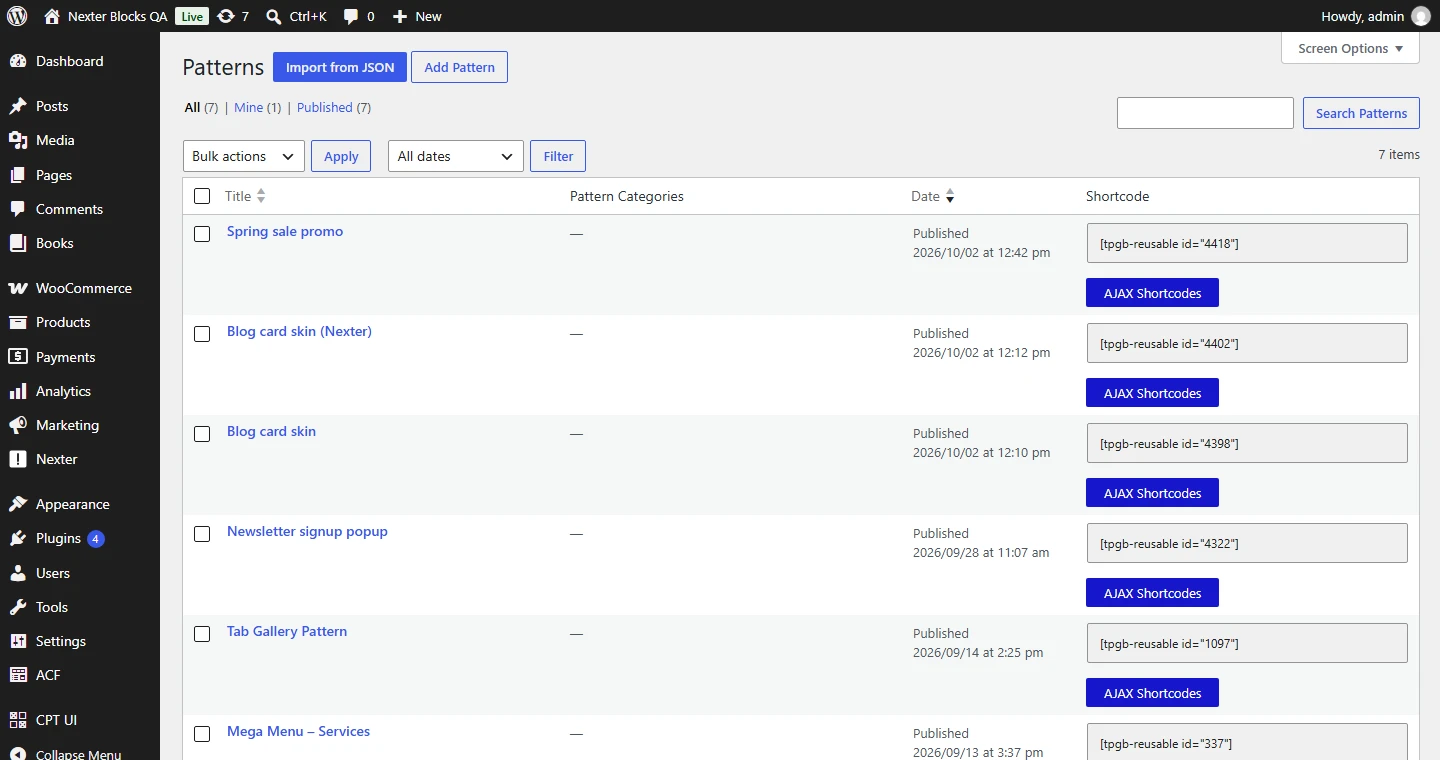
- Open the Patterns list. Every pattern shows its regular
shortcode and an AJAX Shortcodes button. Click the button for the pattern you want to load.
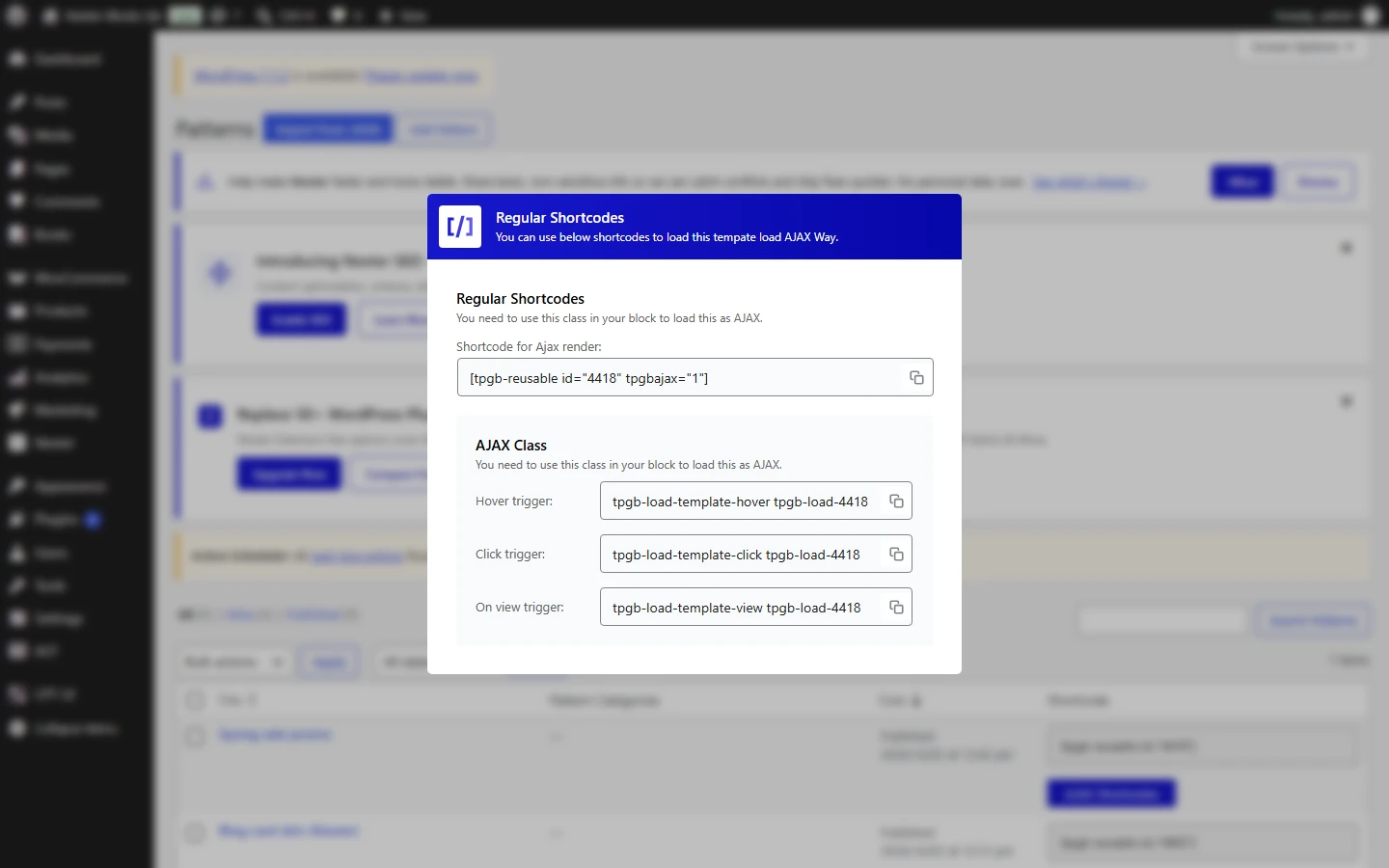
- In the dialog, copy the Shortcode for Ajax render and the trigger class you want: Hover trigger, Click trigger or On view trigger. Each class already contains the pattern ID.
- Paste the shortcode into a Shortcode block where the pattern should appear. It renders an empty placeholder until the pattern is requested.
- Add the trigger class to the element that should start the load, using that block’s Additional CSS class(es) field. For the hover trigger, the pattern loads the first time the pointer enters the element:
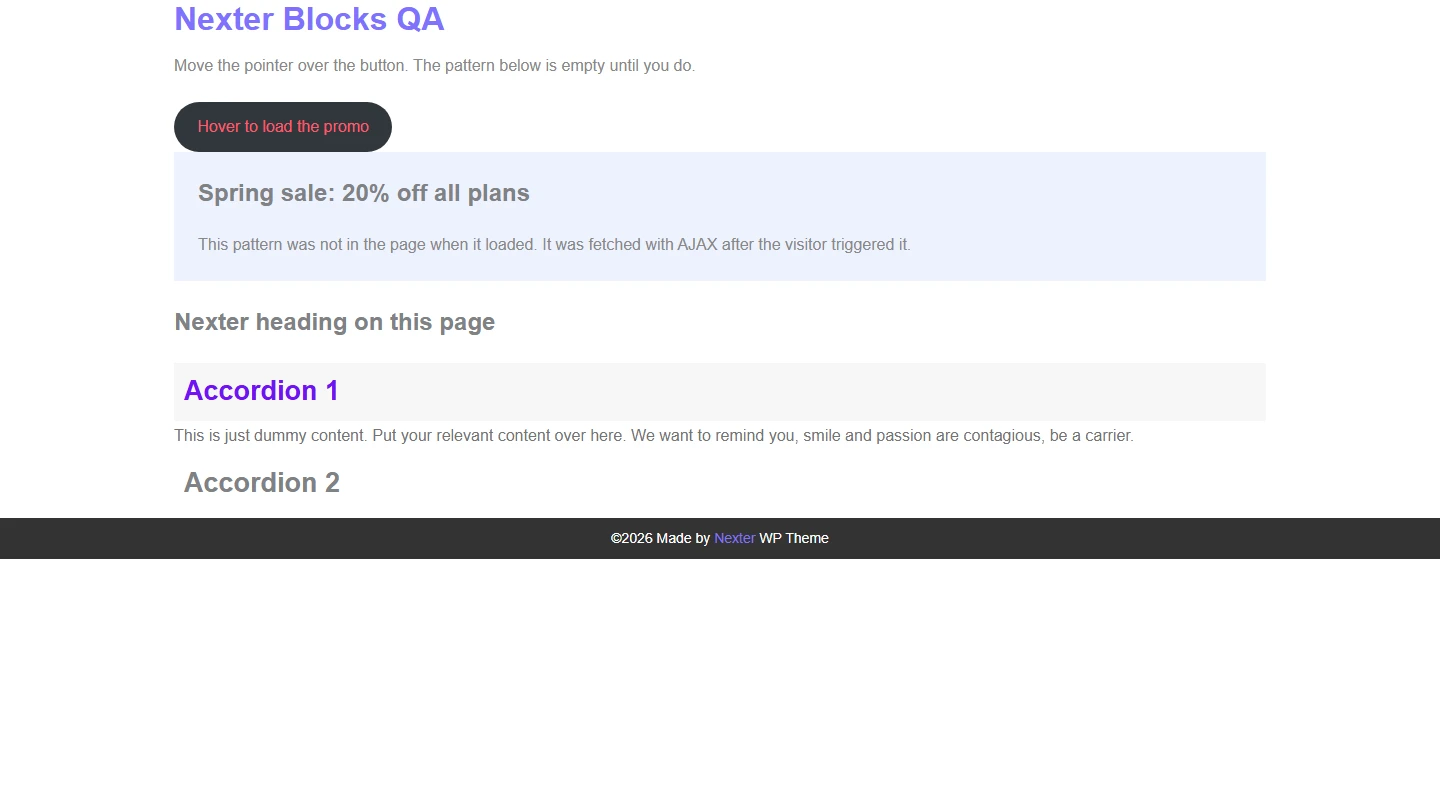
For the click trigger, the pattern loads the first time the element is clicked:
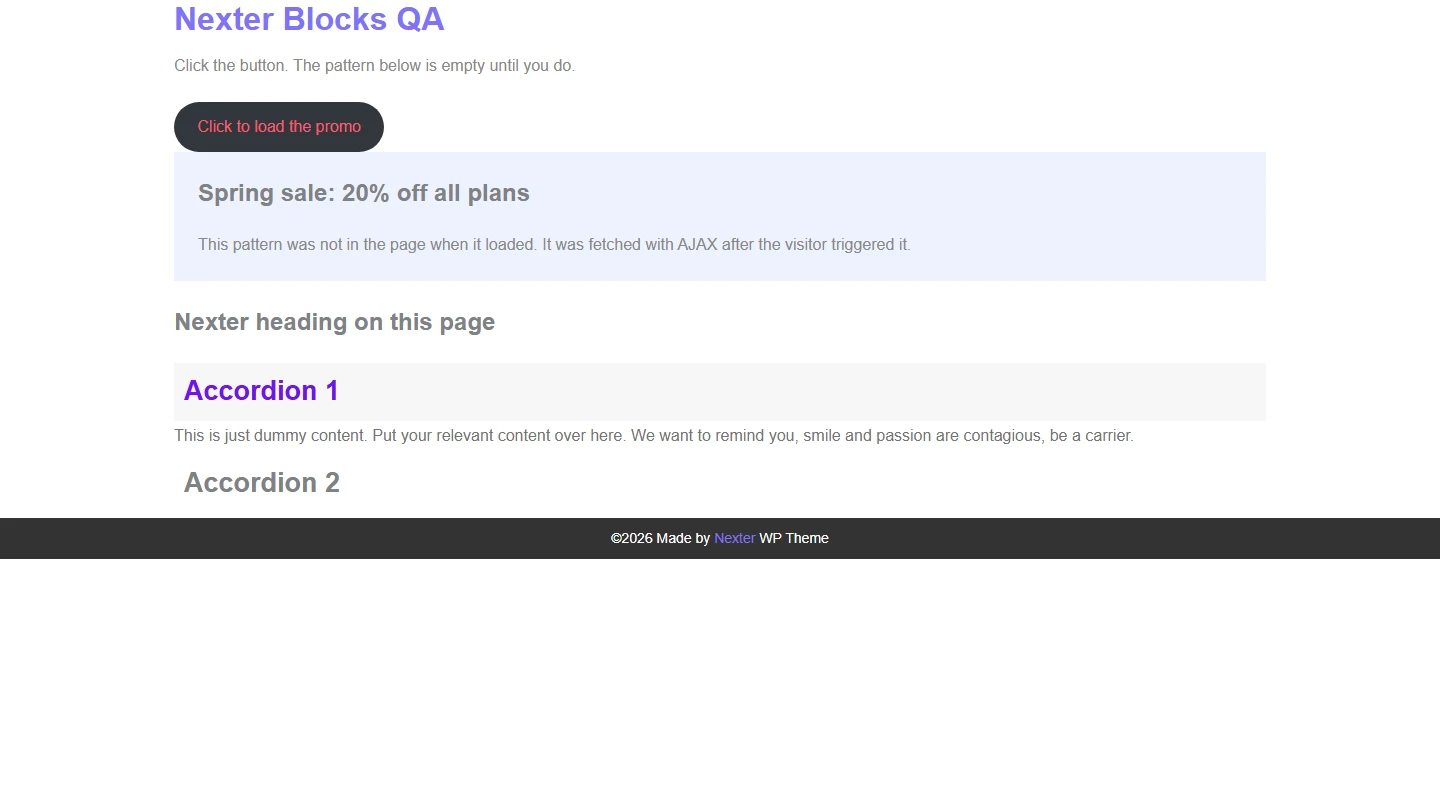
For the on view trigger, the pattern loads when the element scrolls into view:
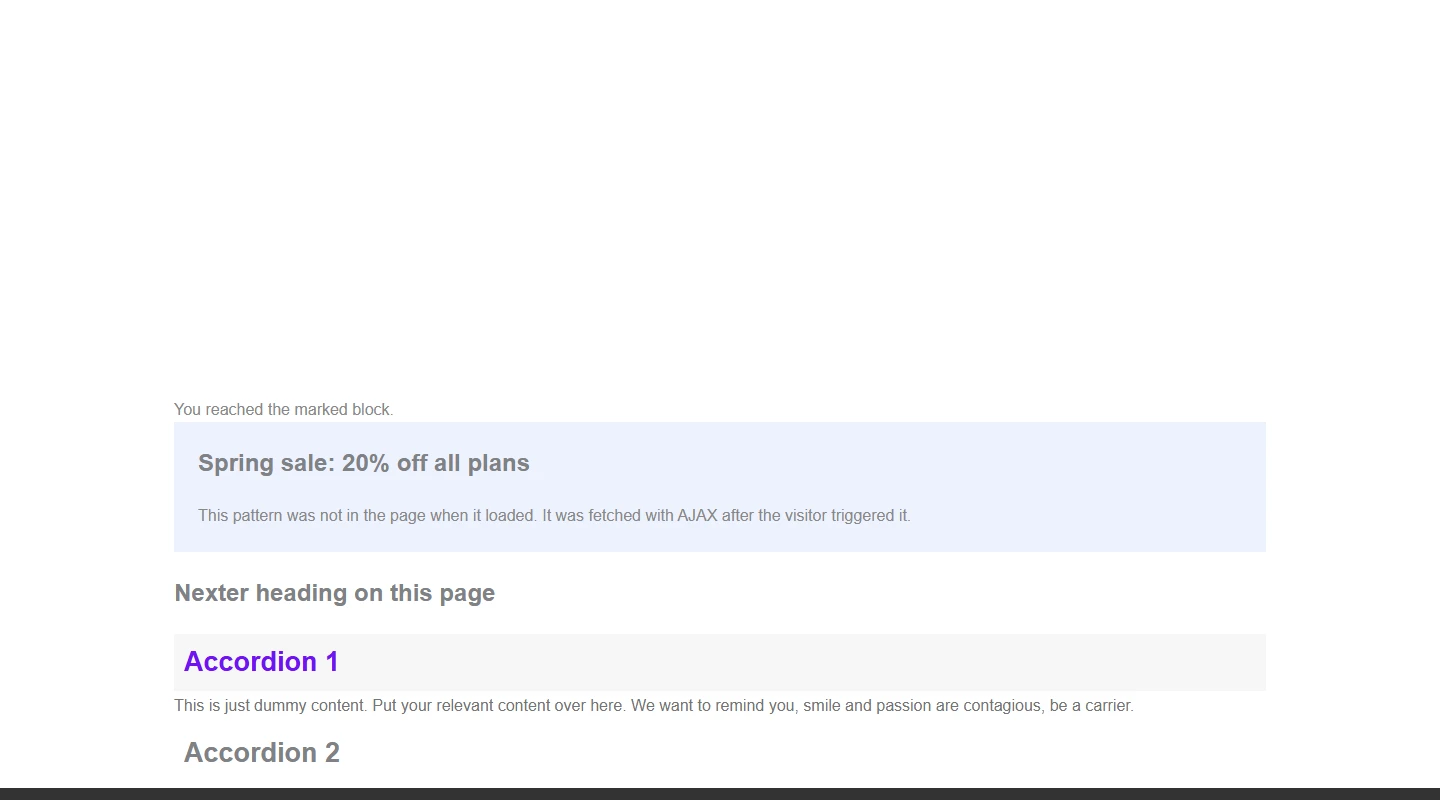
- Publish, then test on the front end while logged out. The placeholder stays empty until the trigger fires.
How It Behaves
The shortcode and the trigger work as a pair, and both are needed.
- The shortcode
outputs an empty placeholder (tpgb-load-ID-content, at least 100 pixels tall) instead of the pattern. Measured on a published page: the pattern text was not in the HTML that the server returned. - The trigger class goes on any element.
tpgb-load-template-hoverfires on mouse enter,tpgb-load-template-clickon click, andtpgb-load-template-viewwhen the element enters the viewport. The second class,tpgb-load-ID, tells the loader which pattern to fetch. - It loads once. After the pattern is in the placeholder, hovering, clicking or scrolling again does not fetch it a second time. Reloading the page starts again from an empty placeholder.
- The loader script is only added on some pages. Measured: with the setting on, a page that had only a Heading block did not load
tpgb-ajax-load.min.js, while a page that also had an Accordion block did. Add at least one Nexter block that uses JavaScript to the page. - It shares its loader with Lazy Rendering. The script is added if either setting is switched on.
Limitations
- The pattern is not in the page HTML. Search engines and visitors without JavaScript see only the empty placeholder. Do not use this for content that needs to be indexed — use Lazy Rendering instead.
- The placeholder takes up space before it loads (a minimum height of 100 pixels), so reserve room for it in your layout to avoid a jump.
- One extra request per pattern, made to
admin-ajax.php. A firewall, security plugin or cache rule that blocks that request leaves the placeholder empty. - Hover does not exist on touch screens. Use the click or on view trigger for content that phone visitors need.
- It is all or nothing for the site. The setting is not per page, and the trigger class works on one pattern ID at a time.
- The setting value matters. It is stored as a specific value, so changing it through anything other than the settings screen may not take effect.
Troubleshooting
Nothing loads when I hover, click or scroll
Check, in order: Enable Ajax Templates is switched on; the page has at least one Nexter block that uses JavaScript; the Shortcode block with tpgbajax="1" is on the page; and the trigger element carries both classes, for example tpgb-load-template-hover tpgb-load-4418, with the ID of your pattern.
I do not see the AJAX Shortcodes button
The button belongs to the Patterns list and is hidden if the setting has been explicitly switched off. Switch Enable Ajax Templates on and reload the list.
The placeholder stays empty after the trigger fires
The request to admin-ajax.php is probably being blocked by a security plugin, a firewall or a cache rule. Allow that request, then try again.
The script is still loading after I switched this off
Lazy Rendering uses the same loader. The script is present if either setting is on, so check Lazy Rendering too.
I hover over the element on my phone and nothing happens
There is no hover on a touch screen. Use the click or on view trigger instead.
