










The same deadline can look like a ticket counter, a flip clock, or a quiet line of text.
Three styles and an inline switch decide which of those you get.
For every Countdown setting in one place, see the Countdown block guide.
Before You Start
- Edition: Free — works in Nexter Blocks (free) and with Nexter Blocks Pro.
- Block to enable: Countdown, switched on under Nexter > Blocks in your WordPress dashboard.
- Your end date and time decided. The block reads it in your site’s timezone, set under Settings > General, not the visitor’s.
Steps
- Add the Countdown block to your page and click Design from Scratch.
- In Countdown Options, leave Countdown Setup on Normal and set the end date and time.
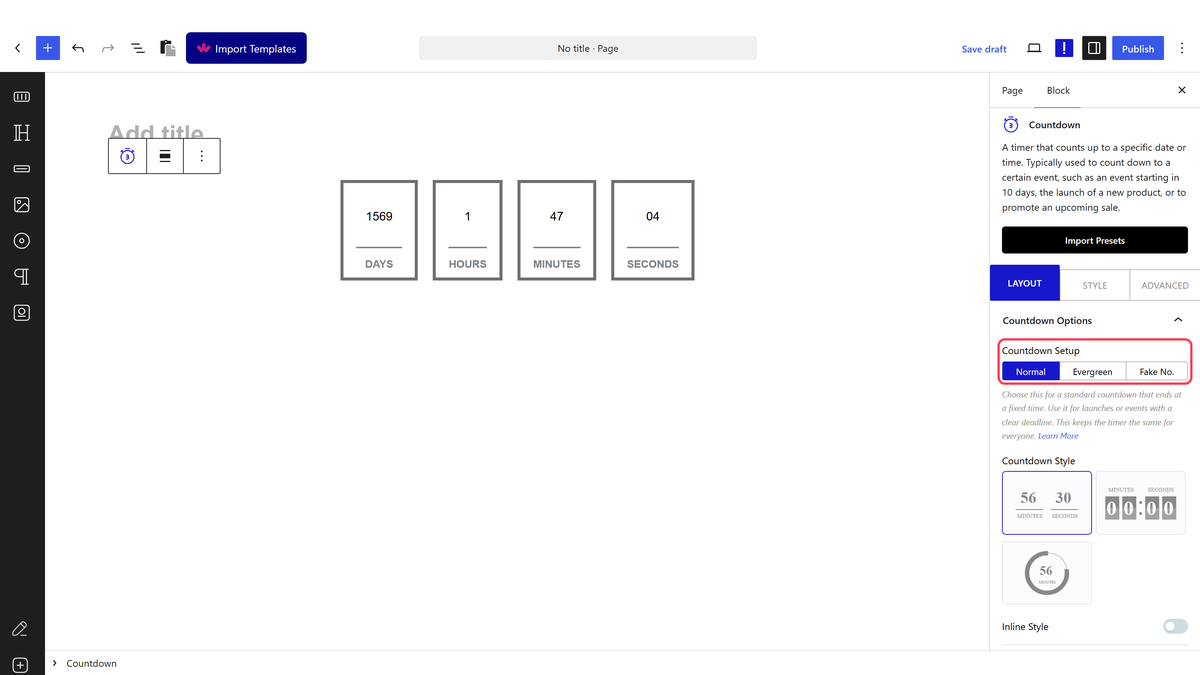
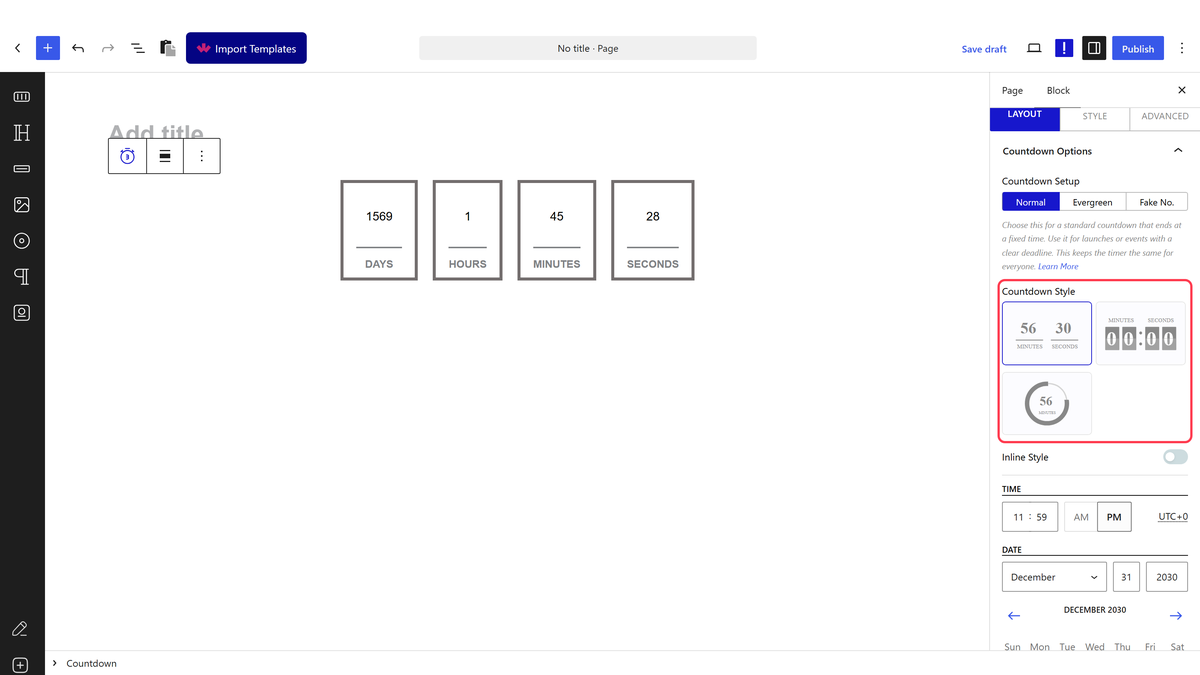
- In Countdown Options, pick a Countdown Style.
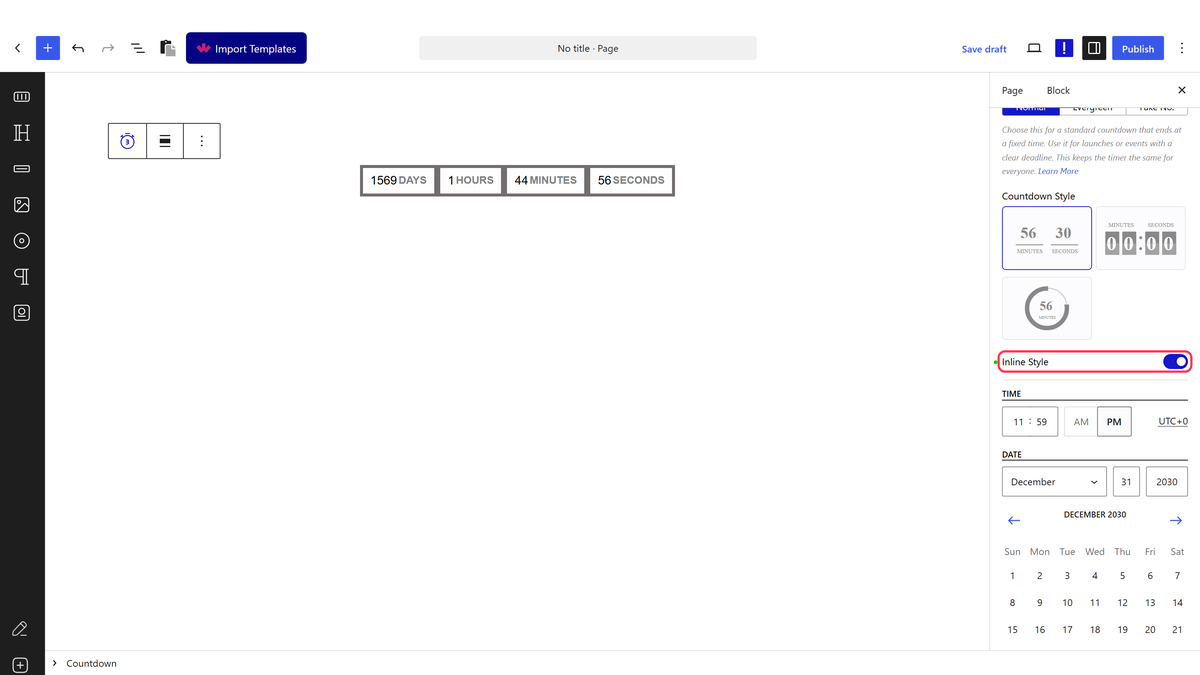
- Switch Inline Style on to put the units on one line instead of in separate blocks.
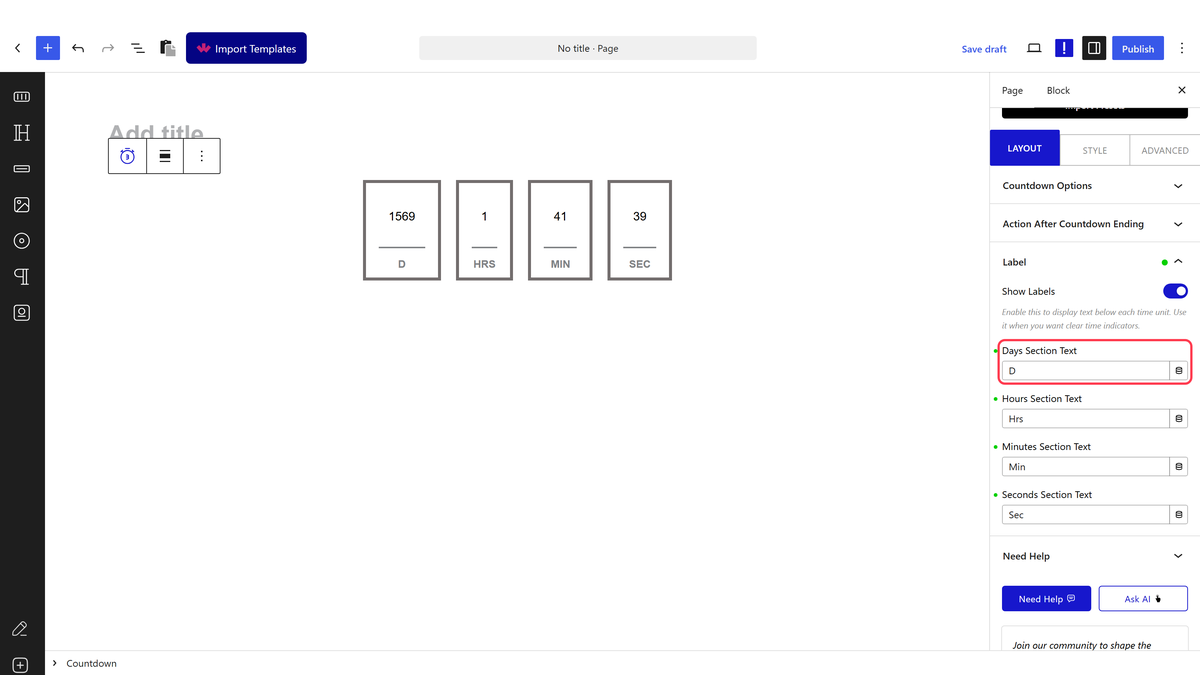
- Use the Label panel to rename or hide the unit words.
- Publish the page.
How It Behaves
- Simple renders the four units as plain numbers with their labels.
- Flipdown renders flip-card digits instead.
- Progressbar shows the units in a progress layout.
- Inline Style adds a class that lays the units out on one line — useful in a banner or a top bar.
- Turning Show Labels off leaves only the numbers, and the label text can be renamed to anything, including another language.
Limitations
- The three styles are fixed layouts; finer changes mean using the Style tab or your own CSS.
- Flipdown is the busiest option and can be hard to read at small sizes.
- Inline style needs horizontal room, so check it at phone width.
- Renaming labels does not translate them automatically for multilingual sites.
Troubleshooting
The units are stacked when I wanted one line
Switch Inline Style on, and check there is enough width for all four units.
The labels are in the wrong language
Type the words you want into the four fields in the Label panel — they are free text.
