










One slide at a time is right for a hero image and wasteful for a row of logos, where the visitor could take in six at a glance.
Two settings control this: how many slides are visible, and how many move when the carousel advances.
Before You Start
- Edition: Pro — the Carousel Anything block needs Nexter Blocks Pro.
- Block to enable: Carousel Anything, switched on under Nexter > Blocks in your WordPress dashboard.
- A Carousel Anything block with several slides — see the Carousel Anything guide.
- Test with several slides. A carousel with one slide has nothing to move to, so most settings will look broken when they are simply idle.
Steps
- Select your Carousel Anything block.
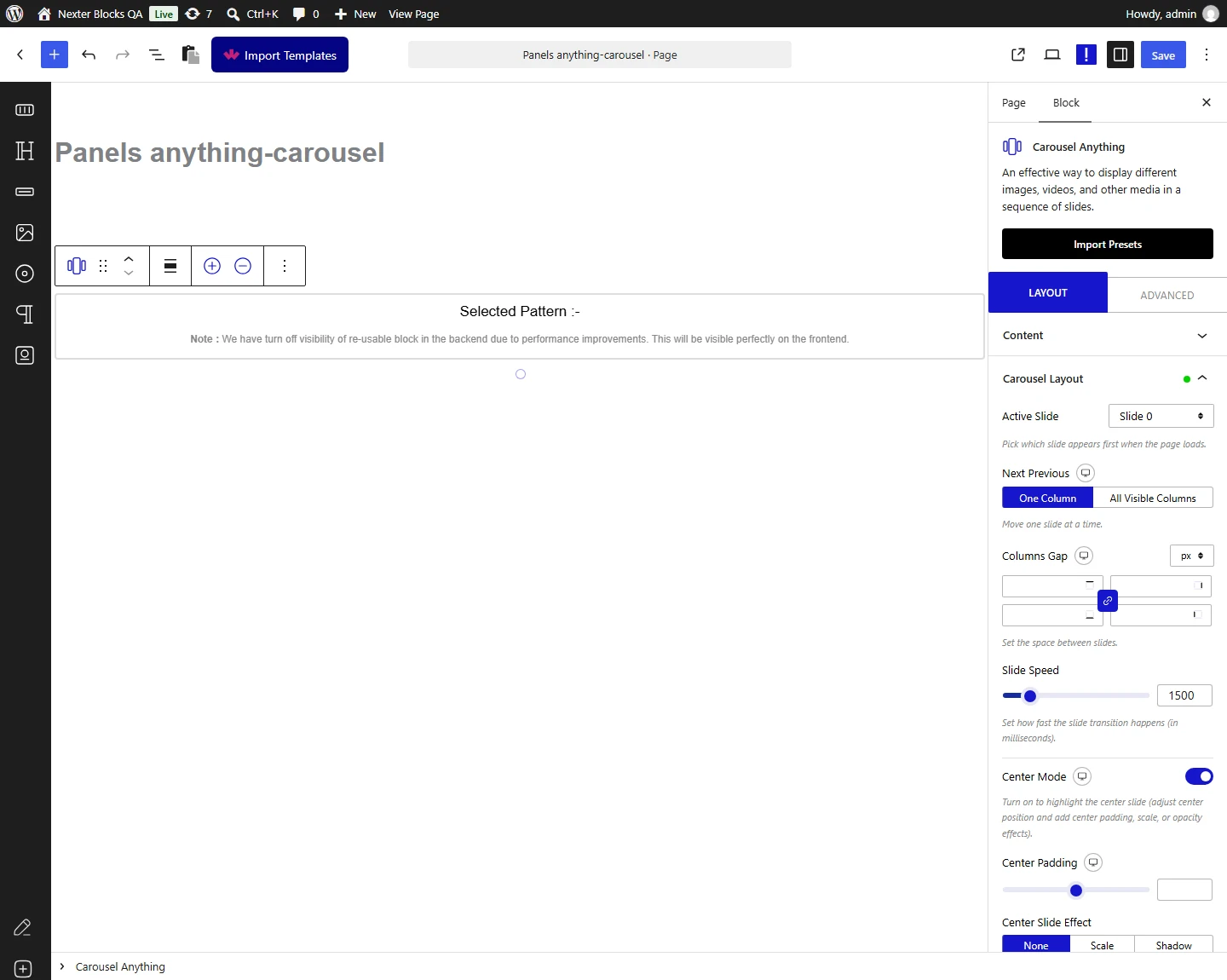
- Set how many slides are visible at once.
- Set how many slides move per step.
- Set both again for tablet and phone.
- Publish and check each width.
How It Behaves
The two settings are independent, and both are stored per device.
- Measured on a published page: three visible slides rendered
perPage: 3, and moving two at a time renderedperMove: 2. - Both default to 1, measured on an untouched carousel.
- Per device, measured: three on desktop with two on tablet and one on phone rendered as breakpoint entries at 1024 and 767 carrying exactly those values.
- Visible and moving do not have to match. Showing three and moving one gives a rolling effect; showing three and moving three gives distinct pages.
- Every setting ends up in one place. The block writes its whole configuration into a
data-splideattribute on the carousel, which is what the slider script reads. If a setting is not doing what you expect, that attribute is where to look. - Measured with Nexter Blocks Pro deactivated: the carousel renders nothing at all — no wrapper, no configuration and no slides. This is a Pro-only block.
Limitations
- Pro only — measured with Nexter Blocks Pro deactivated, nothing renders.
- More visible slides means narrower slides. Four across on a phone is unreadable — drop to one.
- Set the phone value explicitly. Measured, the desktop number is inherited downwards, which is the usual cause of a cramped mobile carousel.
- Fewer slides than columns leaves gaps, or stops the carousel moving at all.
- Moving more than you show skips content without the visitor realising.
Troubleshooting
Only one slide shows
That is the default. Raise the visible count — measured, it renders as perPage.
It is cramped on mobile
The desktop value is being inherited. Set the phone breakpoint to one.
The carousel does not move
You have as many slides as visible columns, so there is nothing to scroll to. Add slides or show fewer at once.
Slides are being skipped
The number moving per step is higher than the number visible. Lower it.
