










A code revealed in place is easy to miss and easy to mistype.
The Popup action puts it in the middle of the screen with a copy button and a link to your site.
For every Coupon Code setting in one place, see the Coupon Code block guide.
Before You Start
- Edition: Pro — the Coupon Code block is part of Nexter Blocks Pro.
- Block to enable: Coupon Code, switched on under Nexter > Blocks in your WordPress dashboard.
- The code itself, and the page you want people sent to.
Steps
- Add the Coupon Code block and click Design from Scratch.
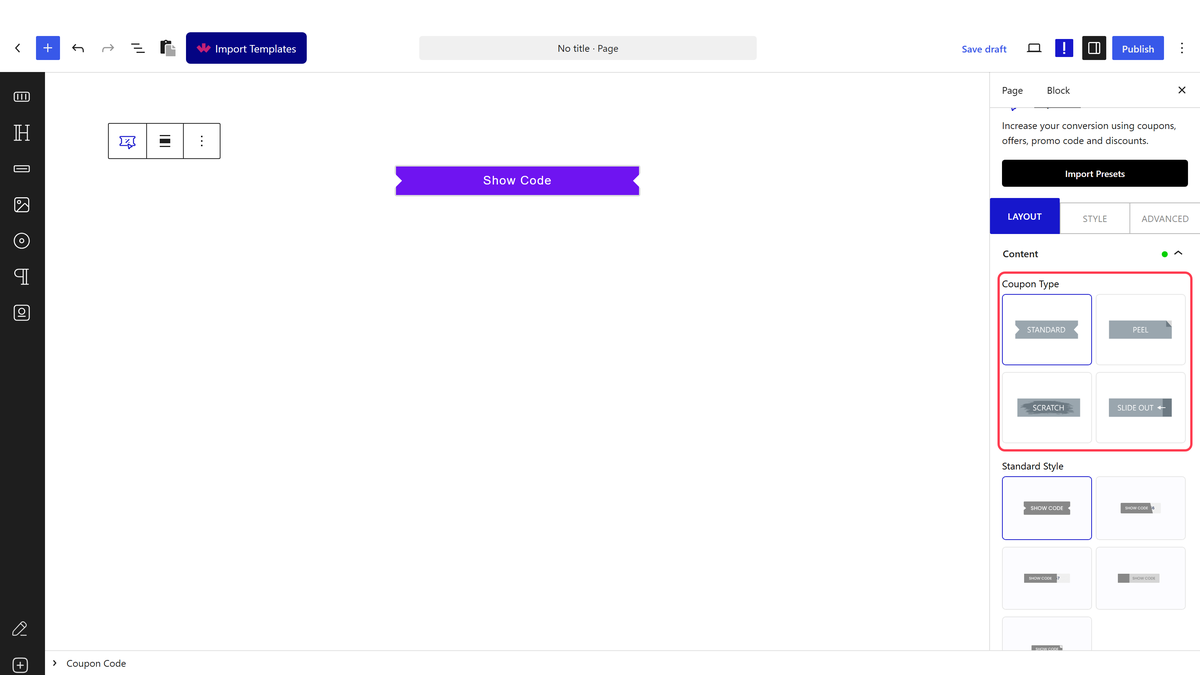
- Set Coupon Type to Standard.
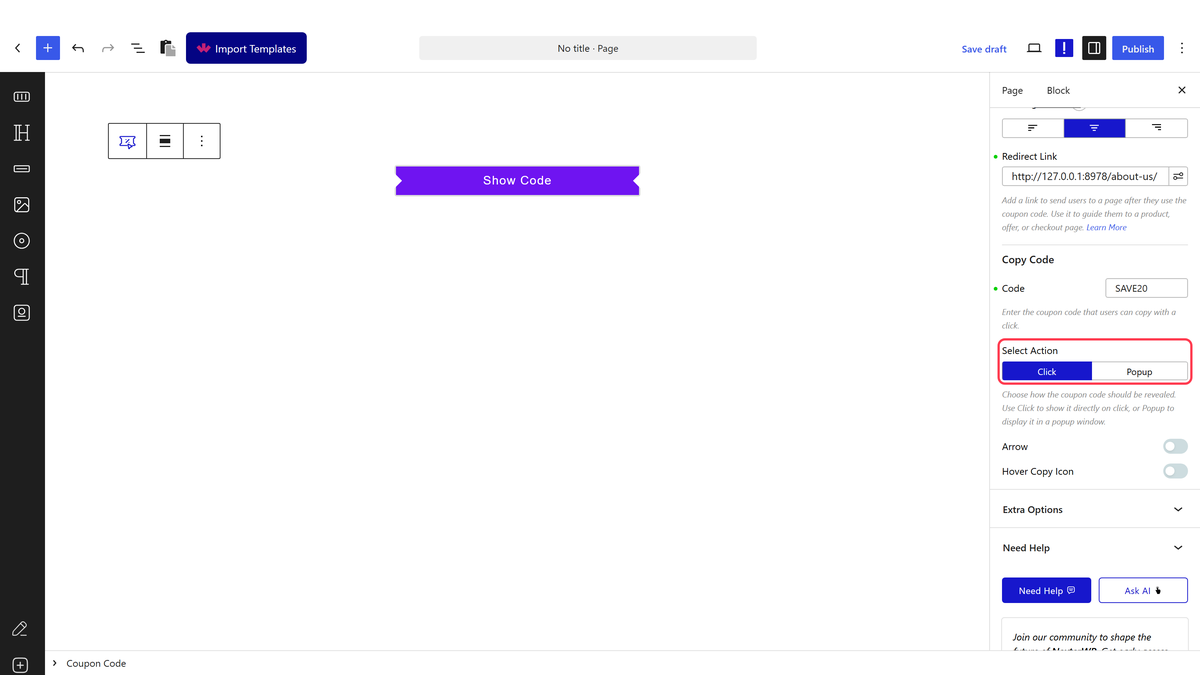
- Set Select Action to Popup.
- Write the Popup Title and Popup Description.
- Set the button labels — the copy button, what it says once copied, and the visit button.
- Publish and click the coupon.
The code is in the page before anyone clicks. Measured on the front end: both the button label and the code are in the markup from the start, just hidden until the reveal. This is a presentation effect, not a way to gate a discount — anyone reading the page source has it.
How It Behaves
- The action is written onto the block as
action-popup, in place of the defaultaction-click. - The popup carries its own copy. Title, description, copy button label, the confirmation text after copying, and a visit button are all separate fields.
- The copy button puts the code on the clipboard, which removes the most common way of getting a discount code wrong.
- Save In Cookies pairs well with this — a returning visitor is not made to open the popup again.
Limitations
- Pro only.
- The code is still in the page source before the popup opens.
- A popup is another thing appearing over the page. On a phone it takes the whole screen.
- The copy button relies on the browser’s clipboard permission, which some setups refuse.
Troubleshooting
Clicking navigates instead of opening a popup
Select Action is still on Click. Set it to Popup.
The copy button does nothing
The browser has refused clipboard access. It usually needs the page to be served over HTTPS.
The popup opens every time
Switch Save In Cookies on so a returning visitor is remembered.
