










A discount code is only useful next to the thing it discounts.
A Standard coupon is a link, so claiming the code and arriving at your shop are the same click — in this tab or a new one.
For every Coupon Code setting in one place, see the Coupon Code block guide.
Before You Start
- Edition: Pro — the Coupon Code block is part of Nexter Blocks Pro.
- Block to enable: Coupon Code, switched on under Nexter > Blocks in your WordPress dashboard.
- The code itself, and the page you want people sent to.
Steps
- Add the Coupon Code block and click Design from Scratch.
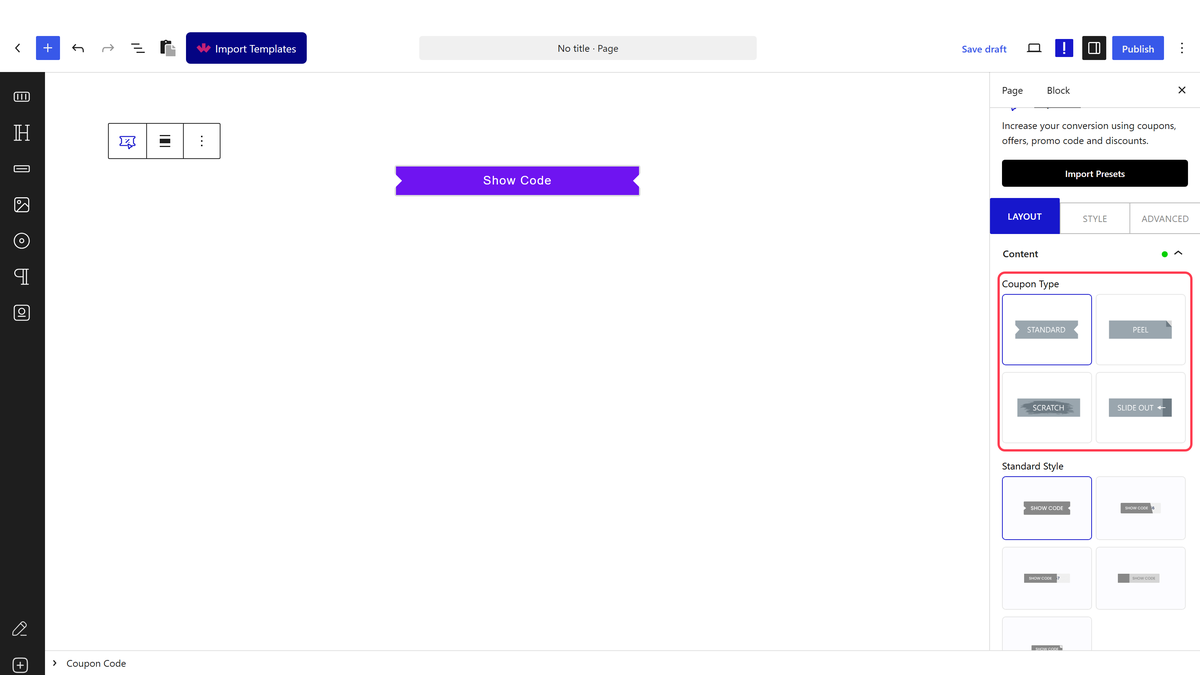
- Set Coupon Type to Standard.
- Put the destination in Redirect Link.
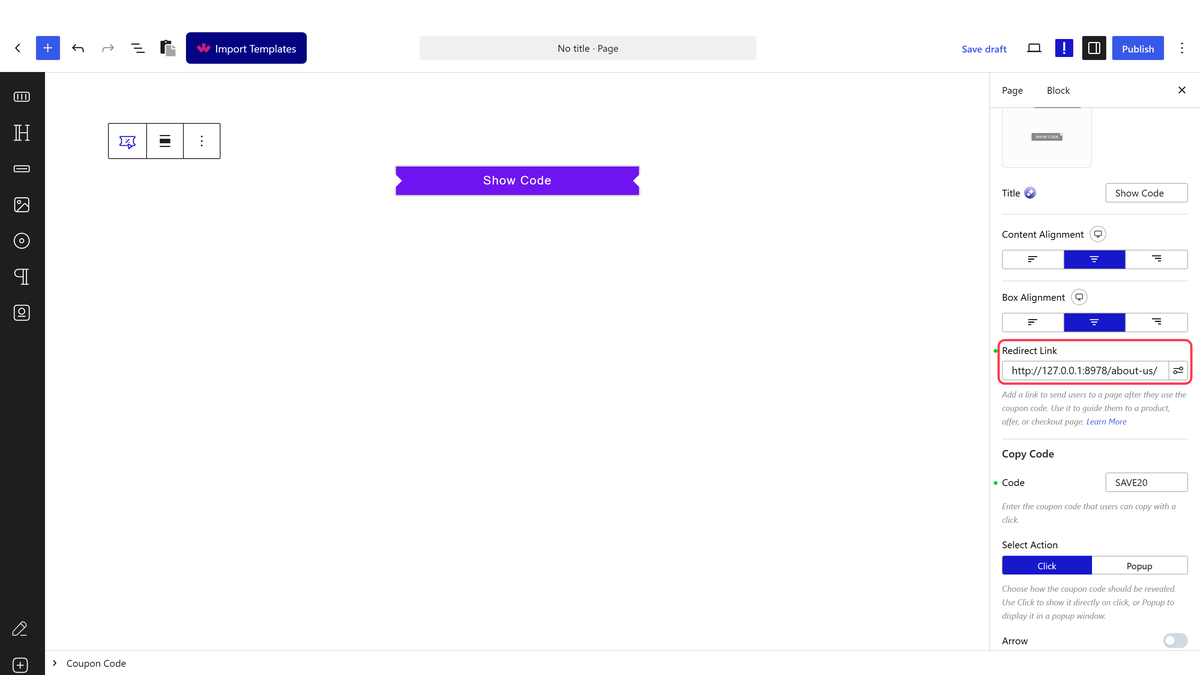
- Switch the link’s open in new tab option on if you want the page kept open.
- Publish and click the coupon.
How It Behaves
- The whole coupon is a link. Measured: the Standard type renders as an
<a href>pointing at your Redirect Link, so a click leaves the page. - New tab really opens a new tab. With the option on,
target="_blank"was written and a second browser tab genuinely opened. - Same tab keeps them moving forward, which suits a coupon at the end of a landing page; a new tab suits one part-way through an article.
- The code is revealed as the click happens, so the visitor arrives with it already shown.
Limitations
- Pro only.
- With Hide Link on, the click no longer navigates at all. See ” + a(MASK_DOC, “the masked link guide”) + “.
- A new tab is a small annoyance on a phone, where tab switching is fiddly.
- There is no per-device setting: the same behaviour applies everywhere.
Troubleshooting
Clicking does nothing
Either Redirect Link is empty, or Hide Link (Beta) is on, which stops the navigation.
It opens a new tab and I did not want that
Turn off the link’s open-in-new-tab option in the Redirect Link field.
I want the code shown without leaving the page
Use the popup action instead — see ” + a(POPUP_DOC, “the discount popup guide”) + “.
