










A default post card shows a title, an image, a date and an excerpt. For a property listing that misses the price, the bedrooms and the location, which is everything that matters.
A custom loop skin lets a custom post type show its own fields instead of pretending to be a blog post.
Before You Start
- Edition: Pro — custom loop skins needs Nexter Blocks Pro.
- Block to enable: Post Listing, switched on under Nexter > Blocks in your WordPress dashboard.
- A custom post type with entries and the custom fields you want to show.
- The loop skin basics, since this builds on them.
Video Tutorial
Steps
- Create a new loop skin template.
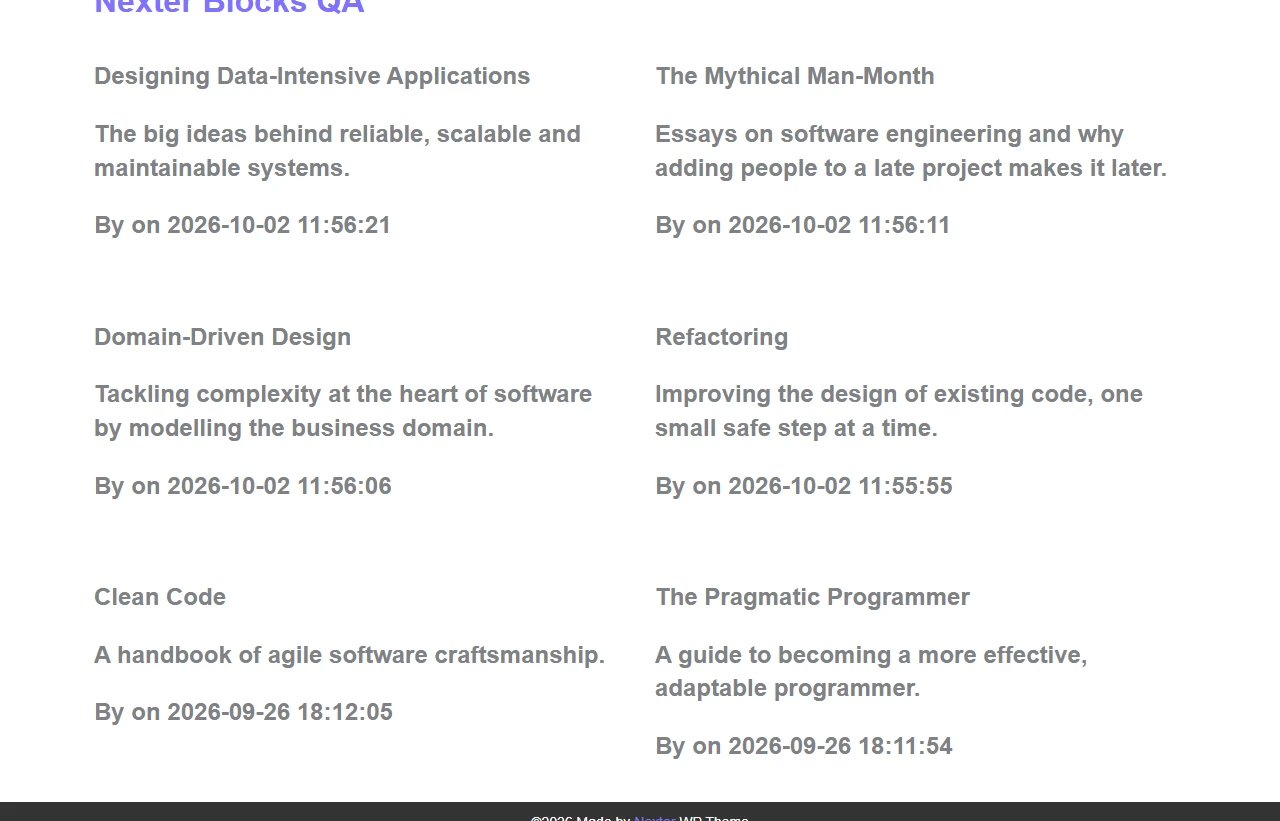
- Build the card and add your custom fields as dynamic values.
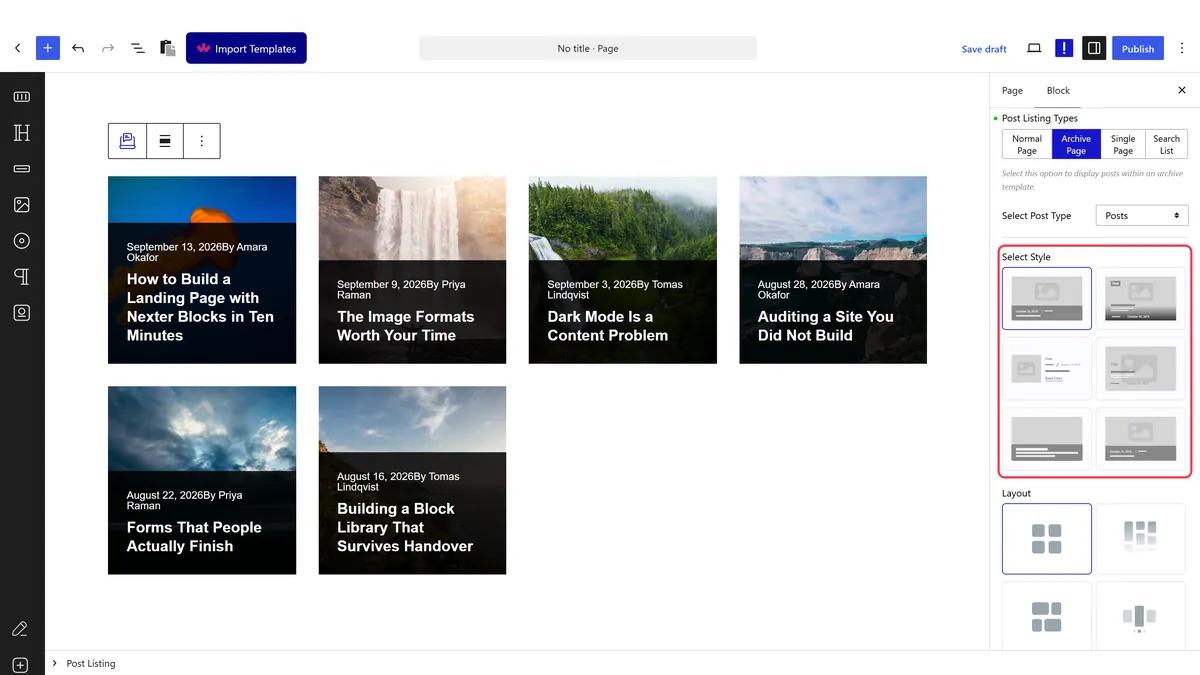
- Save the skin.
- On the Post Listing block, set the post type and select the skin.
- Publish and check a real archive page.
How It Behaves
The skin repeats per entry, and dynamic fields pull from whichever entry is being rendered.
- Custom fields come through as dynamic values, the same mechanism used for post title and date, so a field is just another value to place.
- The post type is set on the listing, not the skin. That means one skin can serve several post types if their fields line up, and it also means selecting the wrong post type produces empty fields.
- An entry missing a field renders an empty space rather than an error, so cards can look uneven where data is incomplete.
- The listing still owns the query, including which post type appears.
- Measured with Nexter Blocks Pro deactivated: this stops working. The block still renders a plain list of posts, so there is no error to see — just the feature quietly missing.
Limitations
- Pro only — measured with Nexter Blocks Pro deactivated, the listing falls back to a plain rendering.
- Missing field values leave gaps. Incomplete entries are visible immediately in a grid, so the data has to be reasonably complete.
- The skin is tied to your field names. Rename a field and the skin needs updating.
- Field plugins differ. How a field is exposed depends on how it was registered, so not every field is available as a dynamic value.
- You own the responsive behaviour and the accessibility, as with any custom skin.
Troubleshooting
My custom fields are empty
Either the listing is set to the wrong post type, or the field is not exposed as a dynamic value. Check the post type first.
Some cards have gaps
Those entries are missing that field. Fill the data, or design the card to cope with a missing value.
The field is not offered as a dynamic value
It depends how the field was registered. Fields registered without REST or meta exposure may not be available.
It works on one post type but not another
The field names differ. A skin is tied to the field names it was built with.
