A quote from a happy customer does more work on a page than most of the copy around it.
The Testimonials block lists reviews in one of three layouts, trims long quotes where the design calls for it, and adds star ratings in Pro.
Before You Start
- Edition: Free — the Testimonials block, its three layouts and its content limit are all part of Nexter Blocks (free) and Nexter Blocks Pro.
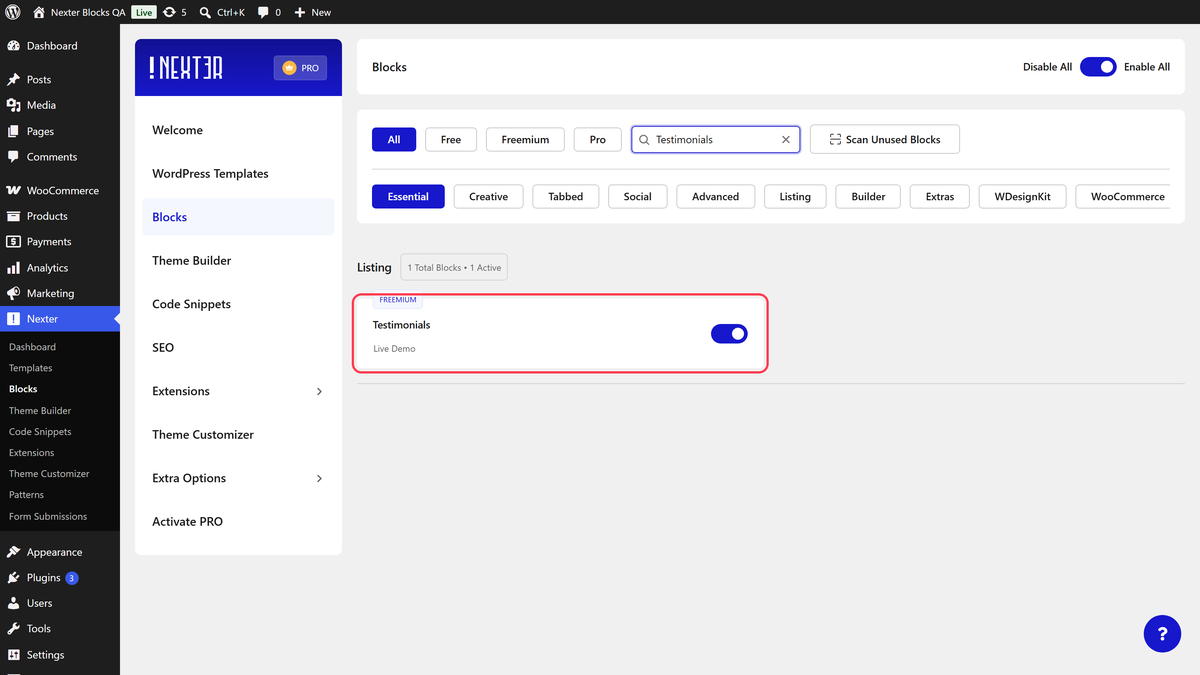
- Block to enable: Testimonials, switched on under Nexter > Blocks in your WordPress dashboard.
- Each testimonial is a row. Add one row per person: a name, a role, the quote, and an optional photo.
Steps
- Add the Testimonials block and add a row for each testimonial — a name, a role, the quote, and a photo.
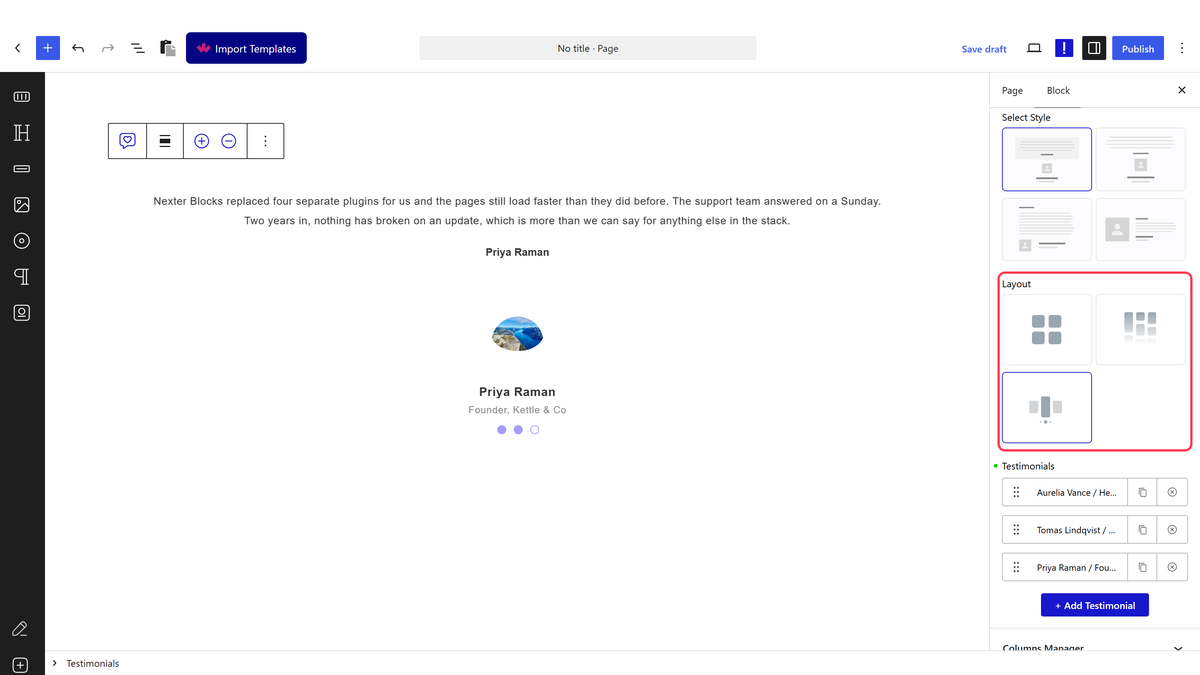
- Choose a Layout: Grid, Masonry or Carousel.
- Add a photo for each person, or leave it blank — a placeholder avatar fills in automatically.
- On Masonry or Carousel, set a content limit if quotes run long.
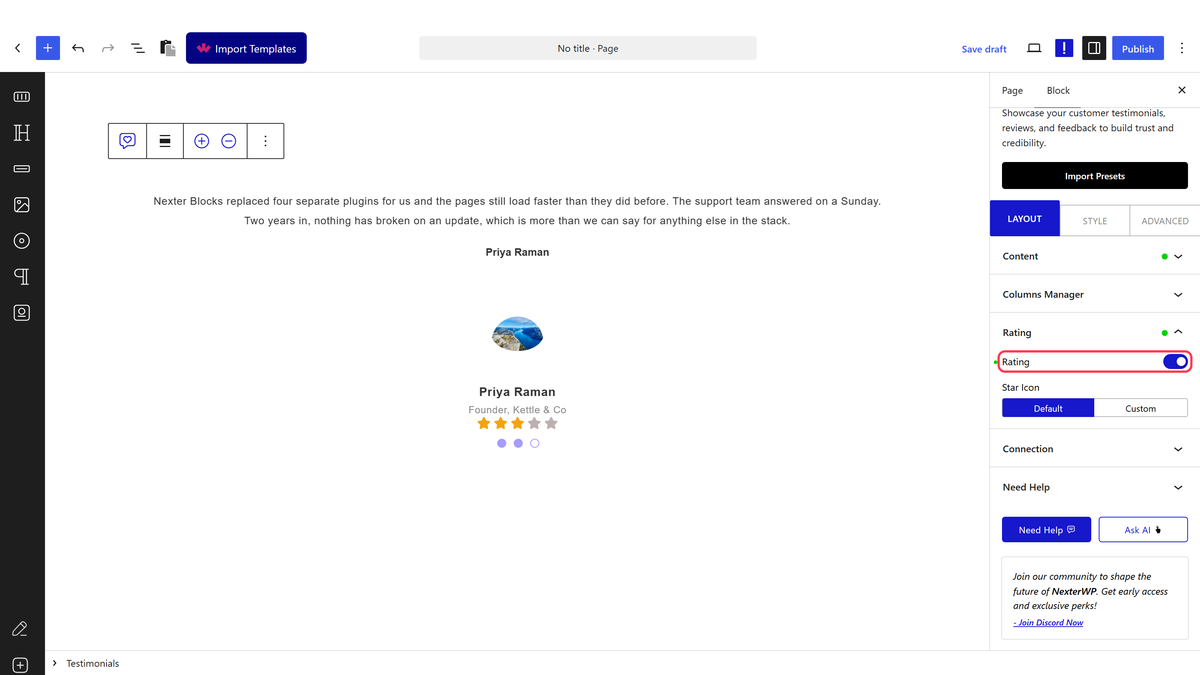
- Turn on Rating for star ratings.
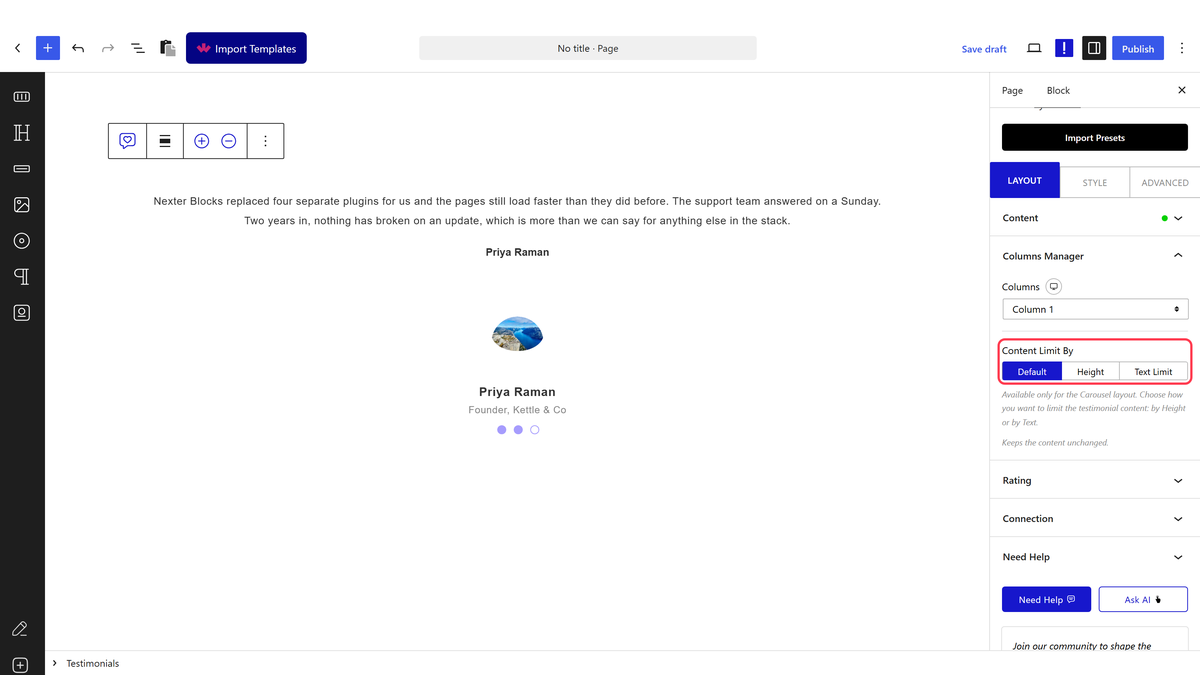
Which limit control you see depends on Layout. Grid has no content-limit setting at all — the full quote always shows, measured. Masonry has Excerpt Limit. Carousel has Content Limit By, and choosing Text Limit there reveals its own Excerpt Limit.
The Three Layouts
| Layout | What it looks like | Content limit | Guide |
|---|---|---|---|
| Grid | Even columns, set by Columns | None — always shows the full quote | Grid layout |
| Masonry | Packed columns, uneven card heights | Excerpt Limit (words or letters) | Masonry layout |
| Carousel | One slide at a time, with dots and arrows | Content Limit By: height or text | Carousel slider |
How It Behaves
- Columns only shapes Grid and Masonry. Carousel ignores the Columns setting and sizes its own slides — measured, the renderer excludes carousel from that class.
- Read More really expands the card — measured by clicking it: the hidden remainder of the text switches to visible and the grid reflows around the taller card.
- No photo, no problem. A testimonial with no avatar gets a placeholder image, not an empty space — measured.
- Star ratings are Pro. Pro — star ratings need Nexter Blocks Pro. Measured: with Pro switched off the same setting renders no stars at all.
Limitations
- Grid never trims text. If your quotes are long, use Masonry or Carousel instead.
- Star ratings need Nexter Blocks Pro. On Free the Rating setting has no effect.
- Content Limit By’s setting can persist across a layout switch in ways that are not obvious — see the Masonry and Carousel text limit guides.
Troubleshooting
My long quotes are not being trimmed
Grid has no content-limit control — the full quote always shows there. Switch to Masonry or to Carousel with Content Limit By set to Text Limit.
Every card shows the same placeholder photo
No avatar was set on those rows. Add a photo to each testimonial, or leave the placeholder if that is the look you want.
Stars are not showing
Star ratings need Nexter Blocks Pro. Check Rating is switched on and that Pro is active.
The block is missing from the inserter
Switch Testimonials on under Nexter > Blocks.