










One review at a time reads as a conversation. A wall of them reads as a brochure.
Carousel puts your testimonials in a slider — and it is the block’s default layout, so a freshly added block already looks like this.
For every Dynamic Device setting in one place, see the Testimonials block guide.
Before You Start
- Edition: Free — the Testimonials block, its three layouts and its content limit are all part of Nexter Blocks (free) and Nexter Blocks Pro.
- Block to enable: Testimonials, switched on under Nexter > Blocks in your WordPress dashboard.
- Each testimonial is a row. Add one row per person: a name, a role, the quote, and an optional photo.
Steps
- Add the Testimonials block and add a row for each testimonial — a name, a role, the quote, and a photo.
- Choose a Layout: Grid, Masonry or Carousel.
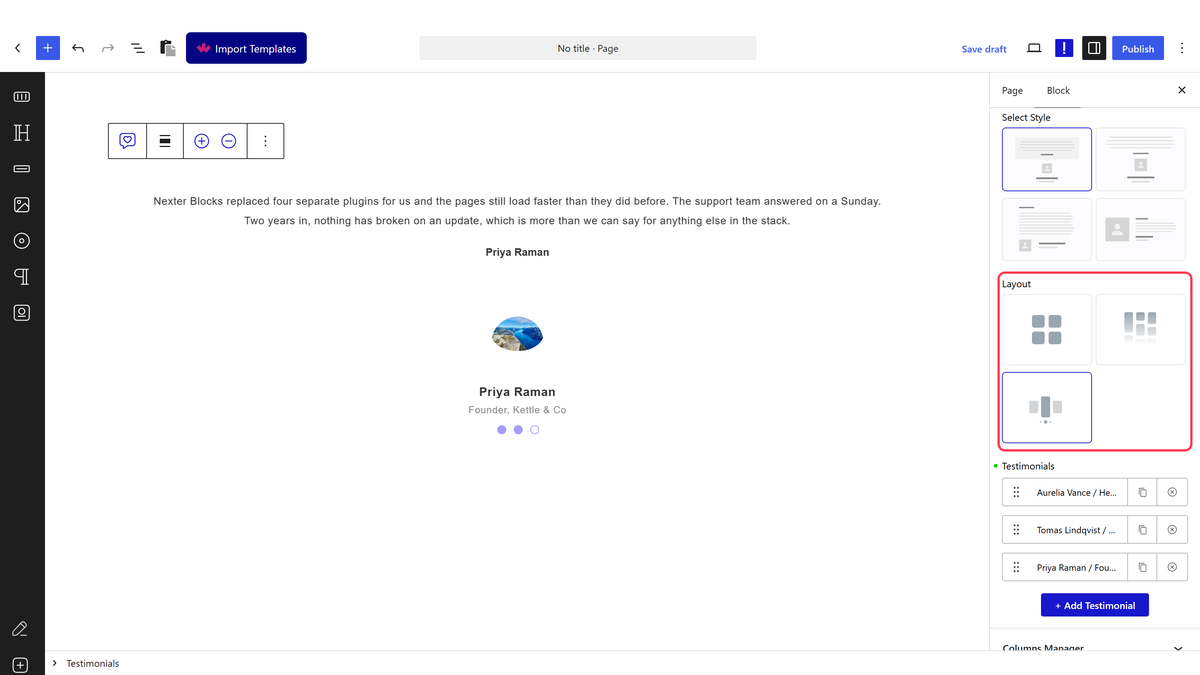
- Confirm Layout is set to Carousel.
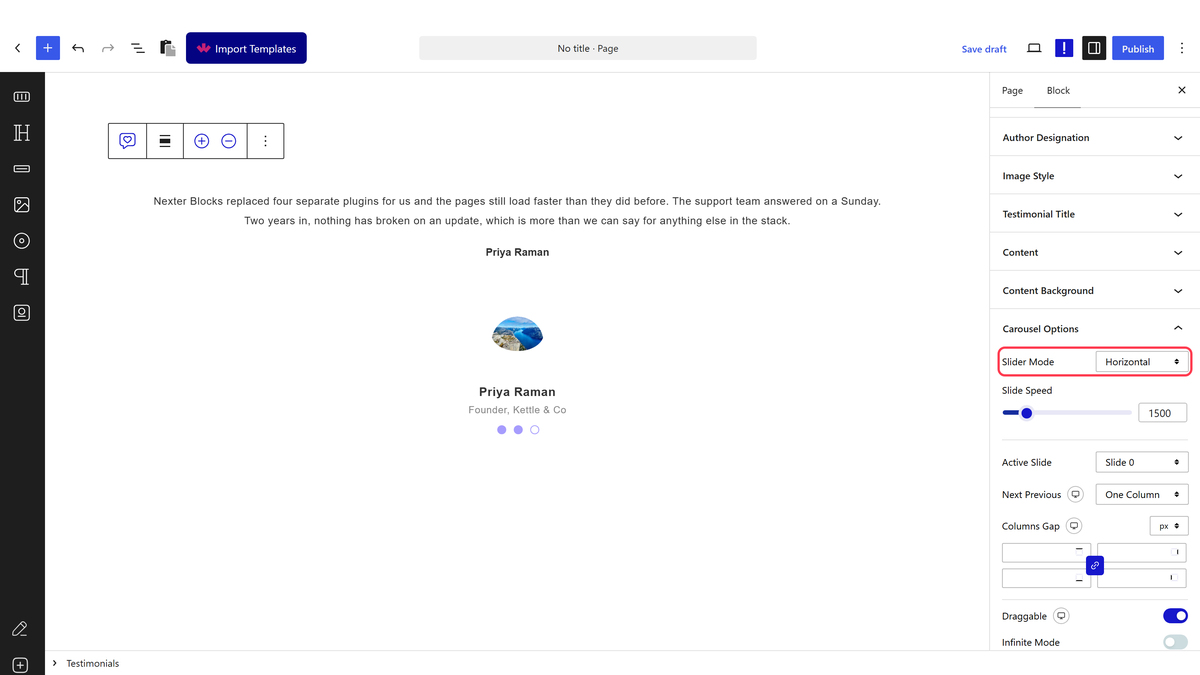
- Open Carousel Options for Slider Mode, Slide Speed, dots and arrows.
- Set Content Limit By if cards should be a fixed height or a trimmed length.
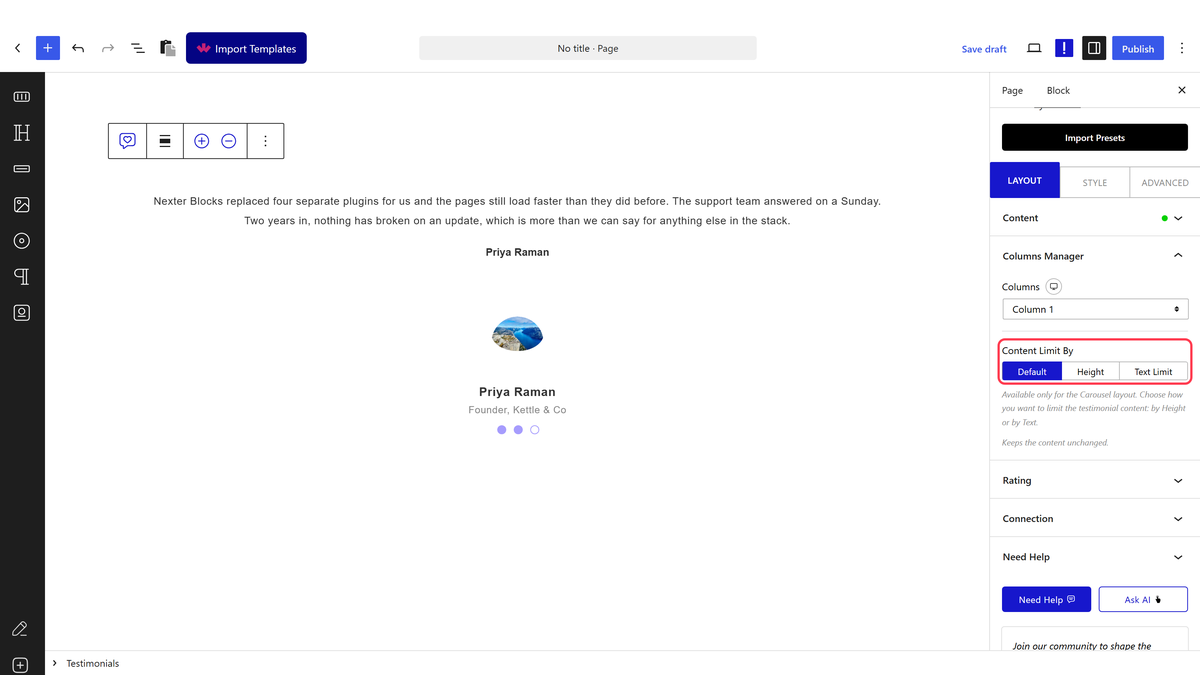
Columns is ignored here. Measured: the renderer explicitly skips the column classes for Carousel — each slide sizes itself.
What Content Limit By Does
| Setting | What happens | Guide |
|---|---|---|
| Default | Cards grow to fit each quote | — |
| Height | Cards are a fixed height and the text scrolls inside | Fixed carousel height |
| Text Limit | Cards trim to a word or letter count, with Read More | Limit by text |
How It Behaves
- The carousel is a real Splide slider. The block writes its settings straight into a
data-splideattribute — Slide Speed, Autoplay, dots and arrows all land there. - Read More really works on Text Limit cards, the same way it does on Masonry — measured by clicking it.
- Height mode scrolls, it does not trim. Set Content Height and the box becomes a fixed size with the content scrolling inside, measured as
overflow: auto. - No avatar still shows a placeholder photo rather than a gap — measured.
Limitations
- Columns has no effect here — slides are sized by the slider, not by a column share.
- Height and Text Limit are two different fixes for the same problem; use whichever suits the design, not both at once.
- Dots, arrows and autoplay are all optional and off by default — check Carousel Options if the slider looks static.
Troubleshooting
The carousel does not move on its own
Switch on Autoplay in Carousel Options, and set an Autoplay Speed.
Cards jump to different heights as I scroll
Set Content Limit By to Height for a fixed card size, or to Text Limit to trim the text instead.
My columns setting has no effect
Columns only applies to Grid and Masonry. Carousel slides are sized by the slider settings.
