










An author box is a small piece of credibility at the end of a post: who wrote this, and why should I believe them.
The block builds one from the WordPress user profile of whoever wrote the post being viewed.
For every Blog Builder setting in one place, see the Blog Builder guide.
Before You Start
- Edition: Free. Measured with Nexter Blocks Pro deactivated, this block renders byte-for-byte the same output.
- Block to enable: Post Author, switched on under Nexter > Blocks in your WordPress dashboard.
- A single post template to build in. These blocks belong in a template that renders one post, not on a standalone page.
- Author profiles that are filled in. The box renders the user’s biography field, so an empty profile makes an empty box.
Steps
- Add the Post Author block to your single post template.
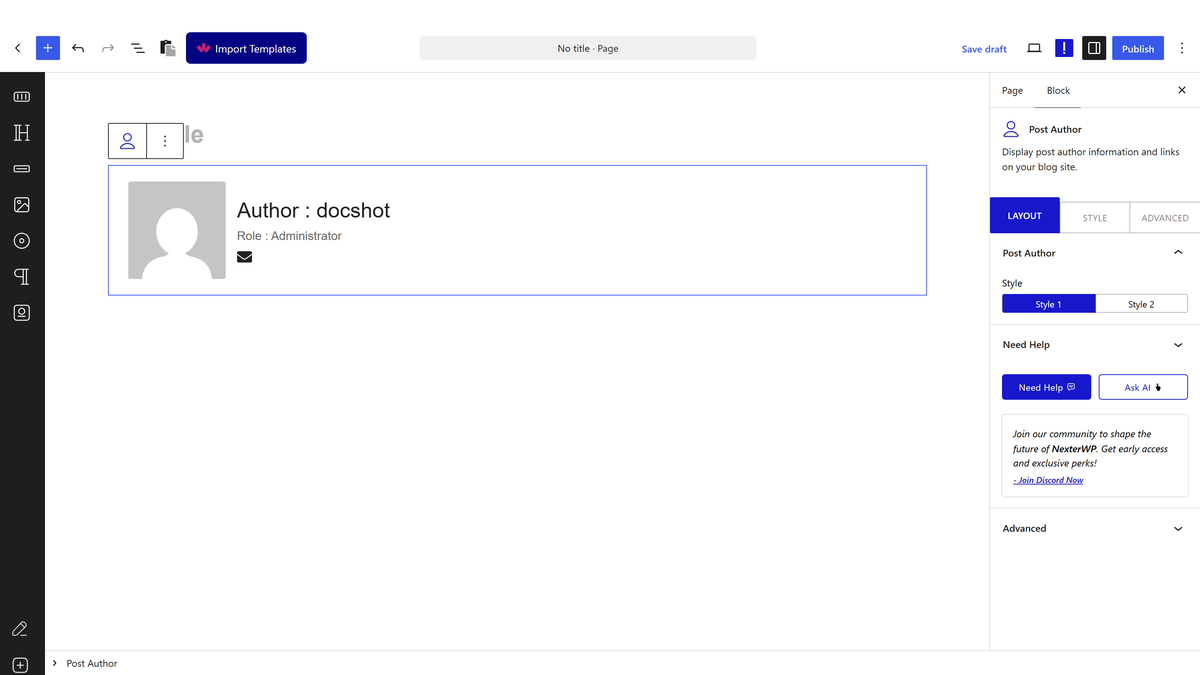
- Choose which parts of the profile to show.
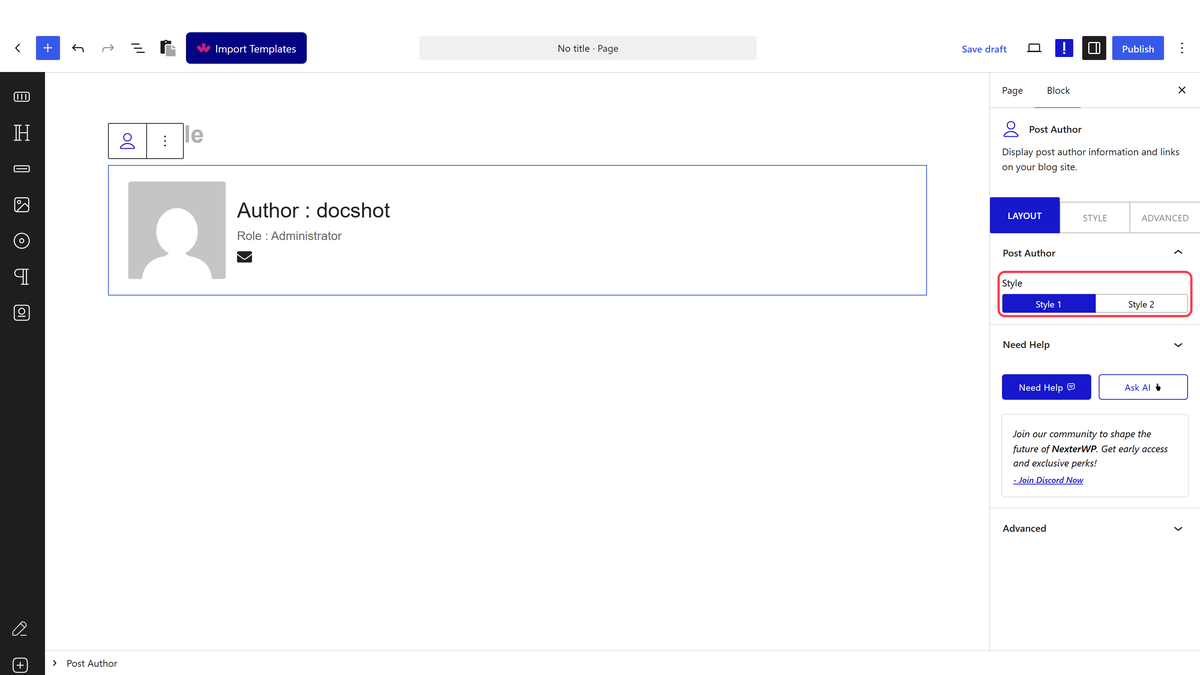
- Pick a layout style.
- Preview against a post by an author with a complete profile.

How It Behaves
Measured on a real post, the box rendered:
Author : Amara Okafor Role : author Writes about design systems and the craft of building for the web.
- Build this inside a single post template. The block reads whichever post the page is showing — it has no setting for picking one. In a Blog Builder template that is the post being viewed, which is exactly what you want.
- Everything comes from the WordPress user profile. The display name, the role, the biography and the avatar are all read from the user, not entered here.
- The avatar is the user’s Gravatar, or whatever an avatar plugin provides.
- The name and avatar link to the author archive. Measured: three links in the default box.
- It follows the post’s author, so a multi-author blog needs no per-post setup.
- On an ordinary page it shows that page’s data, not nothing. Measured: a Post Title block dropped onto a normal page rendered the page’s own title. The block does not check that it is on a post, so a mistake here shows the wrong thing rather than an error.
- With no post to read, it renders an empty shell rather than disappearing. Measured outside any post: the markup is still there with nothing inside it. If you are seeing an unexplained gap in a template, this is usually why.
Limitations
- An empty biography gives an empty box. The block has nothing of its own to show; fill in the profile.
- No avatar means a default Gravatar image — the generic one, which looks unfinished.
- The role shown is the WordPress role, so it reads author or administrator rather than a job title.
- Only one author. Co-authored posts show whoever is set as the post author.
- It cannot be overridden per post. Editing the box means editing the user profile.
- The author archive has to exist for the links to lead anywhere useful.
Troubleshooting
The box is empty
Either there is no post in context, or the author’s profile has no biography. Both render the box structure with nothing in it.
The avatar is a generic image
That is the default Gravatar for an address with no avatar registered. Set one, or use an avatar plugin.
It says author instead of a job title
That is the WordPress role. There is no separate job-title field to read.
The wrong person is credited
The block follows the post’s author field. Change it on the post itself.
