A message nobody sees does no work, and a popup everybody sees at the wrong moment does worse than none.
The Popup Builder block gives you the panel and eleven conditions that decide exactly when it appears.
Before You Start
- Edition: Pro — the Popup Builder block is part of Nexter Blocks Pro.
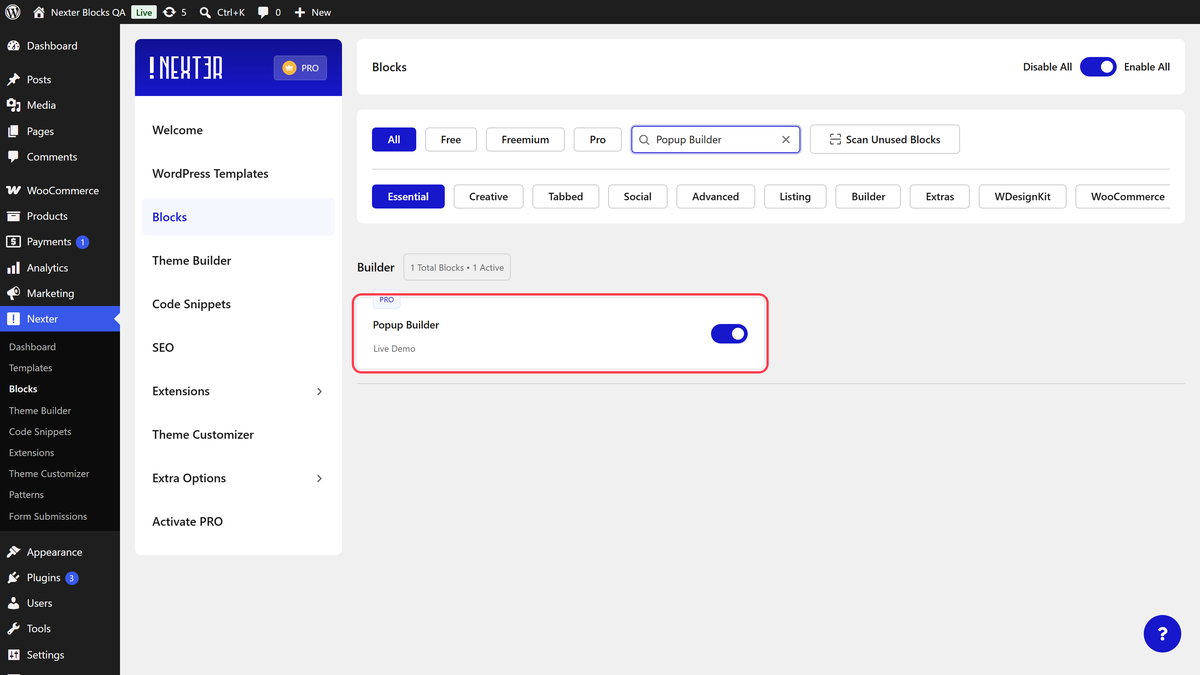
- Block to enable: Popup Builder, switched on under Nexter > Blocks in your WordPress dashboard.
- The popup’s content decided: a short message, a form, or a saved pattern to load into it.
Learn via Video Tutorial
Steps
- Add the Popup Builder block to your page and click Design from Scratch.
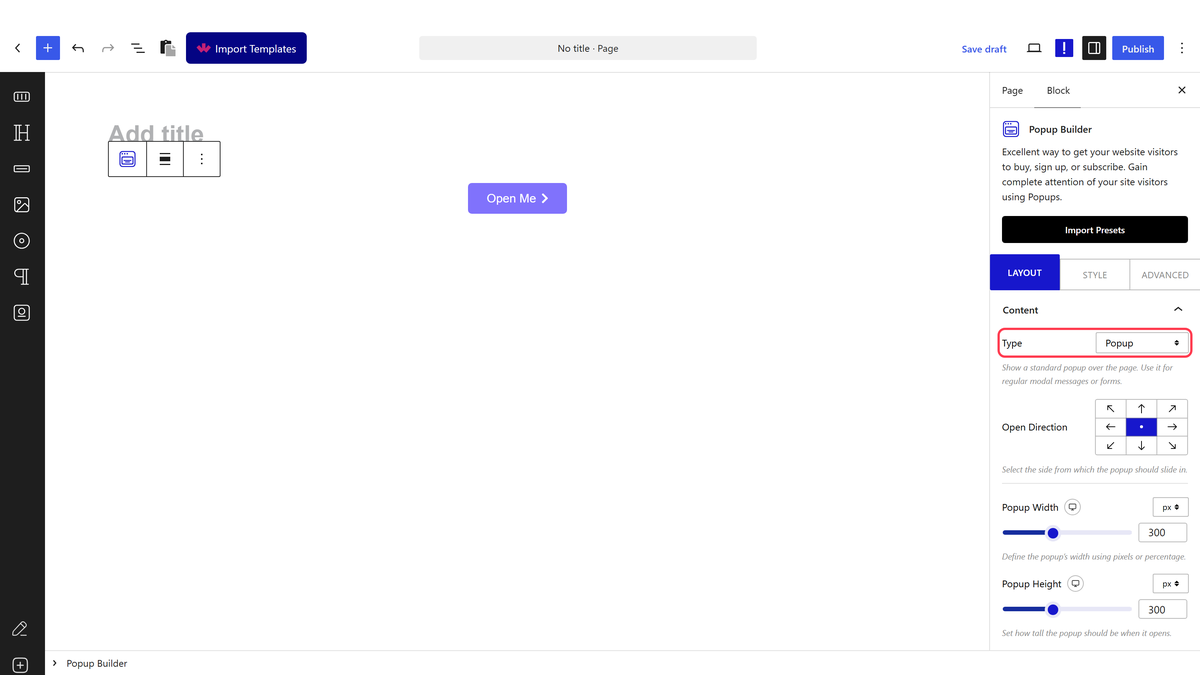
- In the Content panel, choose a Type and set the popup’s size.
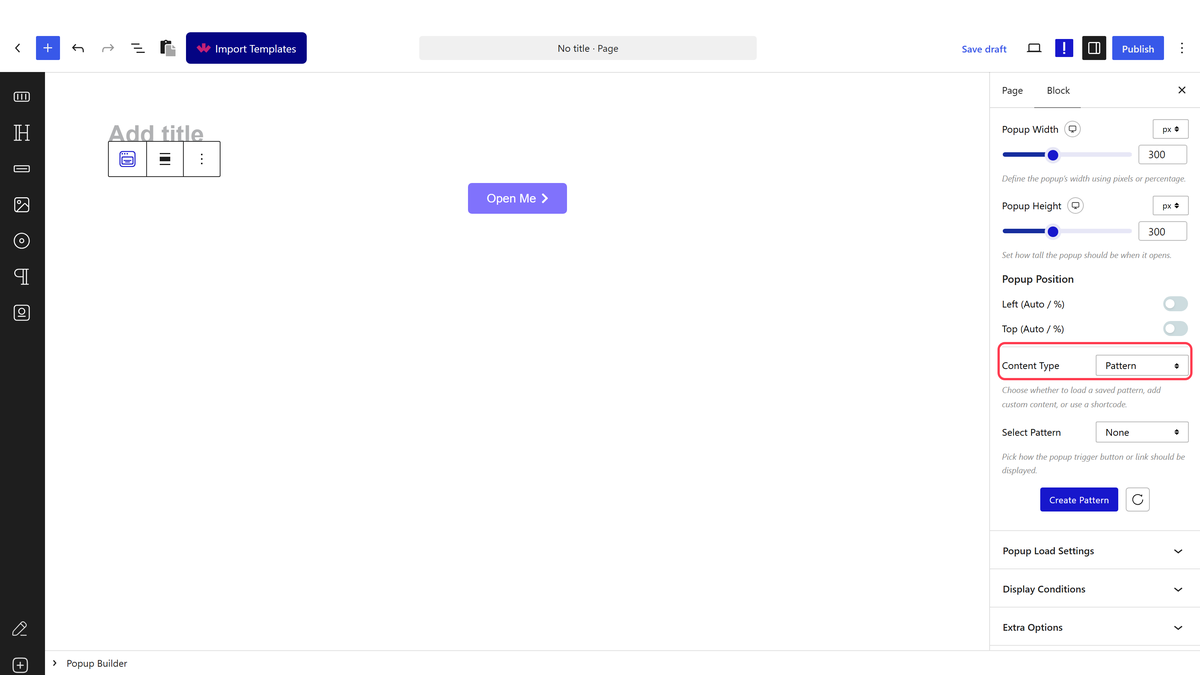
- Set Content Type and add what the popup should show.
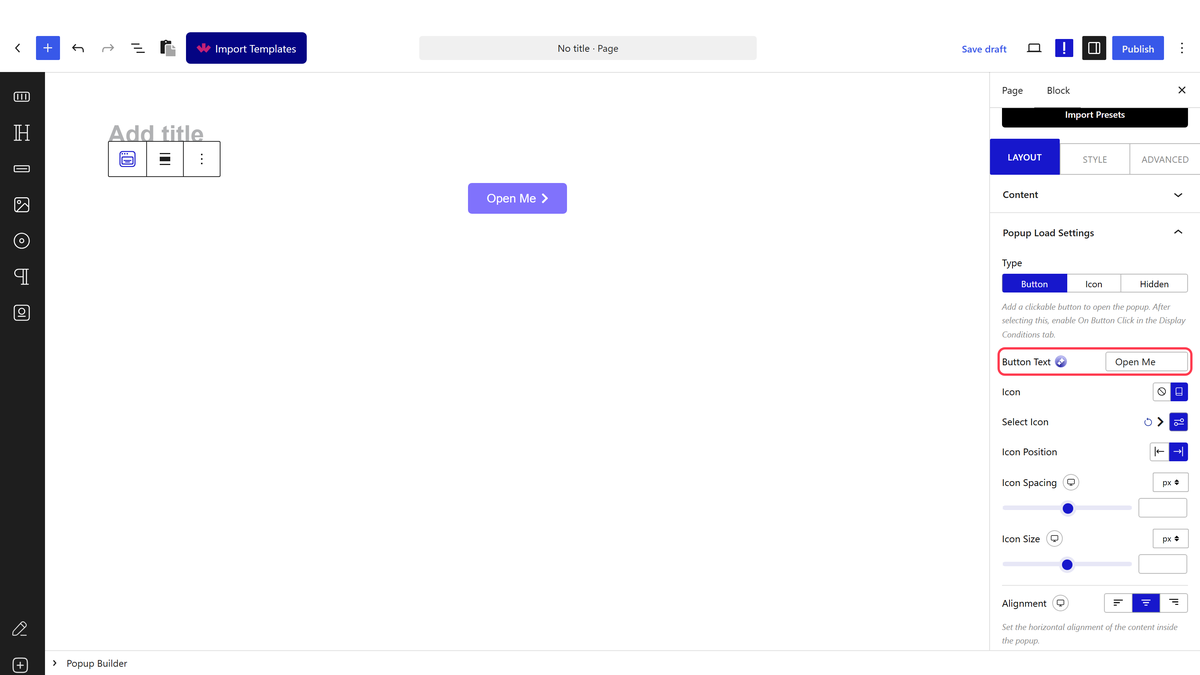
- In Popup Load Settings, set the Button Text and icon for the toggle button, if you are using one.
- Open Display Conditions and switch on the conditions that should open the popup.
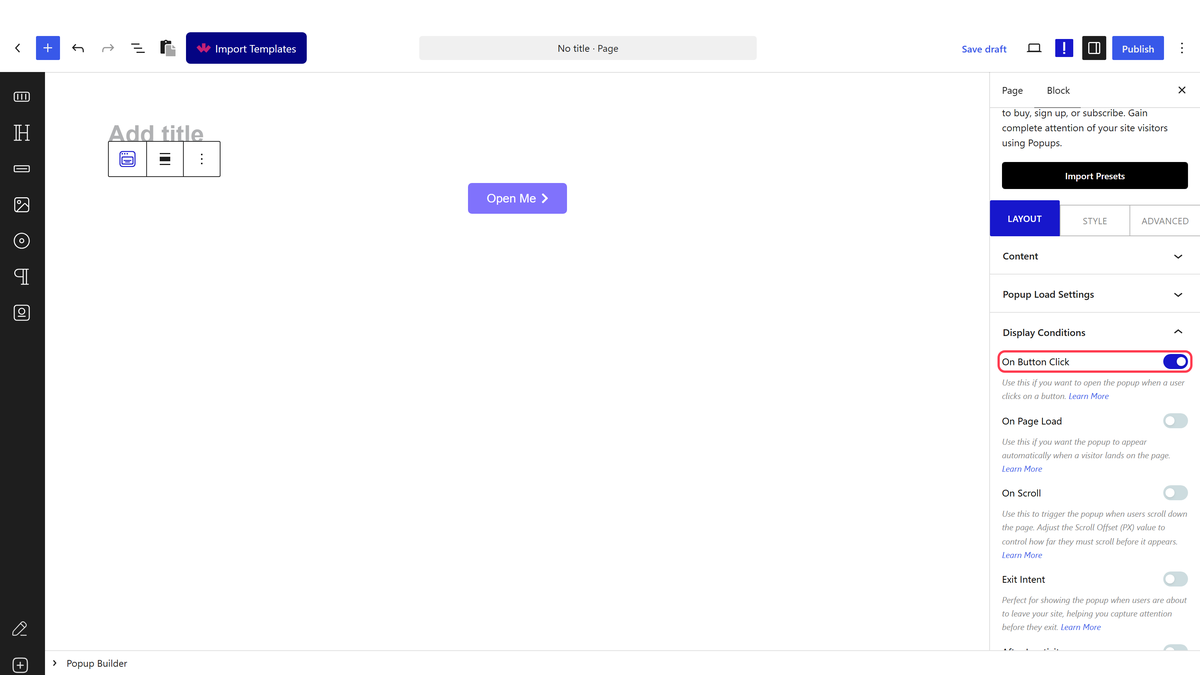
- Publish the page and check the popup on the front end.
The Five Popup Types
| Type | What it does |
|---|---|
| Popup | A standard modal over the page |
| Slide | A panel that slides in from the side you choose |
| Push Content | A panel that pushes the page across instead of covering it |
| Slide Along Content | A panel that slides in alongside the page content |
| Corner Box | A small box anchored in a corner |
The Eleven Display Conditions
| Condition | When the popup opens |
|---|---|
| On Button Click | The visitor clicks the block’s own toggle button |
| On Page Load | As soon as the page loads, after the delay you set |
| On Scroll | Once the visitor scrolls past the offset you set |
| Exit Intent | When the cursor moves as if leaving the page |
| After Inactivity | After a set number of seconds with no activity |
| After X Page Views | After the visitor has seen a number of pages |
| Arriving From Specific URL | Only for visitors who came from a page you name |
| On Any Other Element’s Click | When any element matching your selector is clicked |
| Based on URL Parameter | Only when the address carries a parameter you name |
| Show For Specific Time | Only between the dates you set |
| Show X Times per User | Limits how often the same visitor sees it |
A popup can have more than one display condition switched on at once. Leave On Button Click on only if you also want the button to open it.
What Each Panel Controls
| Panel | What you set there |
|---|---|
| Content | Type, size, position, and where the popup’s content comes from |
| Popup Load Settings | The toggle button: its text, icon, spacing and alignment |
| Display Conditions | The eleven switches that decide when the popup opens |
| Extra Options | The open animation, and whether Esc or a click outside closes it |
How It Behaves
- Most conditions are handled in the browser: the block writes them into the page and its script watches for the right moment.
- Two are different. Based on URL Parameter and Show For Specific Time are decided on the server, so when they do not match, the popup is not put on the page at all.
- By default a popup closes when the visitor presses Esc or clicks outside it — both verified, and both can be switched off.
- Several conditions can be on together, and any one of them opens the popup.
Limitations
- Pro only.
- Because two conditions are decided on the server, testing them means loading the real published address — the block is simply absent otherwise, which looks like a fault but is not.
- A popup is content on your page, so an aggressive one hurts the visit more than it helps.
- Conditions are per block. Two popups on a page each need their own settings.
Troubleshooting
The popup never appears
Check Display Conditions: if every switch is off, nothing can open it. If you are using Based on URL Parameter or Show For Specific Time, the block only renders when the condition matches.
It opens immediately when I did not want it to
On Page Load is probably still on. Switch it off and leave only the condition you want.
The block is missing from the inserter
Switch Popup Builder on under Nexter > Blocks in your dashboard.