










Most crowded pages are not short of content but short of breathing room, and padding on every block is a tedious way to get it.
The Spacer block does one thing: it adds a measured gap, and it can be a different size on desktop, tablet and phone.
Before You Start
- Edition: Free — works in Nexter Blocks (free) and with Nexter Blocks Pro.
- Block to enable: Spacer, switched on under Nexter > Blocks in your WordPress dashboard.
Video Tutorial
Steps
- Add the Spacer block between the two blocks you want to separate.
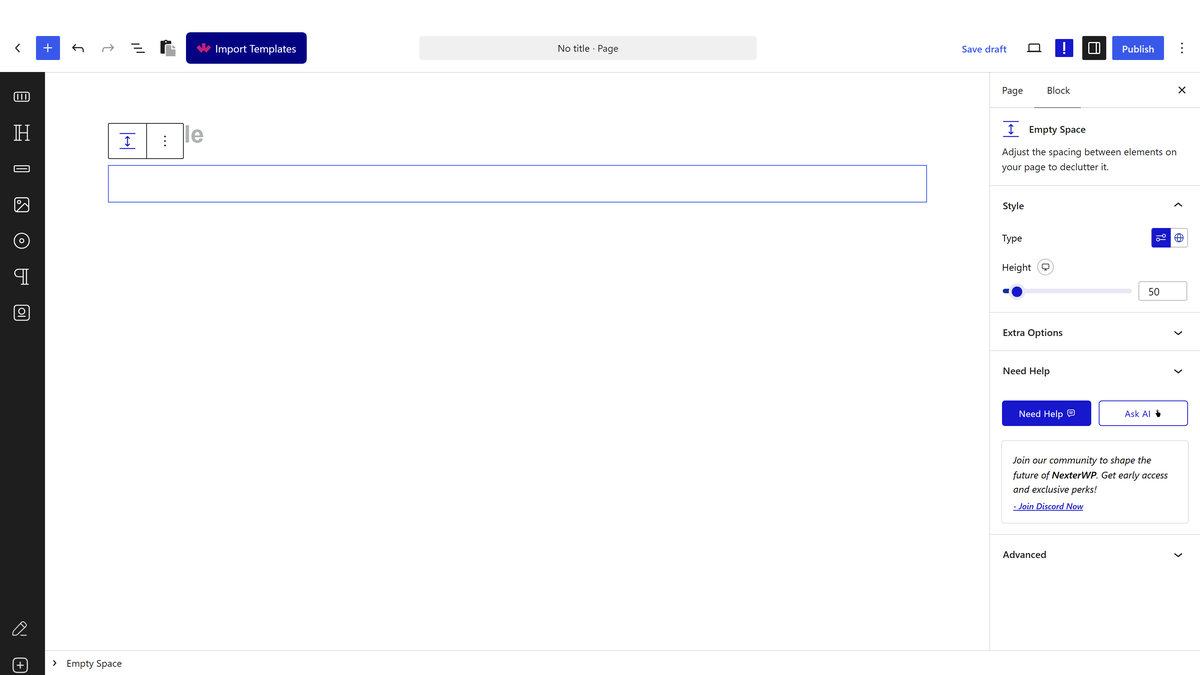
- Set the height in pixels.
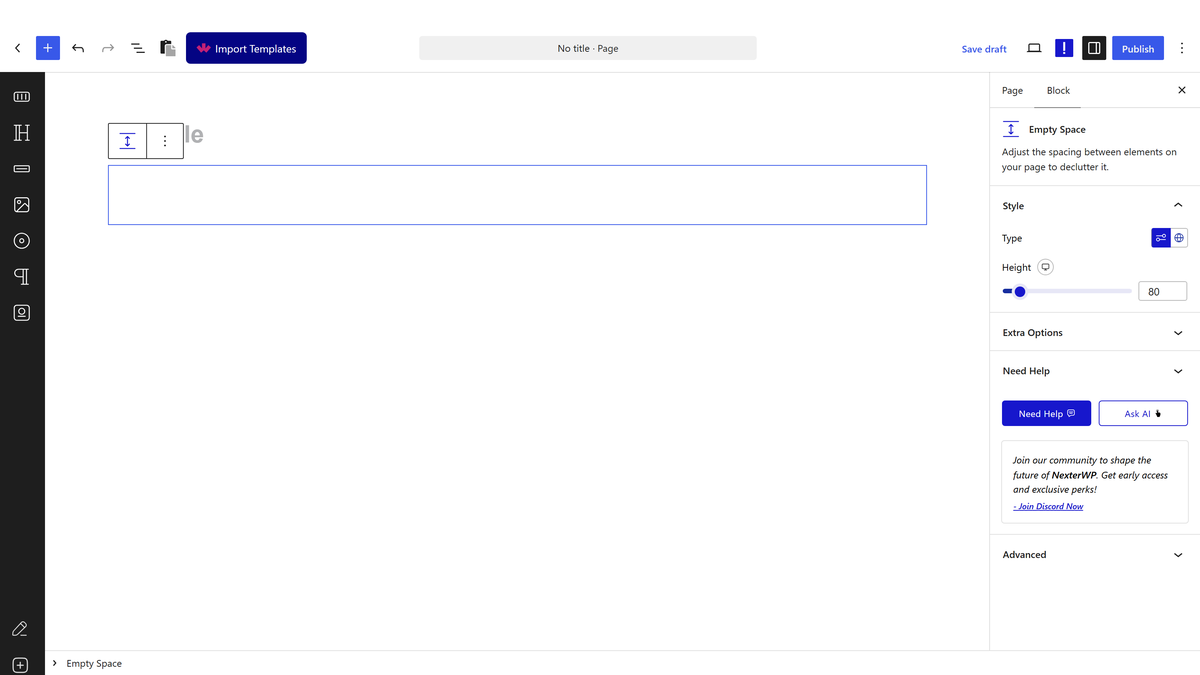
- Switch to the tablet and mobile views and set a smaller height for each if you need one.
- Publish and check the spacing at each screen width.

How It Behaves
The Spacer renders an empty element whose only property is height. It holds no content and shows nothing.
- The height is exactly what you set. Measured on published pages: the default rendered 50 pixels tall, 200 rendered 200, and 100 rendered 100.
- It renders nothing visible — measured, no text and no child elements. It is space and nothing else.
- Height is per device, so a gap that suits a wide screen can be reduced on a phone instead of pushing content off the first screenful.
- Measured with Nexter Blocks Pro deactivated: this block renders identically. It is a free block.
Limitations
- It is not a layout tool. For consistent rhythm across a site, block margins or container padding are easier to maintain than spacers scattered through the content.
- A spacer is invisible in the published page but still an element — a long run of them is hard to reason about later.
- It adds vertical space only; to indent content horizontally use padding or a container.
- Screen readers skip it entirely, which is correct — but it means a spacer can never separate content meaningfully, only visually.
Troubleshooting
The gap is bigger than the height I set
The blocks either side have their own margins, which add to the spacer. Reduce the spacer, or remove the margin on the neighbouring block.
The spacing is fine on desktop but huge on a phone
Set a smaller height for the mobile view — the height is stored per device.
I cannot select the spacer in the editor
It has no content, so click it in the List View, or use the block breadcrumb at the bottom of the editor.
Nothing appears where I added it
That is expected — it renders empty. Measured: a spacer has no text and no children. Increase the height if you cannot see the gap.
