










A coupon card built from plain text fields can only look so much like the rest of your brand.
Either side of a card can be a saved pattern instead, so the front can carry a logo and the back a full designed layout.
For every Coupon Code setting in one place, see the Coupon Code block guide.
Before You Start
- Edition: Pro — the Coupon Code block is part of Nexter Blocks Pro.
- Block to enable: Coupon Code, switched on under Nexter > Blocks in your WordPress dashboard.
- The code itself, and the page you want people sent to.
- A saved pattern for whichever side you want to design.
Steps
- Add the Coupon Code block and click Design from Scratch.
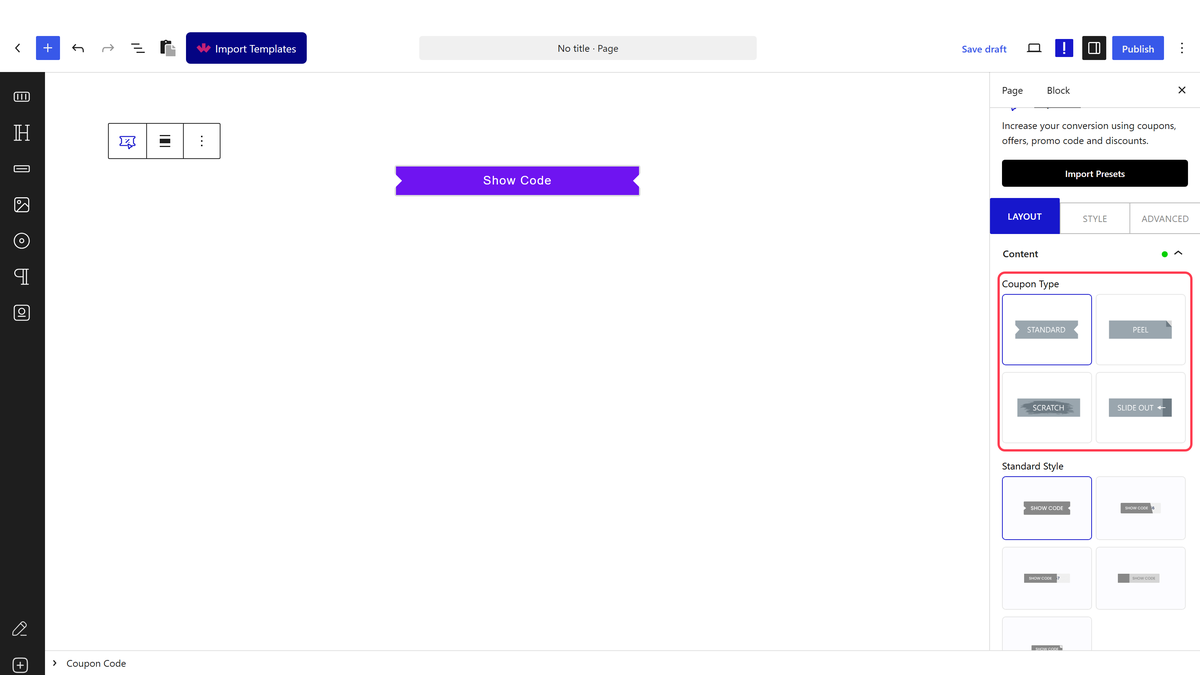
- Set Coupon Type to Peel.
- Set the front or back Content Type to Pattern.
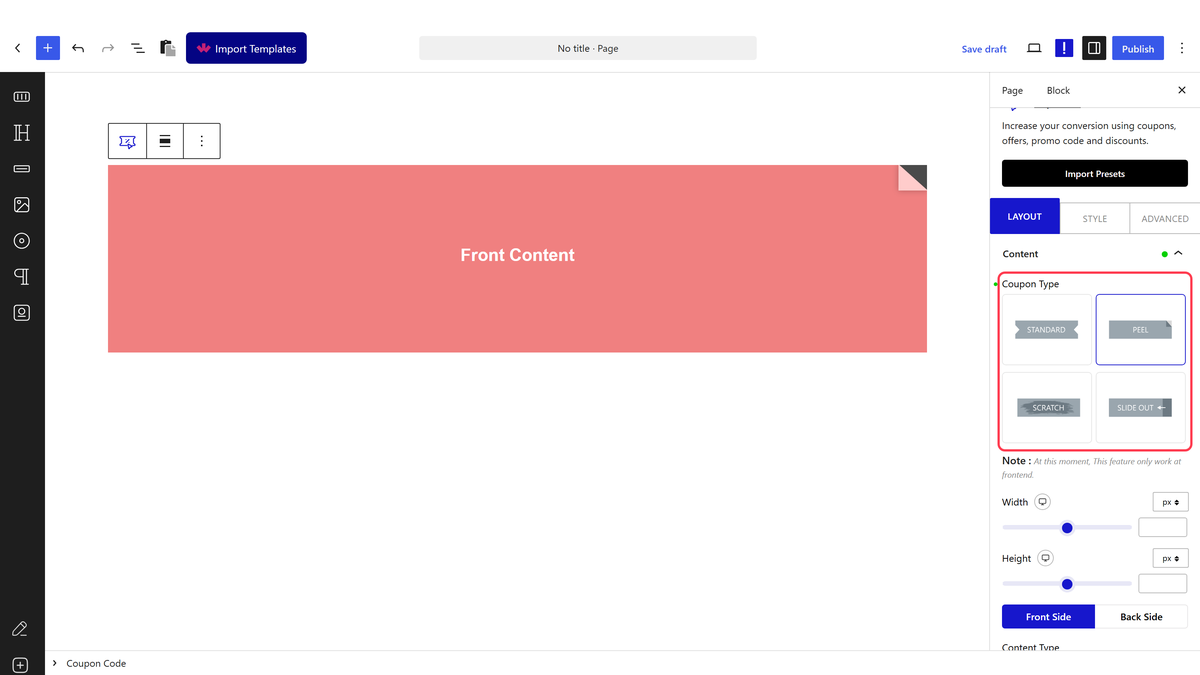
- Choose your saved pattern.
- Publish and check it at the card’s real size.
How It Behaves
- The pattern really renders inside the card. Measured on a peel card: the front side showed the chosen pattern’s own content and its links.
- Front and back are set separately, so you can design one side and leave the other as plain text.
- Editing the pattern updates every card that uses it.
- Backend Visibility previews the pattern in the editor; it is off by default because it makes editing heavier.
Limitations
- Pro only.
- A pattern built for full width will not fit a small card. Build it for the space it will occupy.
- Editing the pattern changes it everywhere it is used.
- The card stays a fixed shape, so a tall pattern is clipped rather than expanding it.
Troubleshooting
The pattern does not show in the editor
Switch Backend Visibility on. It is off by default.
The pattern is clipped
It is taller or wider than the card. Rebuild it at the card’s size, or make the card bigger in the Style tab.
I see plain text instead of my pattern
The Content Type for that side is still on the default. Set it to Pattern.
