










Some answers are not text. A setup question is quicker to answer with a screenshot, and a how-does-it-look question is quicker to answer with a video.
An accordion item takes ordinary Gutenberg blocks, so a gallery or a video can sit inside one exactly as it would anywhere else on the page.
Before You Start
- Edition: Free — works in Nexter Blocks (free) and with Nexter Blocks Pro.
- Block to enable: Accordion, switched on under Nexter > Blocks in your WordPress dashboard.
- An Accordion block with at least one item — see the main Accordion guide.
Preview
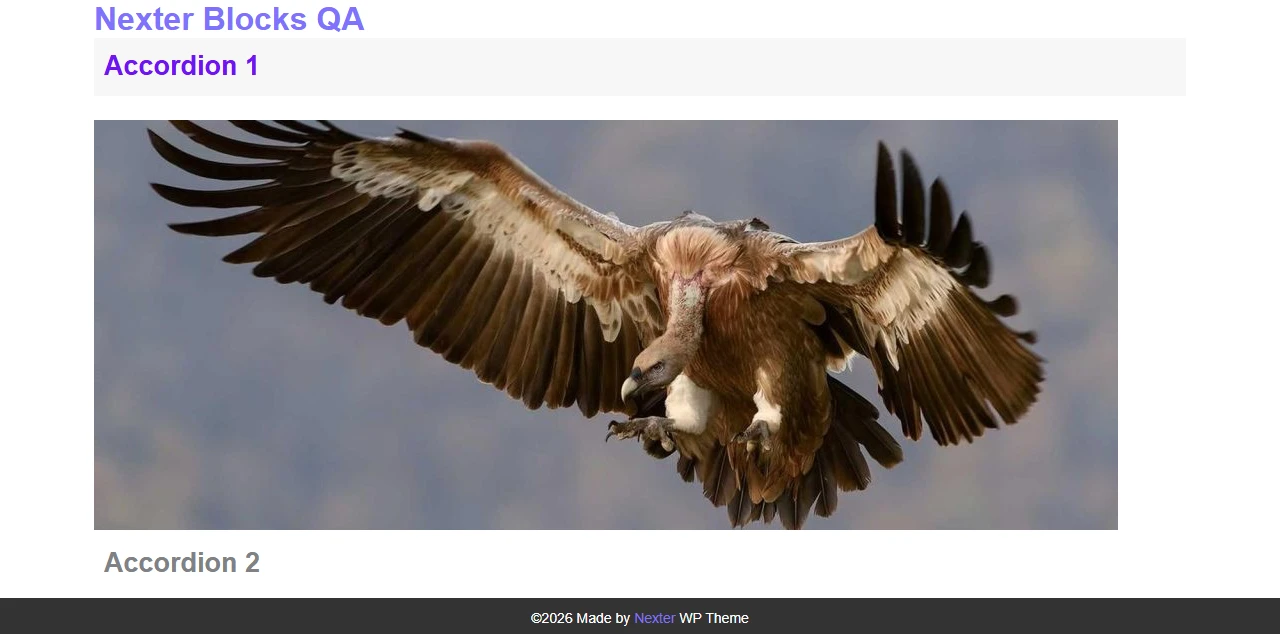
Steps
- Select the accordion item whose content you want to replace.
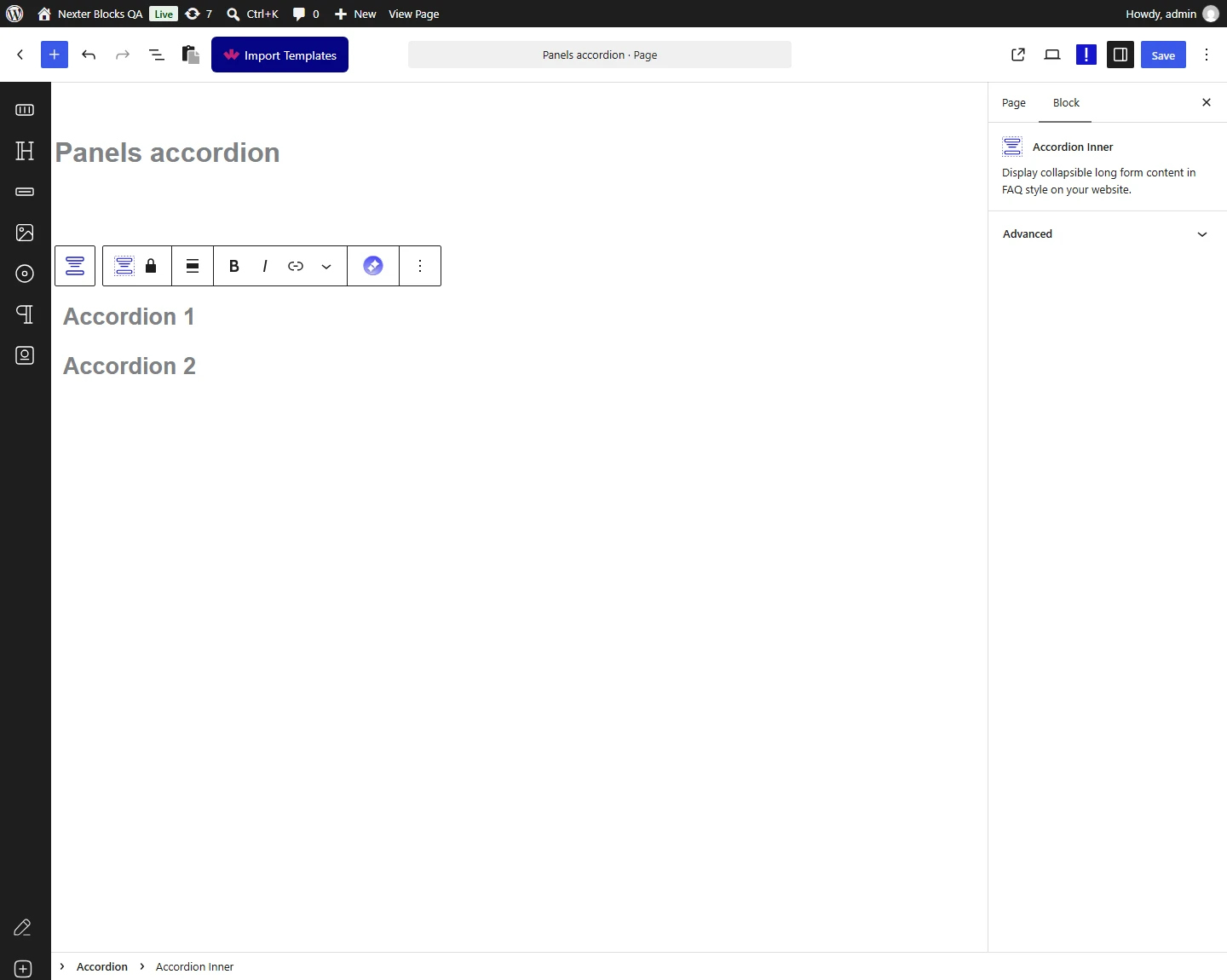
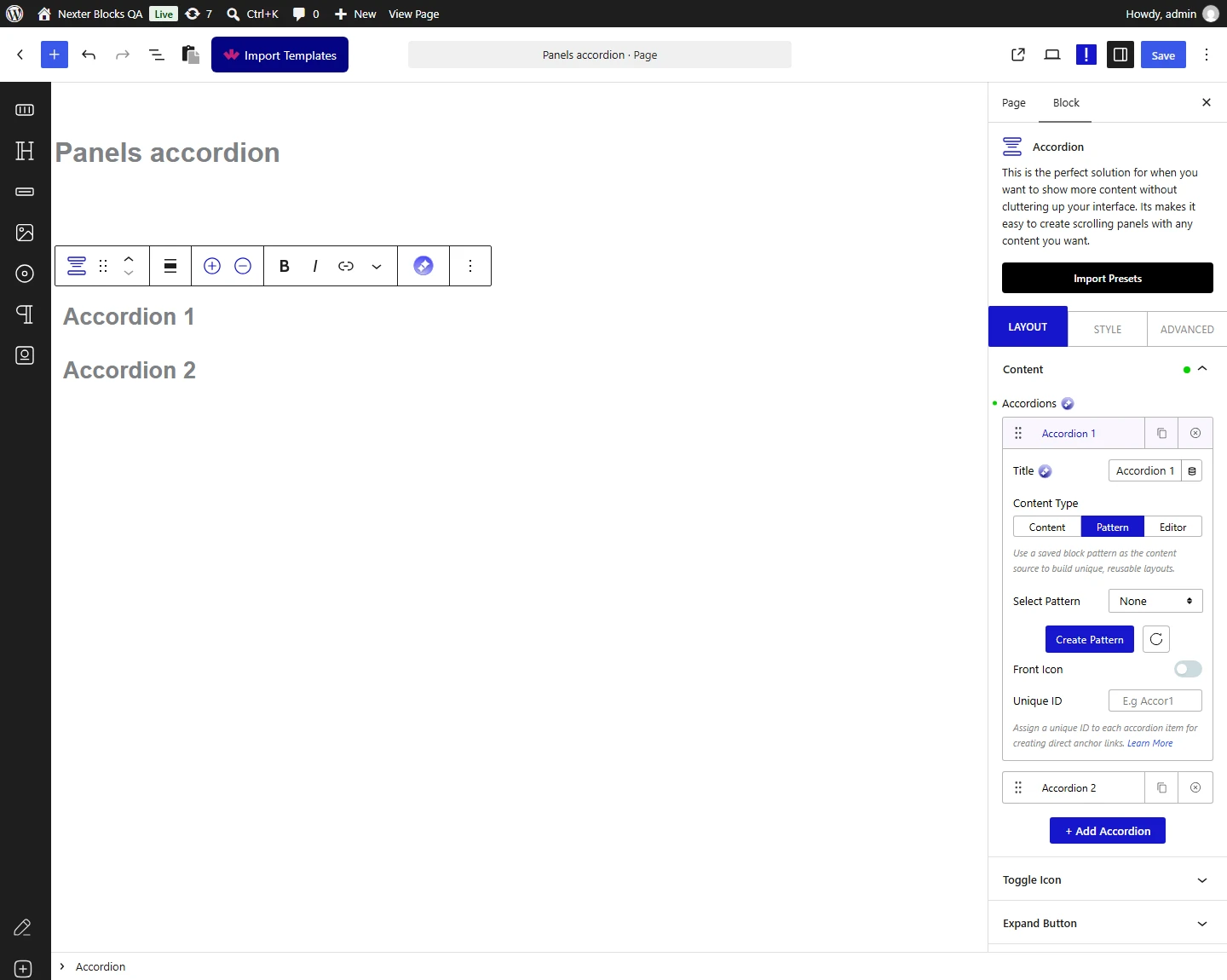
- Switch that item’s content to hold blocks rather than plain text.
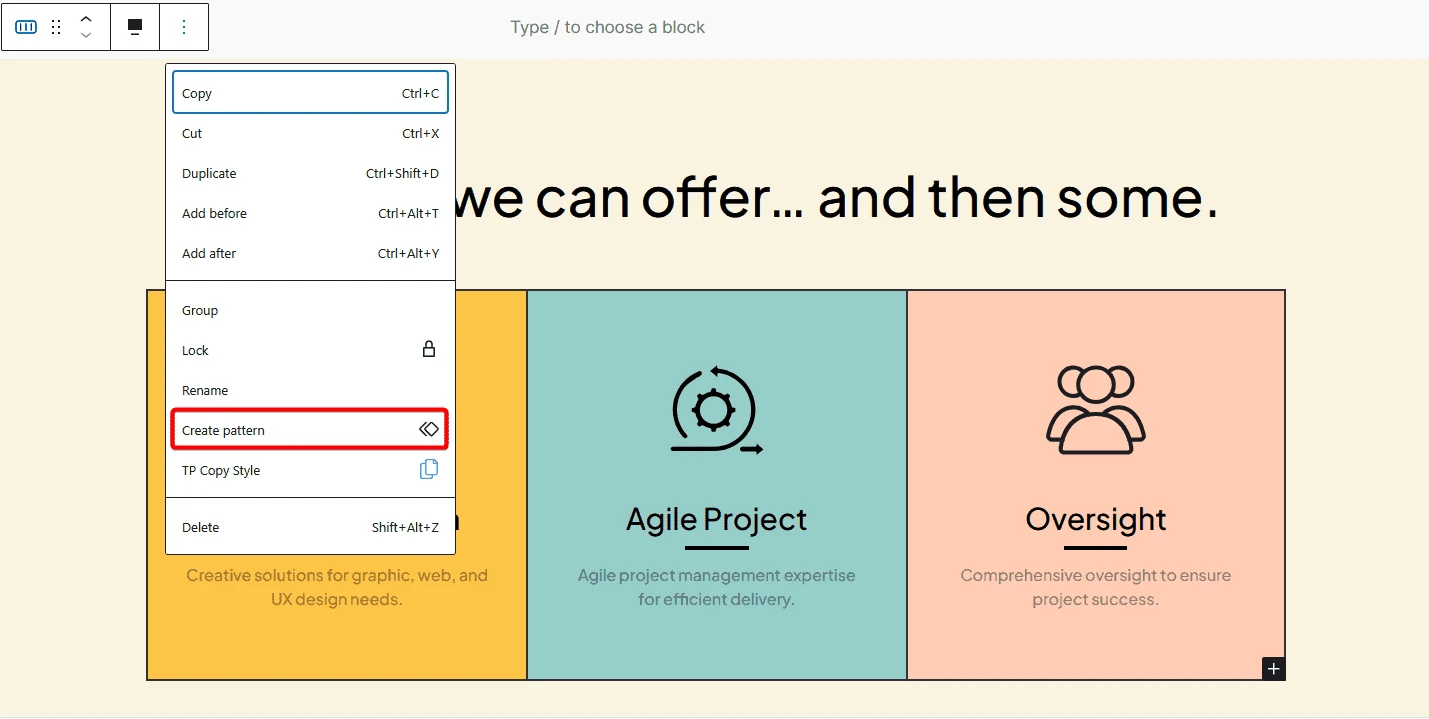
- Add whatever you need inside it — a Gallery, a Video, an embed, or several together.
- Publish and open the item on the real page.
How It Behaves
The item becomes an ordinary container, so the blocks inside it behave the way they do anywhere else.
- Any block can go in — galleries, videos, embeds, buttons, columns, or another Nexter block.
- Closed does not mean absent. The content is in the page from the start and is hidden with CSS, so images and embeds inside a closed item still load with the page.
- That is the main cost to watch. Ten items each holding a gallery is ten galleries loading whether or not anybody opens them.
- Media inherits the item’s width, so a wide gallery is constrained by the accordion rather than the page.
- Measured with Nexter Blocks Pro deactivated: the accordion still renders, with its items and toggle icon intact. It is a free block.
Limitations
- Weight adds up quickly. Prefer a few well-chosen images per item over a full gallery in every one.
- Self-hosted video is the heaviest option. An embed from YouTube or Vimeo usually loads less up front.
- Layout inside a narrow item is tighter than the page. Check a multi-column gallery on a phone before publishing.
- Opening an item moves everything below it. With tall media inside, that is a long jump for the reader.
Troubleshooting
I cannot add blocks inside the item
The item is still set to plain text content. Switch it to hold blocks first, then the inserter appears inside it.
The page is slow
Everything inside every item loads with the page, open or not. Reduce the amount of media, or move the heaviest items out of the accordion.
My video is cut off at the sides
The item is narrower than the page. Reduce the item padding, or let the container run wider — see the Container block guide.
The gallery looks wrong on mobile
Set the gallery to fewer columns at small sizes. It is constrained by the accordion, so it has less room than the same gallery on the page.
