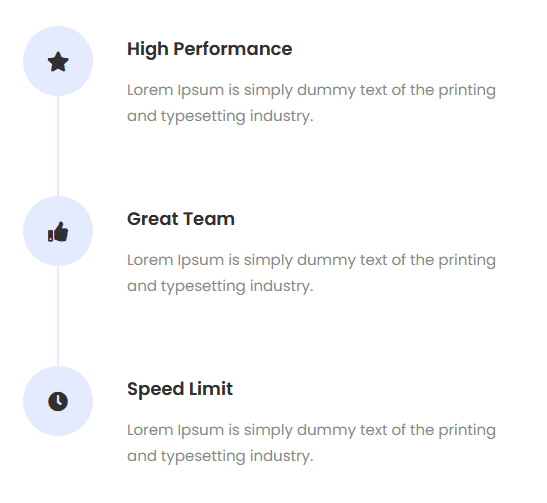








Do you want to create vertical process steps in WordPress? With the Process Steps block from Nexter Blocks, you can easily create vertical process steps in WordPress.
To check the complete feature overview documentation of the Nexter Blocks Process Steps block, click here.
Requirement – This block is a part of the Nexter Blocks, make sure it’s installed & activated to enjoy all its powers.
To do this, add the Process Steps block to the page and follow the steps –
1. Select Vertical from the Style section.
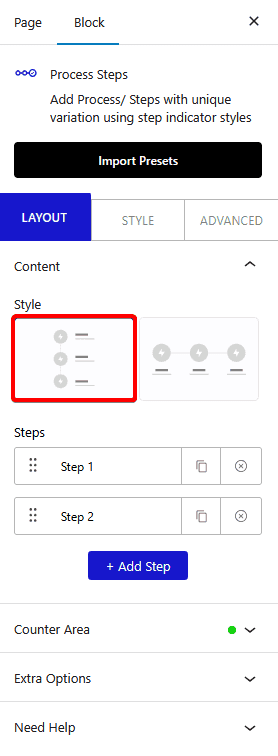
2. Then from the Steps section, you have to add the required process steps and content.
Now you’ll see vertical process steps.