Most card blocks hand you a shape and ask you to live in it. This one hands you the tags.
The Hover Card block is a small HTML builder: you add rows, each row opens a tag, holds some content or closes a tag, and the block renders them in order. Then any row can restyle itself when a visitor hovers a parent you name.
Before You Start
- Edition: Free — the Hover Card block works in Nexter Blocks (free) and in Nexter Blocks Pro.
- Block to enable: Hover Card, switched on under Nexter > Blocks in your WordPress dashboard.
- A little HTML. This block builds markup out of the rows you add, so it helps to know what a tag is and which tag wraps which.
Steps
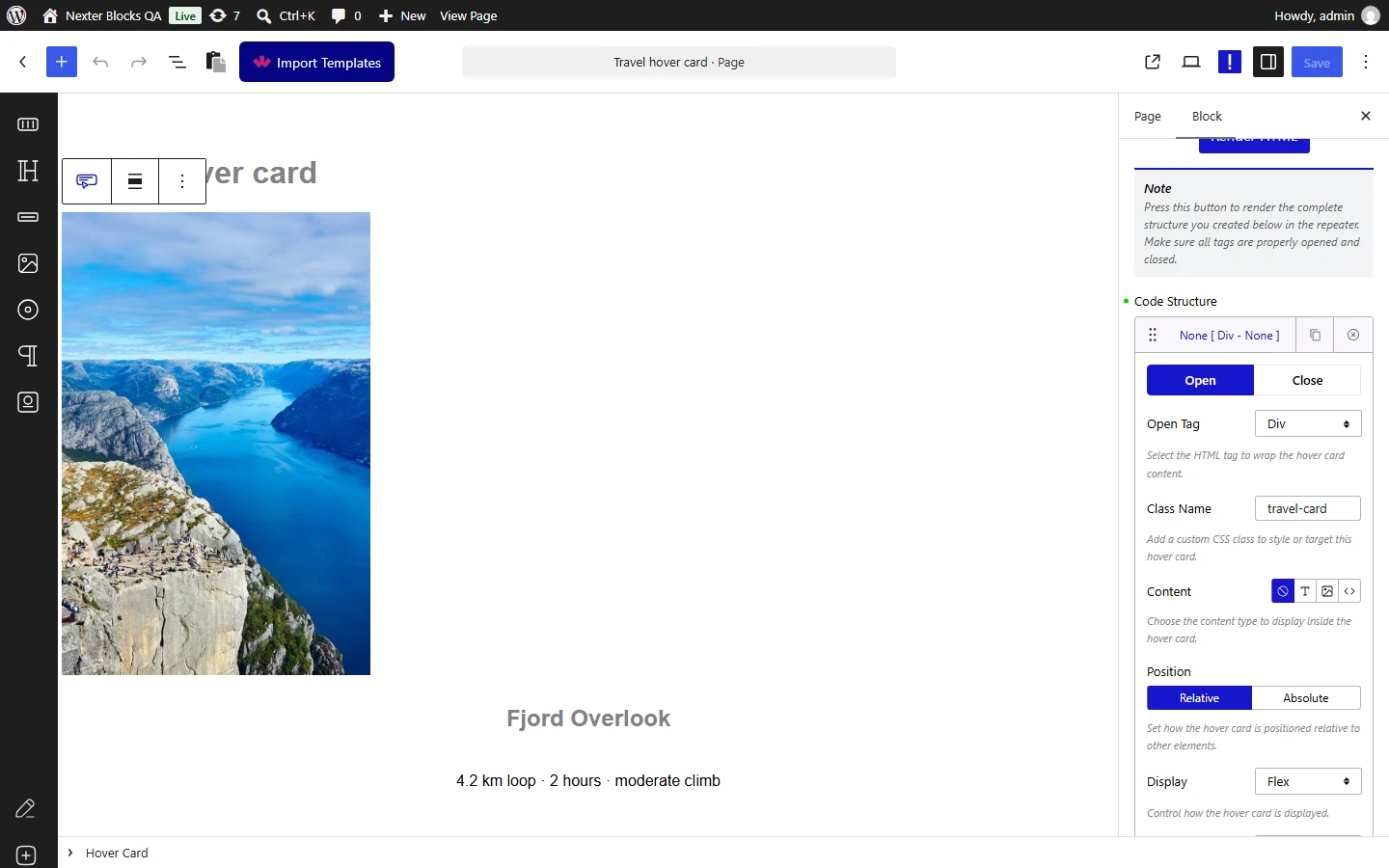
- Add the Hover Card block to your page.
- Open the row already waiting under Code Structure, or press + Add Structure for another one.
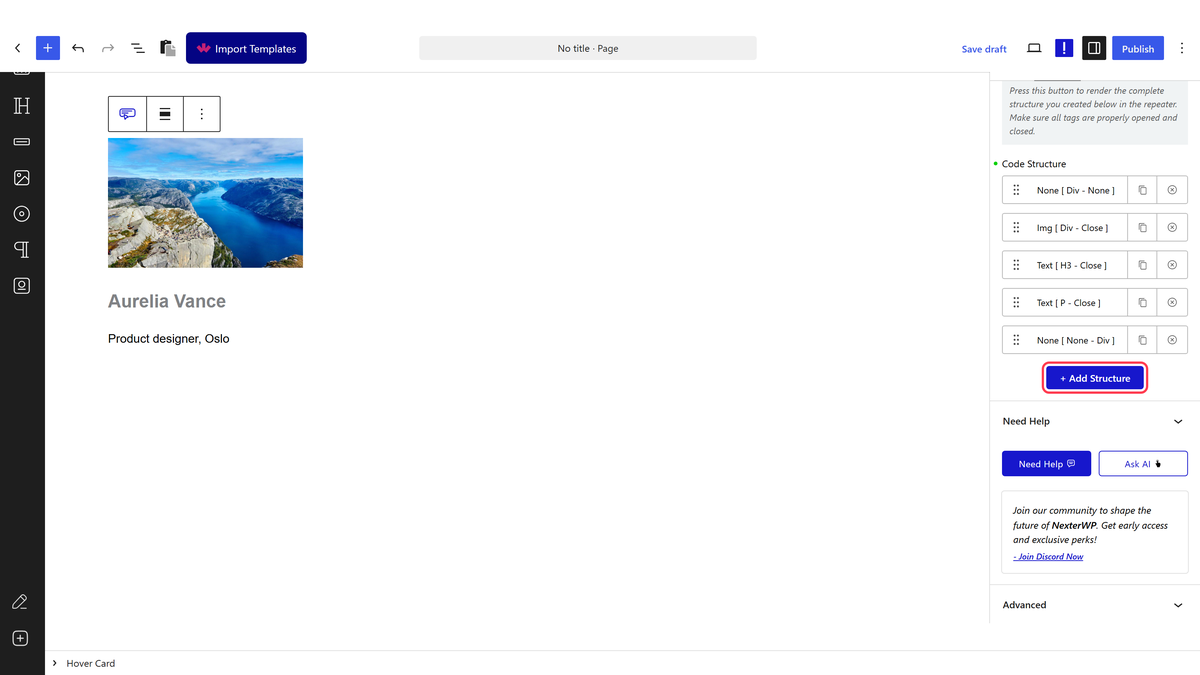
- Choose the wrapper in Open Tag, and close it in Close Tag.
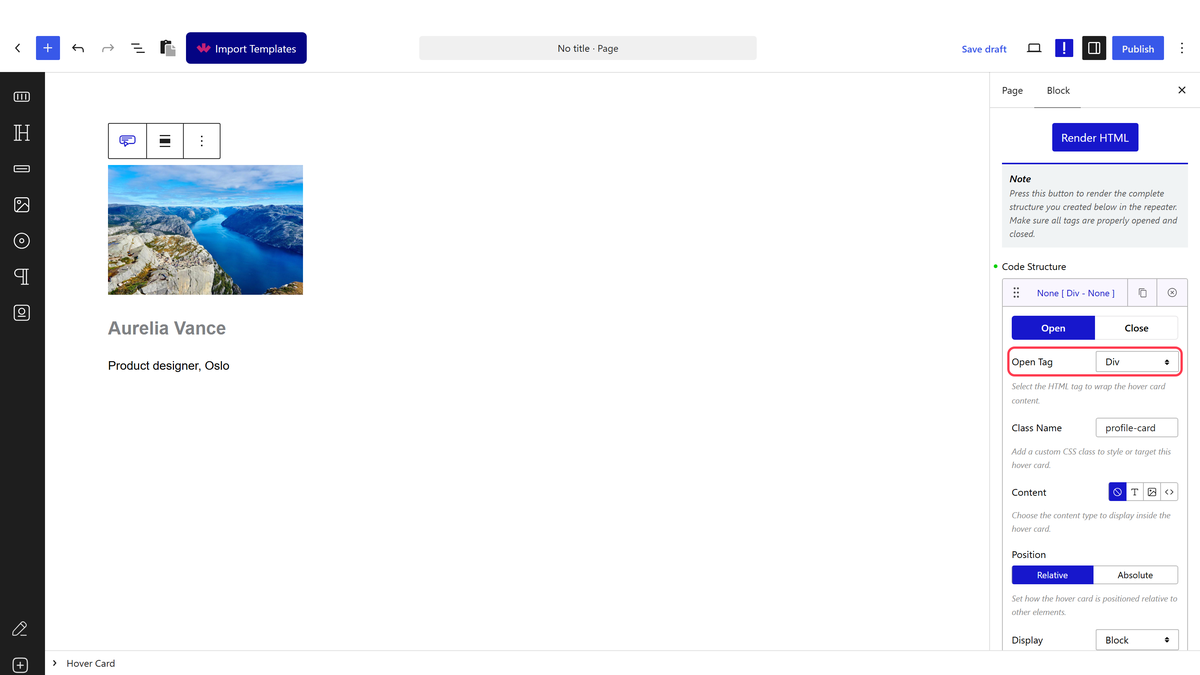
- Pick what goes inside in Content — nothing, text, an image or HTML.
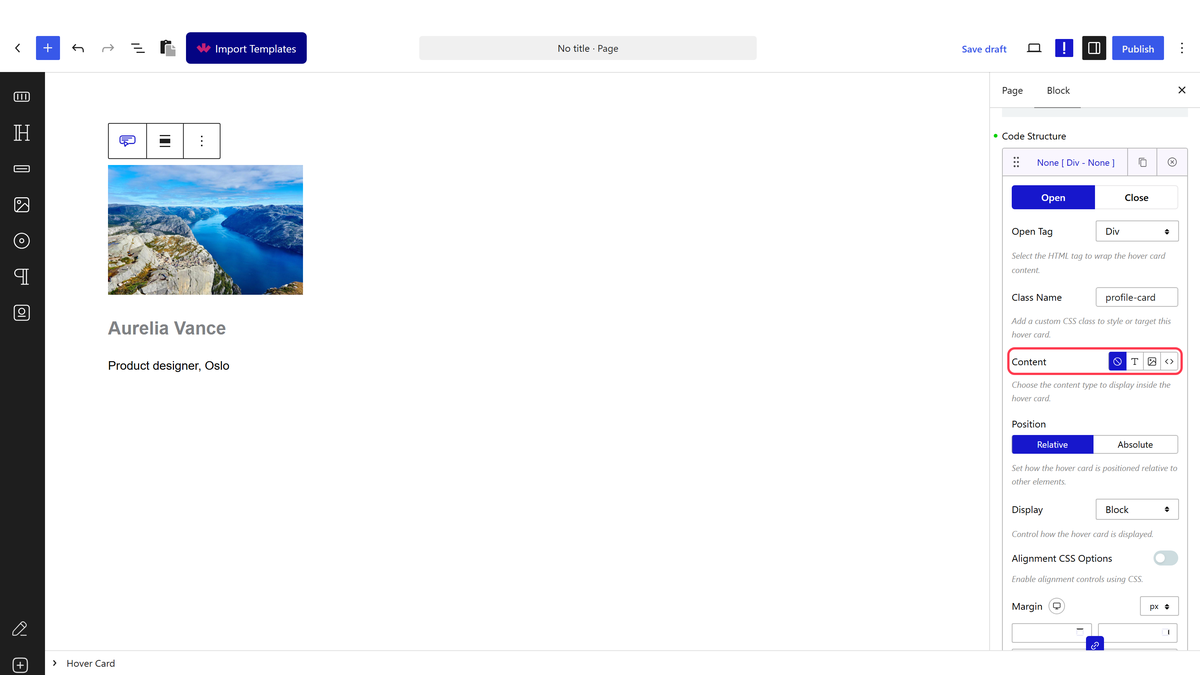
- Add more rows for the rest of your card, in the order the markup should appear.
- Press Render HTML to draw the structure, then publish.
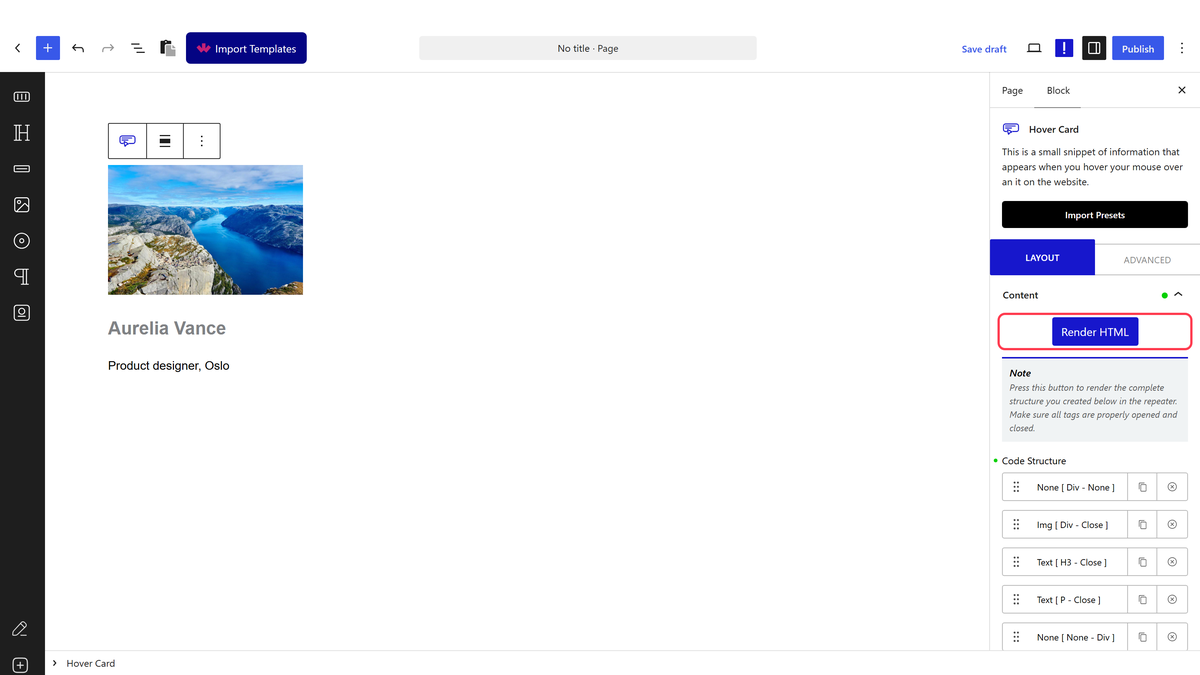
Nothing appears until you press Render HTML. The block does not redraw as you type — the button above the repeater rebuilds the structure, and the block’s own note says to check every tag is opened and closed first.
What Each Row Can Hold
| Content | What renders | Guide |
|---|---|---|
| Text | Plain text inside the row’s tag | Text content |
| Image | An image from your Media Library, at full size | Image content |
| HTML | Your own markup, filtered | HTML content |
| None | Just the tag — how you open and close wrappers | Nesting elements |
The Rest of a Row
| Setting | What it does | Guide |
|---|---|---|
| Open Tag / Close Tag | The markup this row emits | Nesting elements |
| Class Name | A class on this row, for your own CSS | Custom layout |
| Position, size, spacing | Per-row layout, including absolute pinning | Custom layout |
| Custom Hover | Restyle this row when a parent is hovered | Custom hover class |
How It Behaves
- The rows are the markup. They are concatenated in order, so a row that opens a
divand never closes it wraps everything after it — which is exactly how you nest. - Only 21 tags are accepted — div, h1 to h6, a, span, p, header, footer, article, aside, main, nav, section, tr, th and td. Anything else is silently turned into a
div, measured. - A link needs Open Tag set to A. Fill in a URL on a row whose tag is anything else and the URL is dropped without a warning — measured.
- Per-row styling really does reach the front end. A row set to 300 by 120 pixels with 20 pixels of padding and a 12-pixel radius measured exactly that on a published page.
- Custom Hover watches a parent, not the row itself. The class you type belongs to an element you hover; the styling lands on the row that carries the setting.
Limitations
- You are writing markup. There is no visual canvas to drag things around in — rows in, structure out.
- Nothing redraws by itself. Every change needs another press of Render HTML.
- Images come out at full size and carry the alt text Card Image unless you set alt text on the attachment — measured.
- HTML content is filtered, so scripts and anything else outside WordPress’s post rules will not survive.
- Unbalanced tags produce broken markup. The block does not check them for you.
Troubleshooting
The block is empty on the canvas
Press Render HTML. The block only draws when you ask it to.
My row came out as a div even though I chose another tag
The tag is not on the accepted list. Only 21 tags are accepted — div, h1 to h6, a, span, p, header, footer, article, aside, main, nav, section, tr, th and td. Anything else is silently turned into a div, measured.
My link does nothing
Set Open Tag to A on that row. With any other tag the URL is thrown away.
The card looks wrong after I added a row
Count your tags. Every Open Tag with Close Tag set to None needs a later row that closes it, or the rest of the page ends up inside it.
The block is missing from the inserter
Switch Hover Card on under Nexter > Blocks.