










A whole list of equal-looking items hides the one thing worth noticing.
Hint pins a small badge — New, Popular, Sale, whatever you type — onto a single row, without changing how the rest of the list looks.
For every Dynamic Device setting in one place, see the Icon List block guide.
Before You Start
- Edition: Free — the Stylish List block works in Nexter Blocks (free) and Nexter Blocks Pro.
- Block to enable: Stylish List, switched on under Nexter > Blocks in your WordPress dashboard.
Steps
- Add the Stylish List block and add a row for each item, with its own text and icon.
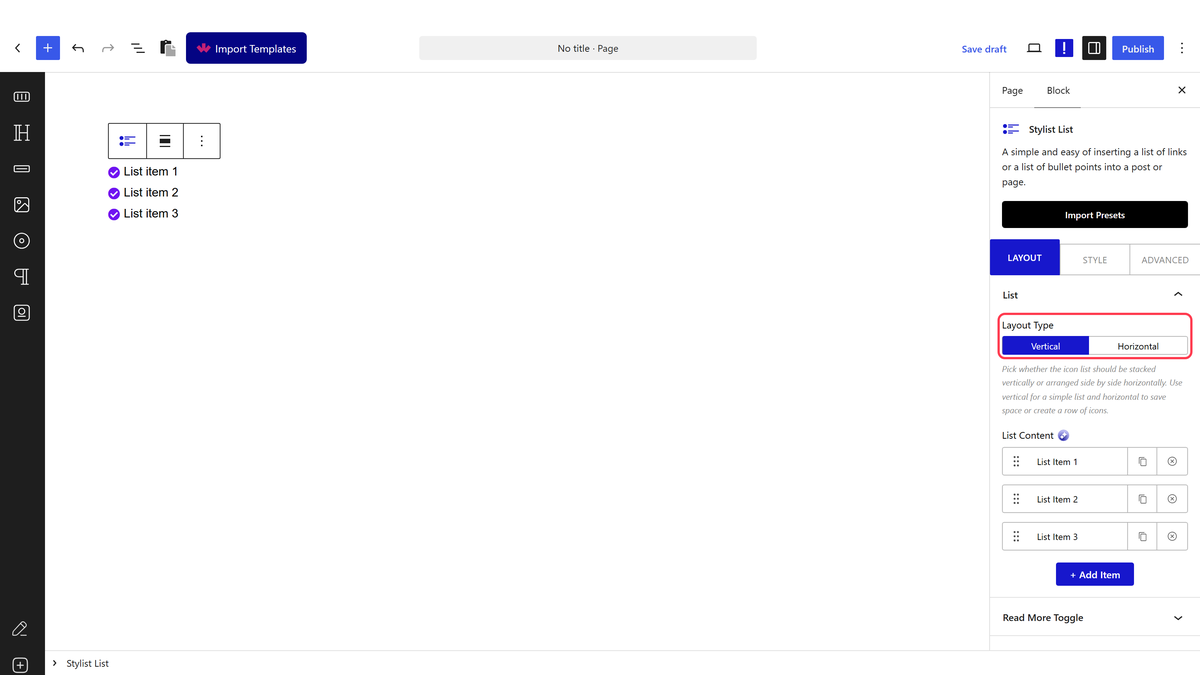
- Open the row you want to label and switch on Hint.
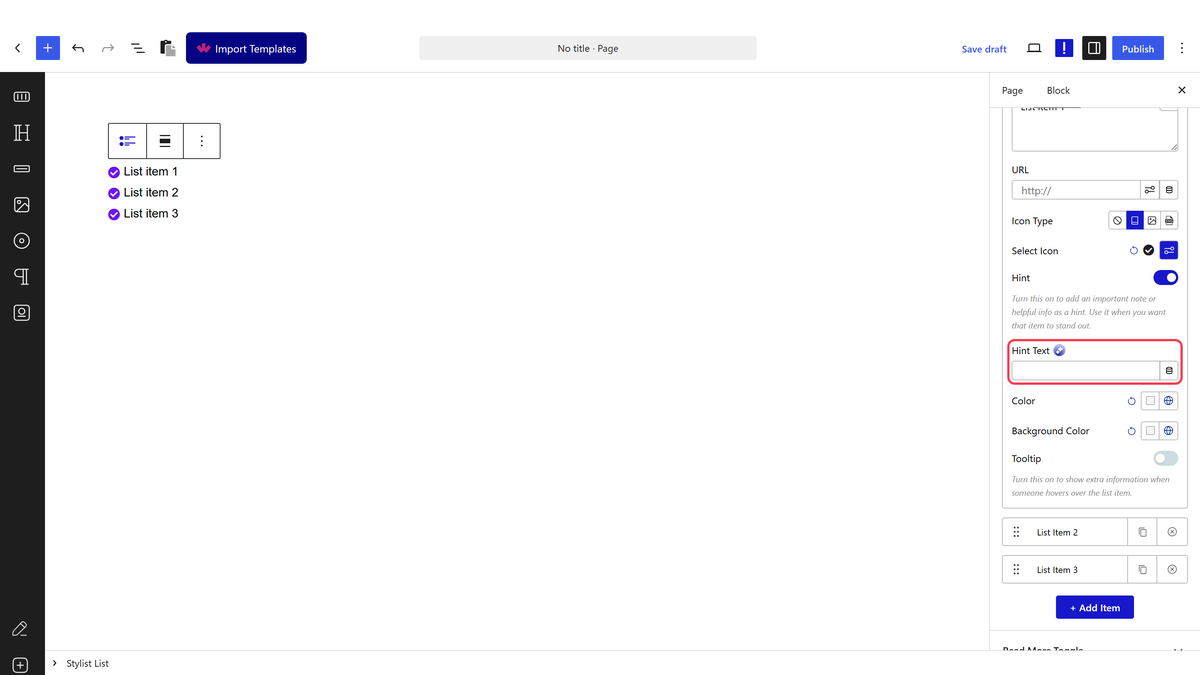
- Type the badge text into Hint Text.
- Set Color and Background Color for the badge, if the defaults don’t fit.
Hint Text alone does nothing. Measured: filling in Hint Text without switching on Hint for that row rendered no label at all. Switch Hint on first.
How It Behaves
- Hint Text alone does nothing. Measured: filling in Hint Text without switching on Hint for that row rendered no label at all. Switch Hint on first.
- The label is per row. Switch it on for one item and the rest of the list is unaffected.
- Position, spacing and size are all controlled from Style > Hint Text, separately from the badge’s own colours.
- The badge sits inline with that row’s text, not floating separately — it moves with the row if you reorder the list.
Limitations
- One hint per row — there is no way to stack two badges on the same item.
- Hint Text is plain text; it does not accept its own link separate from the row’s.
- Turning Hint on without typing anything into Hint Text also shows nothing — both are required.
Troubleshooting
Nothing shows up even though I typed a label
Check Hint is switched on for that specific row — measured, Hint Text alone does not render anything.
The badge is in the wrong place
Adjust the position settings under Style > Hint Text — horizontal and vertical adjustments sit there separately from the badge’s colours.
