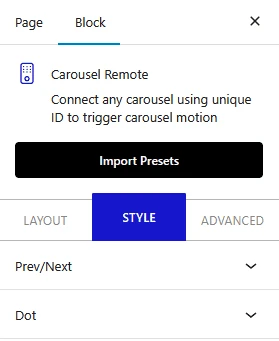
A carousel’s own arrows sit where the carousel puts them. Sometimes the design calls for them somewhere else entirely — beside a heading, under a column, at the other end of the section.
The Carousel Remote is that set of controls, placed wherever you like and connected to the carousel by a single shared ID.
Before You Start
- Edition: Pro — the Carousel Remote block needs Nexter Blocks Pro.
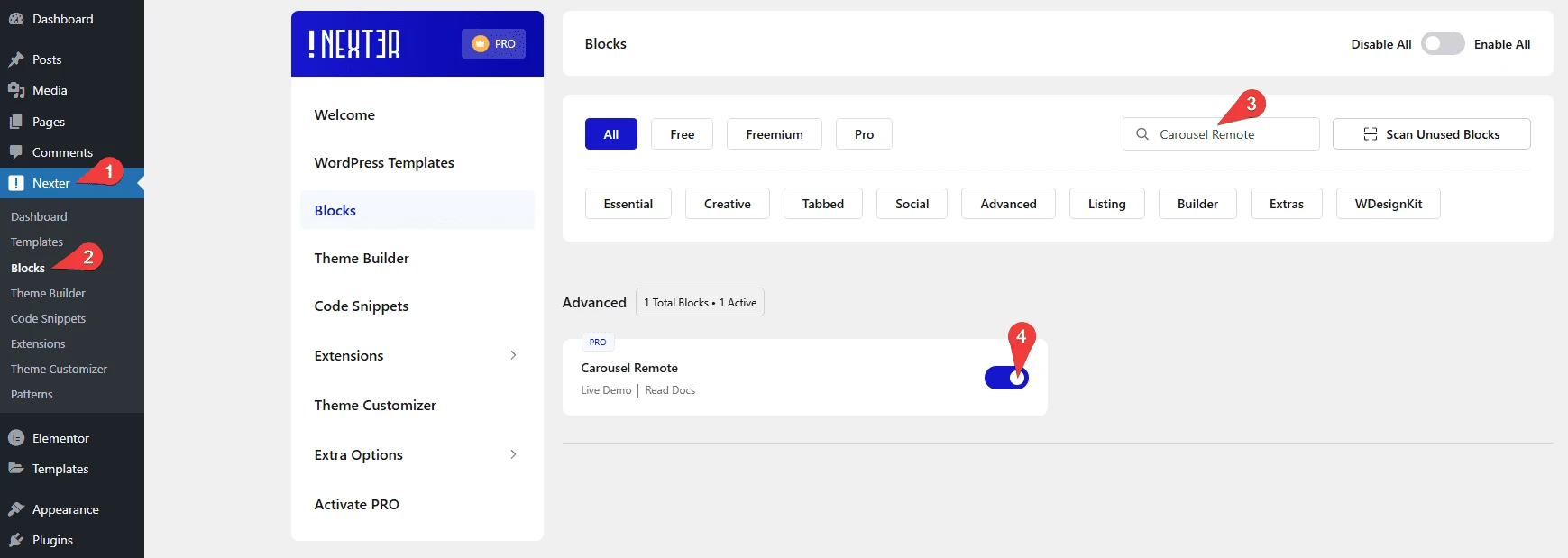
- Block to enable: Carousel Remote, switched on under Nexter > Blocks in your WordPress dashboard.
- A carousel, tab or switcher block already on the page to connect to.
Video Tutorial
Steps
- Add the Carousel Remote block where you want the controls to appear.
- Open the block that will be controlled and set its Carousel ID.

- Set the same Carousel ID on the Carousel Remote. This is the whole connection.
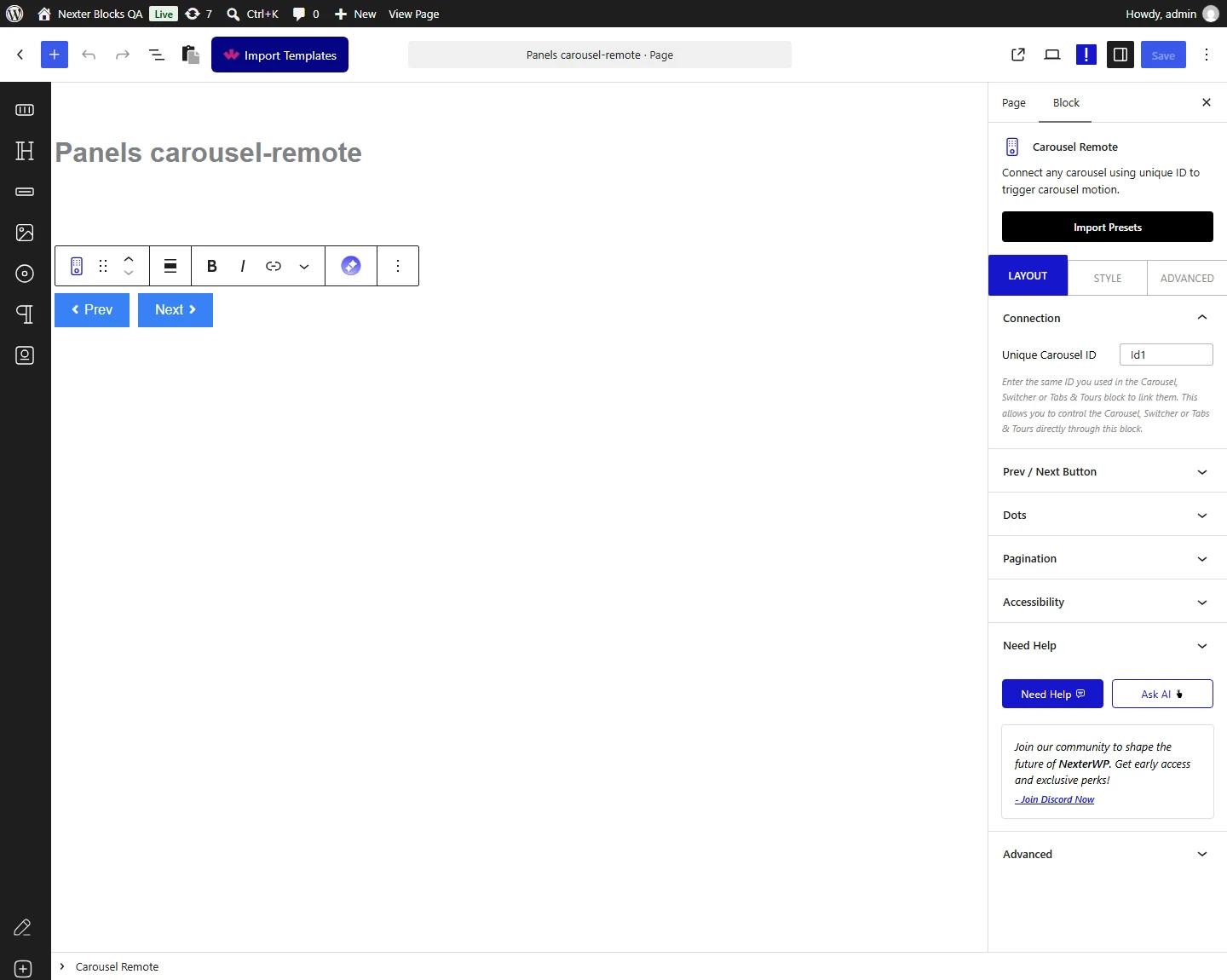
- Choose the Remote Type — Carousel, Tab or Switcher — to match the block you are driving.
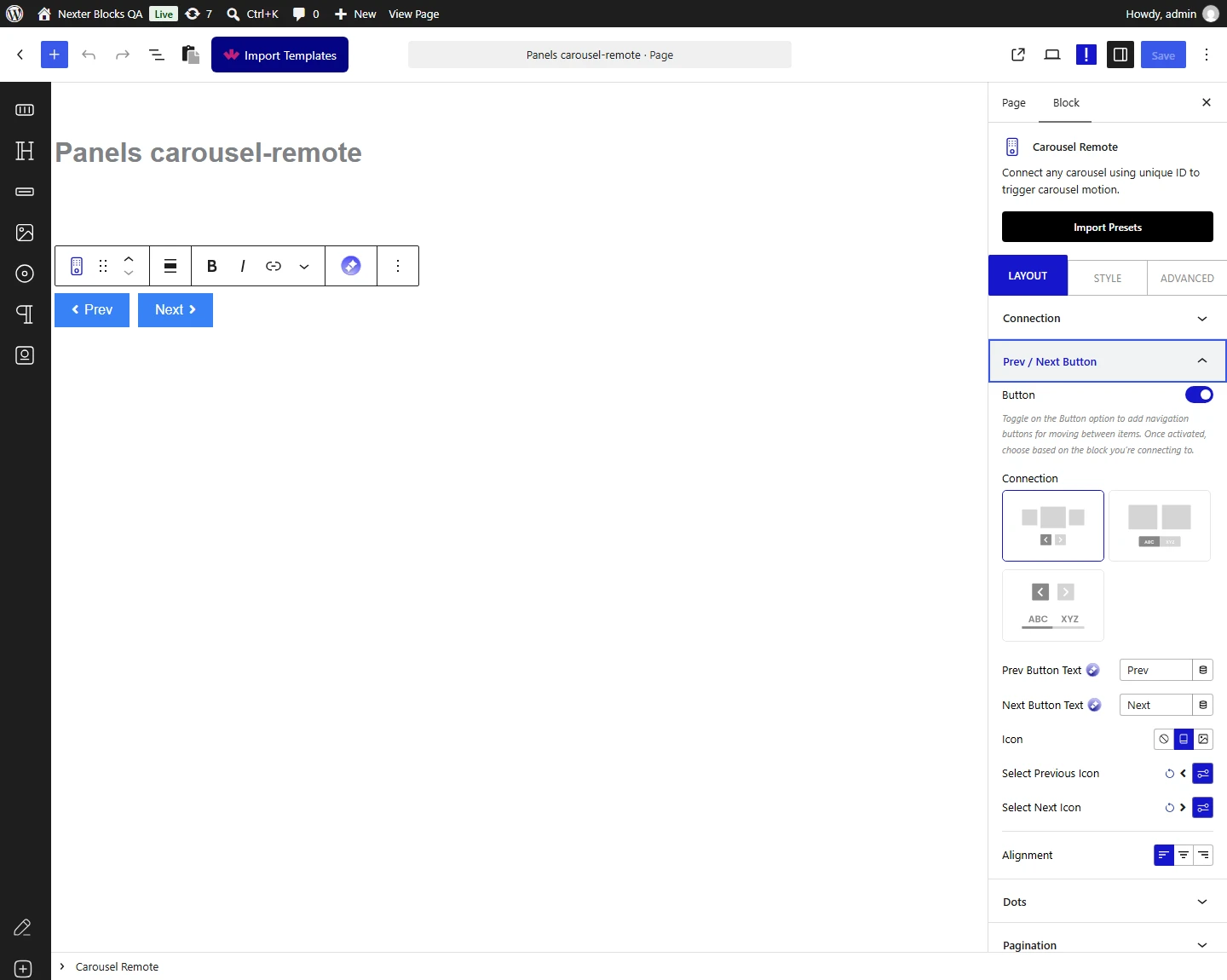
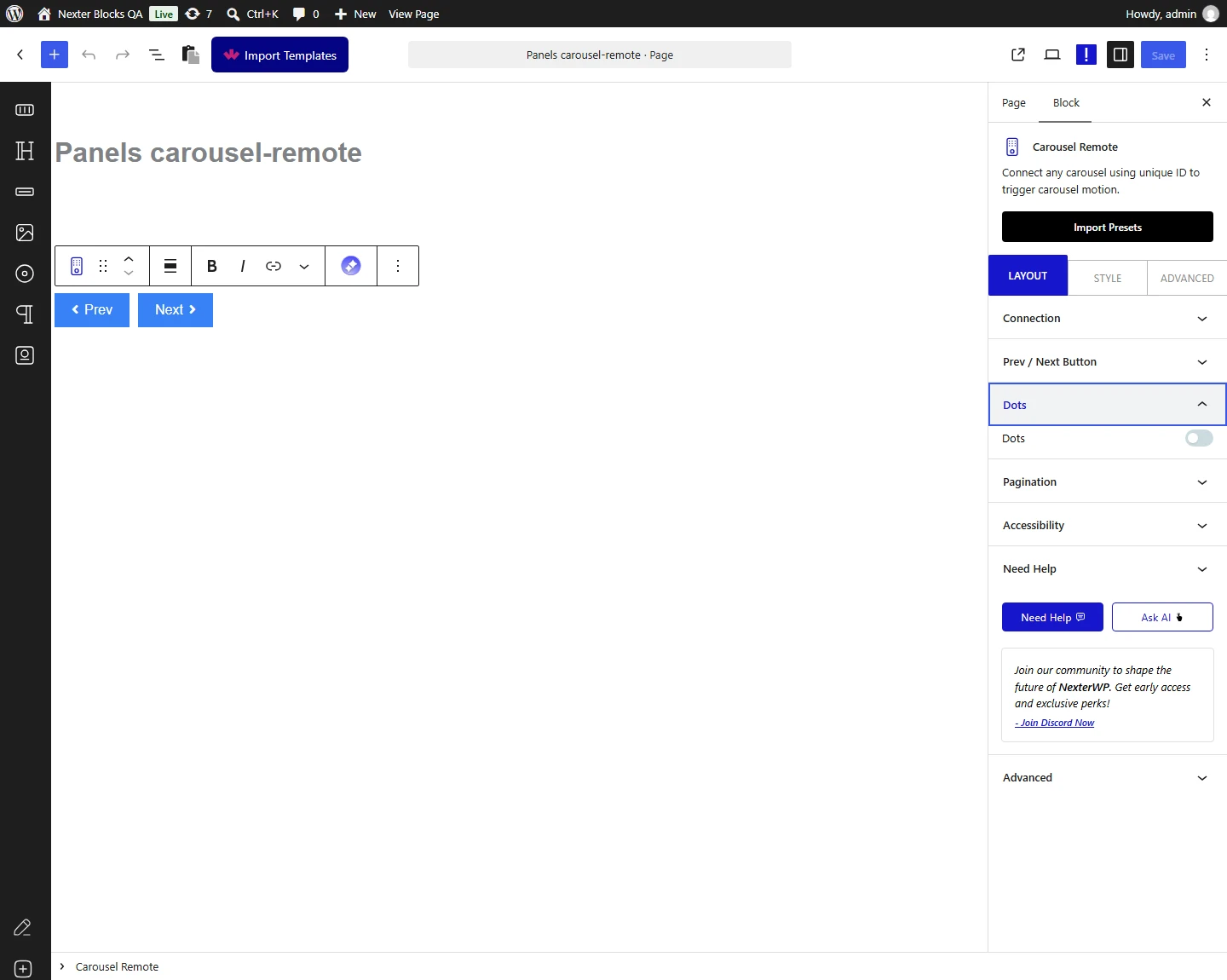
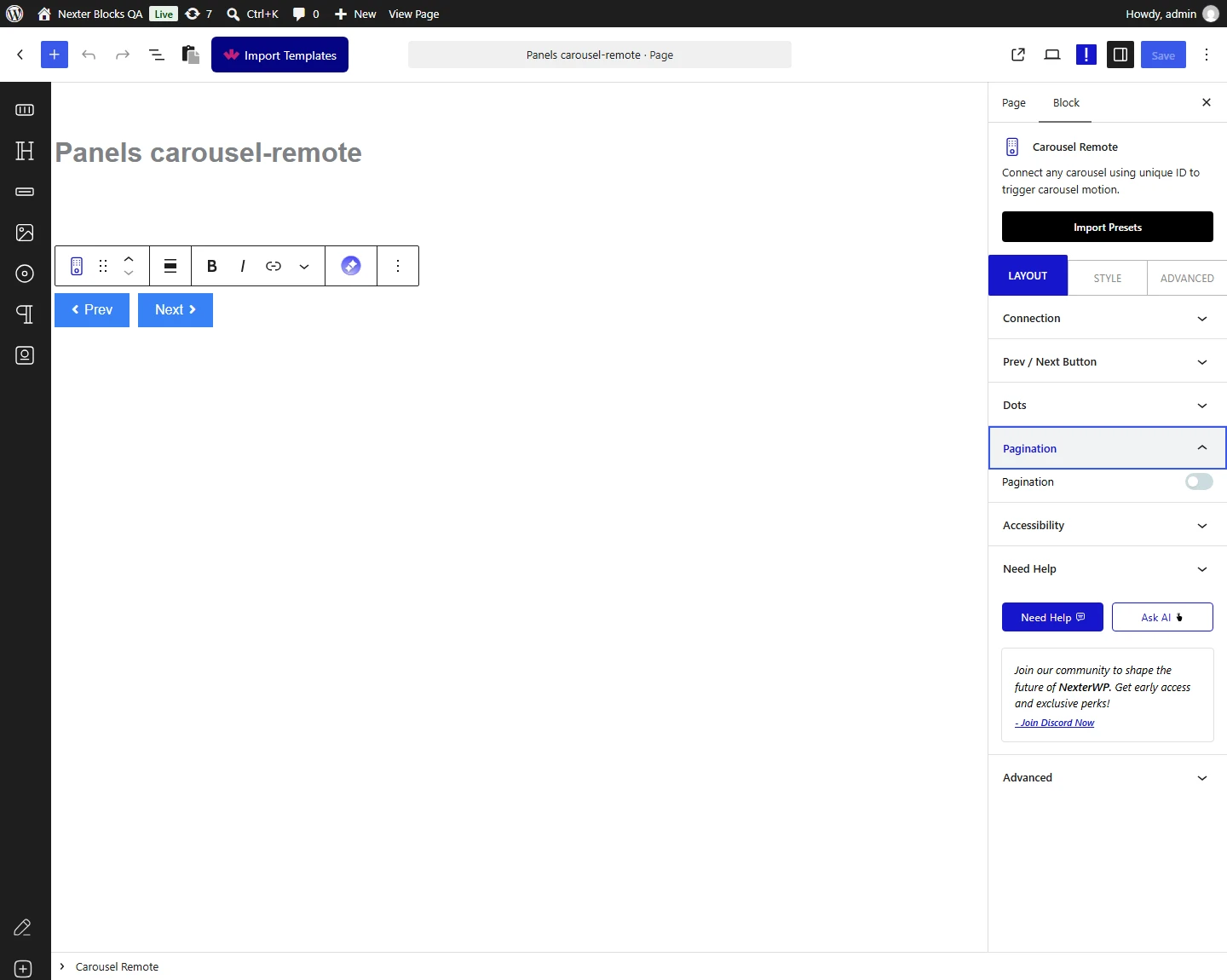
- Turn on the controls you want: arrows, dots or pagination.
- Style the controls, then publish and test on the real page.
Both blocks need the same Carousel ID. That one field is the whole connection. Measured: with matching IDs the controls drive the other block; with different IDs nothing happens at all and no error is shown.
How It Behaves
The Carousel Remote is a set of controls — arrows, dots or a counter — that you place somewhere else on the page and connect to a carousel, a tab block or a switcher. It holds no content of its own; it only drives another block.
- Both blocks need the same Carousel ID. That one field is the whole connection. Measured: with matching IDs the controls drive the other block; with different IDs nothing happens at all and no error is shown.
- Arrows, dots and pagination all work, measured. On a six-slide carousel: Next moved slide 1 to 2 and Prev moved it back; clicking the third dot jumped straight to the third slide and marked that dot active.
- Tabs wrap around. Measured on a two-tab block: Next moved tab 1 to 2, Next again returned to tab 1, and Prev moved to tab 2.
- The pagination total is a number you type, not the real slide count. Measured: with Slider Indicator set to 7 the page shows
01 / 07; with the field left empty it shows01 / 0. The current-page half does update as the carousel moves, but the total will be wrong if you add or remove slides and forget to change it. - You can place more than one remote on the same carousel. Measured with two remotes sharing an ID: both drove the same carousel.
Carousels autoplay by default. Measured on a default carousel: the slides advance on their own. If the carousel seems to ignore or fight your remote, switch Autoplay off on the carousel block before concluding the connection is wrong.
Limitations
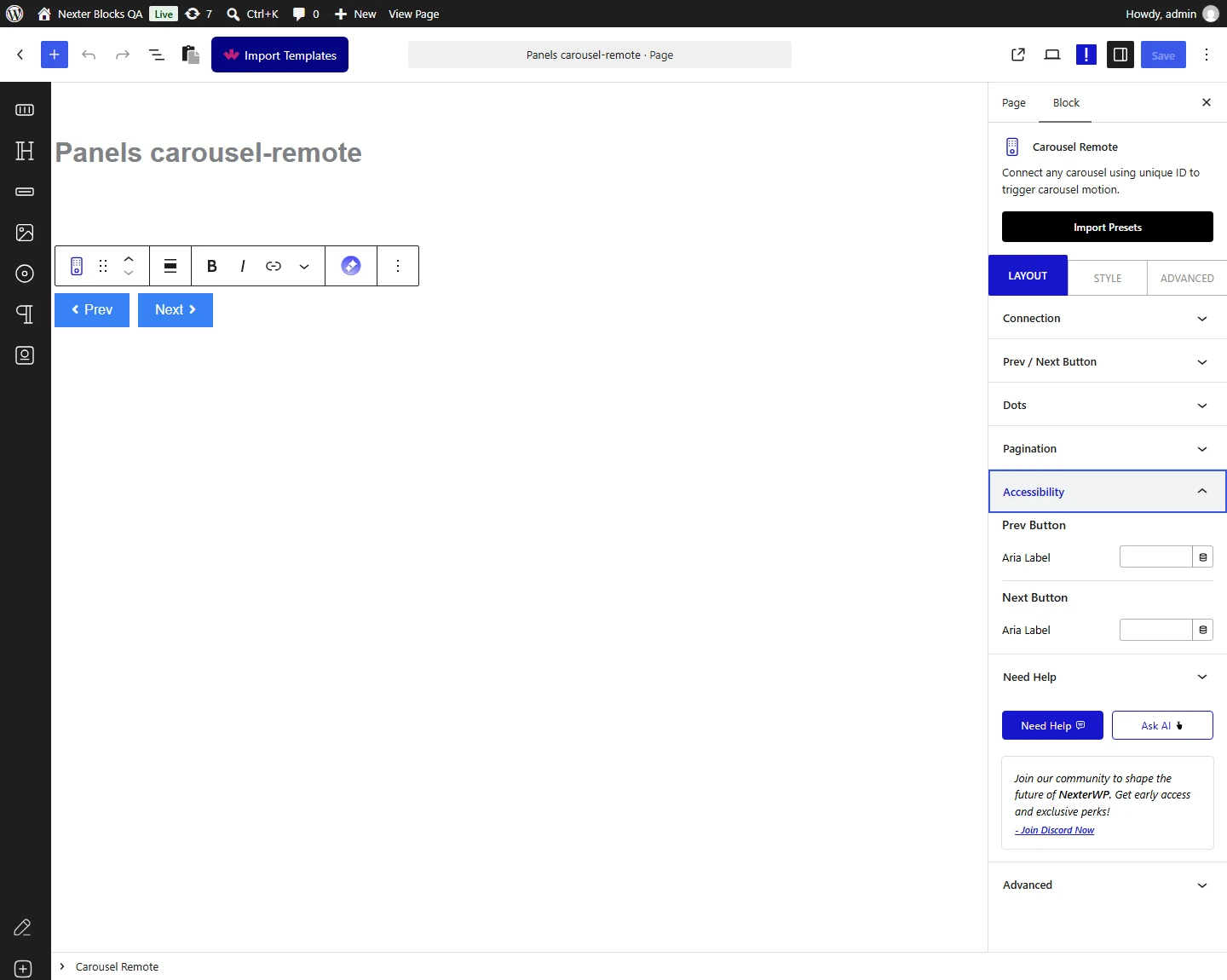
- An empty Carousel ID makes the remote inert. Measured: with the field blank the block writes no connection information at all, yet the arrows still render and still look clickable. They simply do nothing.
- A wrong ID fails silently. Measured with mismatched IDs on a carousel: the slides did not move and nothing was reported anywhere.
- The remote holds no content. It cannot show slides itself; it only drives another block.
- The pagination total does not follow the carousel — measured, it is whatever number you typed.
- Measured with Nexter Blocks Pro deactivated: the block renders nothing at all — no controls, no placeholder.
Troubleshooting
The arrows do nothing
The IDs do not match, or the remote’s ID is empty. Measured: both failures are completely silent. Check the Carousel ID on both blocks character for character.
The carousel moves on its own
That is autoplay, not the remote. Measured: a carousel autoplays by default. Switch Autoplay off on the carousel block.
The counter shows the wrong total
Measured: the total comes from the Slider Indicator field you type, not from the carousel. Update it when the number of slides changes; an empty field shows 0.
Nothing renders where I put the block
Measured with Nexter Blocks Pro deactivated: the block renders nothing at all — no controls, no placeholder. Check Nexter Blocks Pro is active.
The remote controls the wrong block
Two blocks on the page share a Carousel ID. Give each pairing its own unique ID.