










A heading that names one thing names only that thing. A heading that cycles — creative, modern, bold — covers a whole positioning statement in one line.
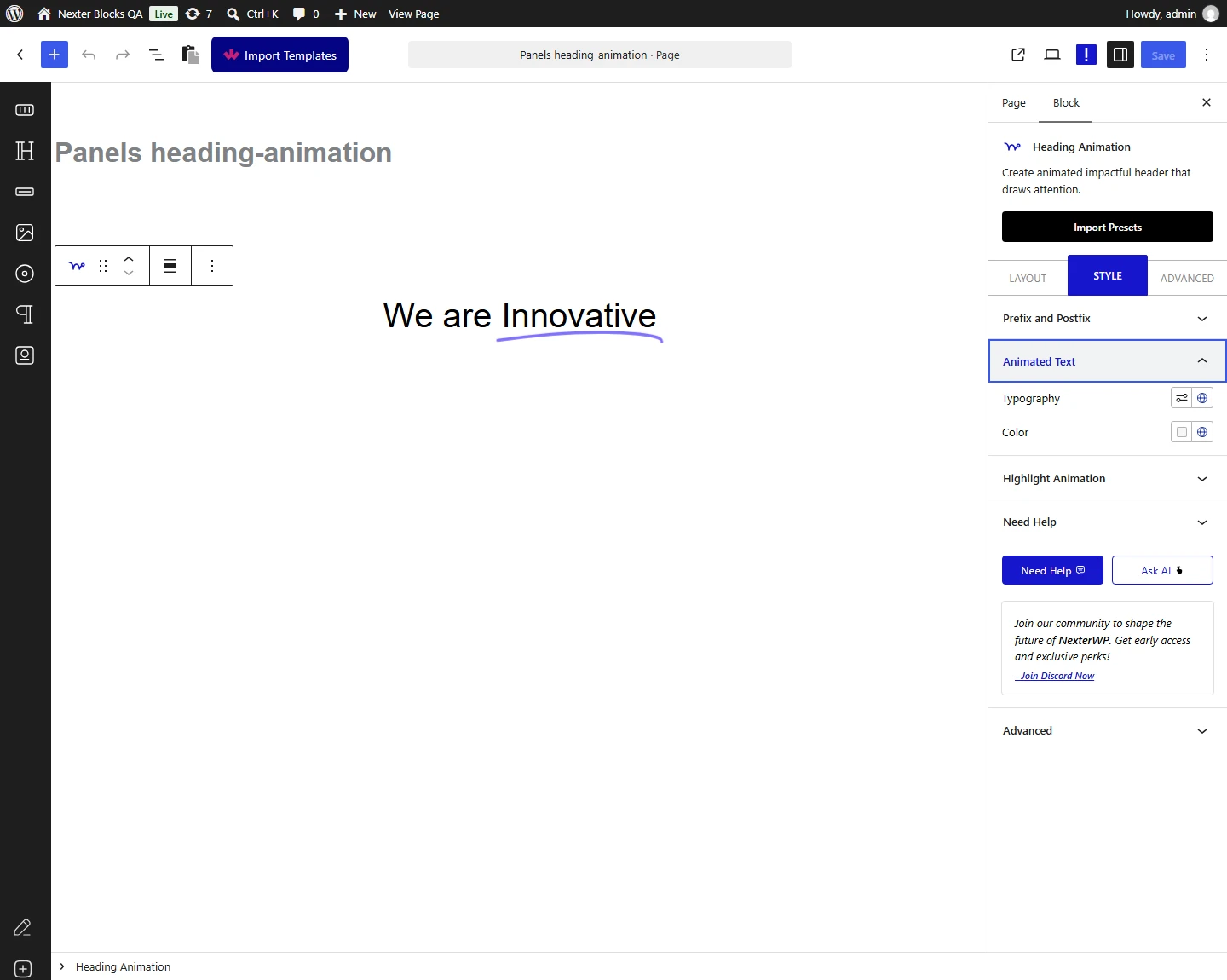
The Heading Animation block does that, and can instead draw a hand-drawn mark over one phrase when a rotating headline would be too much.
Before You Start
- Edition: Pro — the Heading Animation block needs Nexter Blocks Pro.
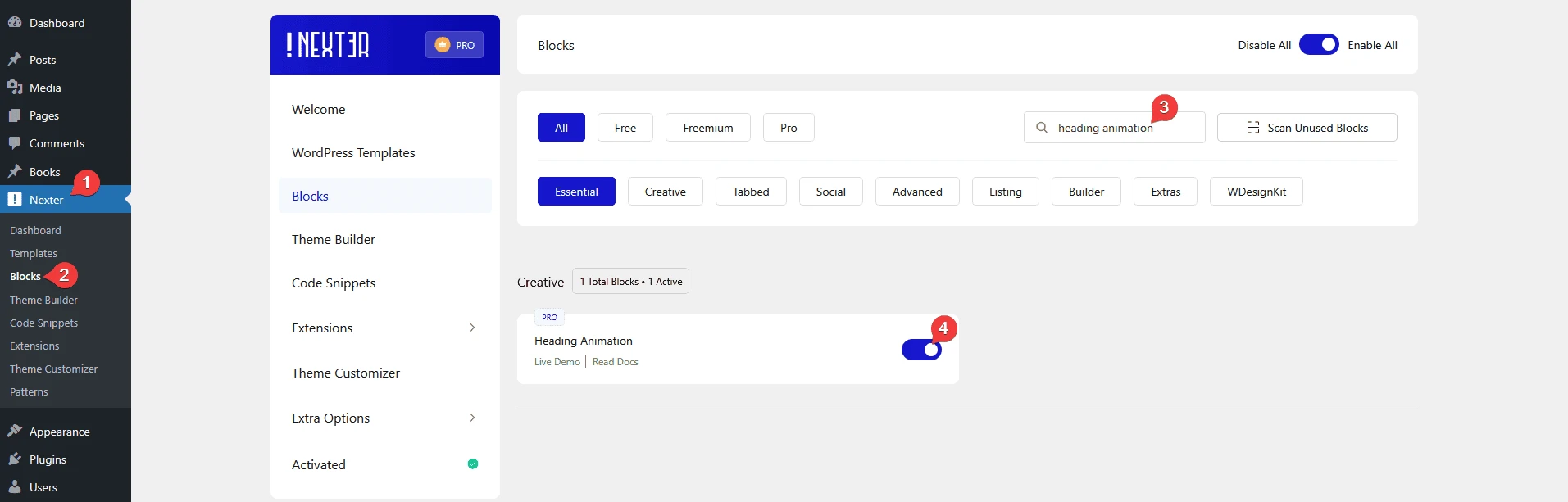
- Block to enable: Heading Animation, switched on under Nexter > Blocks in your WordPress dashboard.
Video Tutorial
Steps
- Add the Heading Animation block to your page.
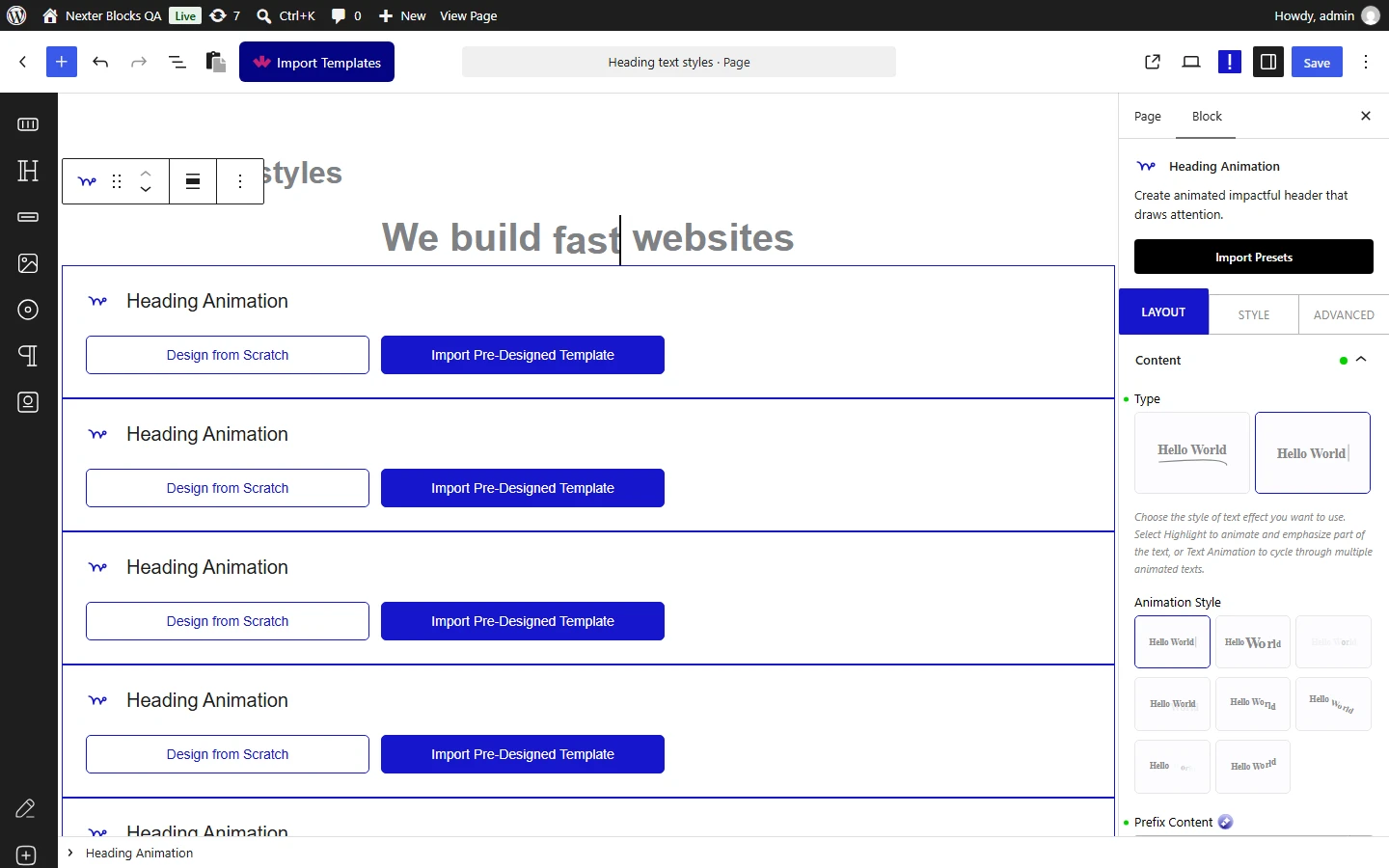
- Under Content, pick a Type: Text Animation to cycle through words, or Highlights to mark one phrase.

- For Text Animation, choose an Animation Style from Style 1 to Style 8.
- Add your rotating words in the text list, one entry per word or phrase.
- Add Prefix and Postfix text to sit either side of the animated part, and set the Title Tag.
How It Behaves
The eight animation styles use two different mechanisms, measured on published pages:
| Styles | How the text animates |
|---|---|
| Style 1 and Style 4 | The whole word is swapped for the next one — measured cycling through all three test words and back to the first. |
| Styles 2, 3, 5, 6, 7 and 8 | Each word is split into individual letters that animate in and out in sequence — measured, 18 separate letter elements for three test words. The words still take turns; the letters just carry the animation. |
Duration Timing is a Style 1 setting. It takes one value, or one per word separated by pipes — 600|1500|300 gives the first word 600ms, the second 1500ms and the third 300ms, measured as those exact values on the published page. The field only appears when Style 1 is selected, because the other styles do not use it.
Each style has its own character — the demos below run through Style 1 to Style 8 in order.








Limitations
- Duration Timing only applies to Style 1. The other seven styles run on their own timing and the field is not offered for them.
- The two Types are mutually exclusive — a single block either cycles words or highlights a phrase, not both. Use two blocks if you need both.
- Leave at least one entry in the animated text list. Measured: emptying it completely leaves nothing to animate and the page’s script reports an error.
- The rotating text is plain text; formatting inside an entry is stripped on the letter-splitting styles.
Troubleshooting
Only my first word ever shows
Check that each word is its own entry in the list rather than all of them typed into one entry. Measured, each entry becomes one step in the rotation.
I cannot find the Duration Timing field
It only appears with Style 1 selected — the other styles do not use it.
My heading animates but the wrong text is emphasised
Prefix and postfix stay still while the middle cycles. Move any word that should not animate into the Prefix or Postfix field.
Nothing renders at all
Check the animated text list still has at least one entry. Leave at least one entry in the animated text list. Measured: emptying it completely leaves nothing to animate and the page’s script reports an error.
